Hour & Casebook Therapy Planner, Private Practice Caseload Tracker, Progress Notes (Digital Download)
On PayPal, choose Send, enter $11.11 and put the product name in the note. Your download link follows by email within 24 hours.
- Download link sent to your email after payment
- Works offline on Windows, Mac, iPad and Android
- One free bonus edition included: PDF, Notion, spreadsheet or GoodNotes
- Sold and supported by BrowserHub · hello@browserhub.app
Product #4564678198 · 17 views · 1 favourites
About this product
A practice notebook that opens in your browser. No account, no subscription and no server: everything you type stays in this browser on this device, and the file works with the machine disconnected.
- WHAT IT DOES
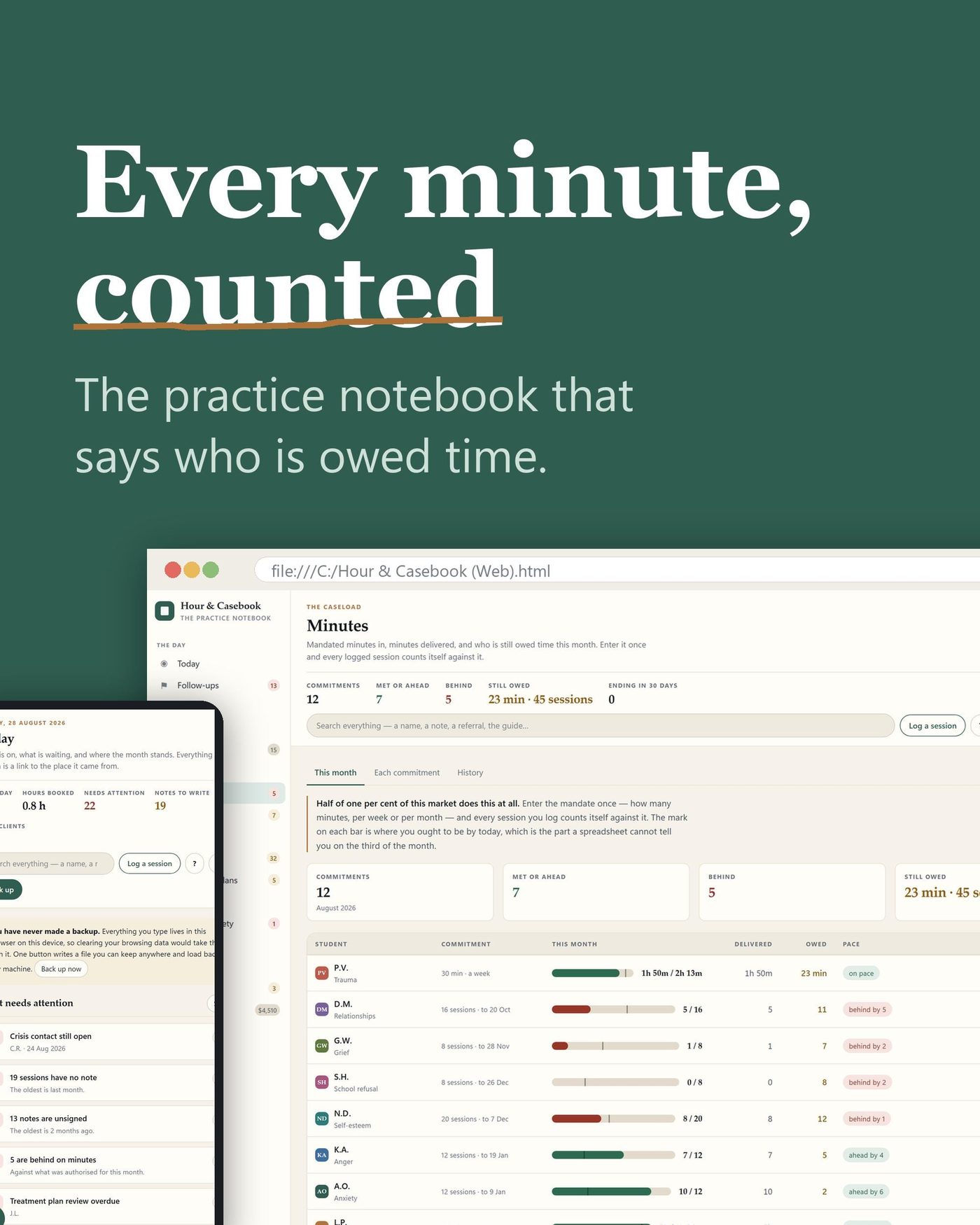
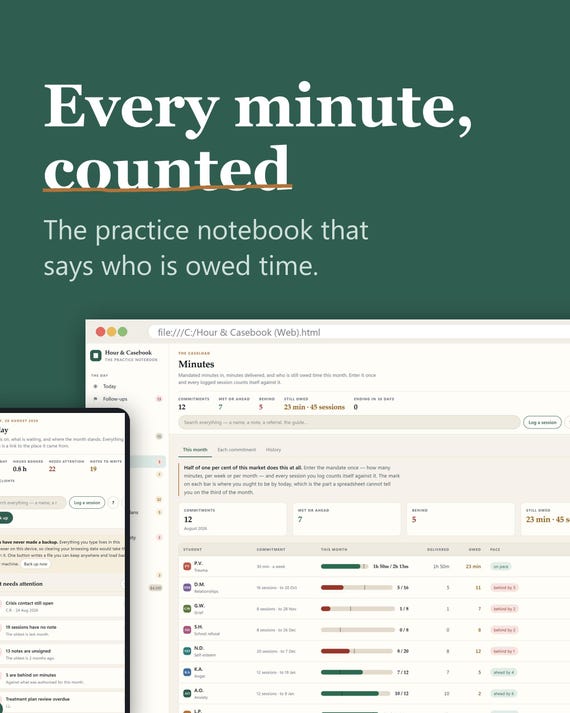
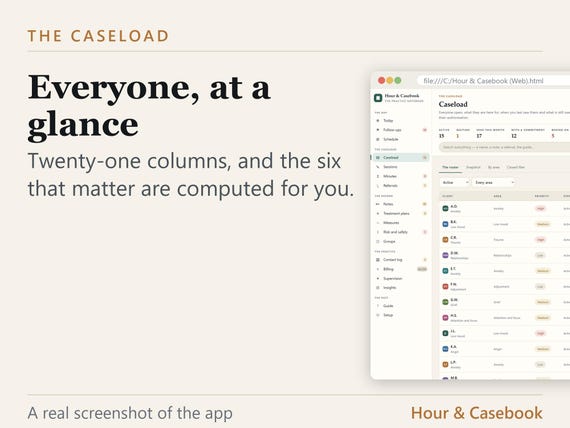
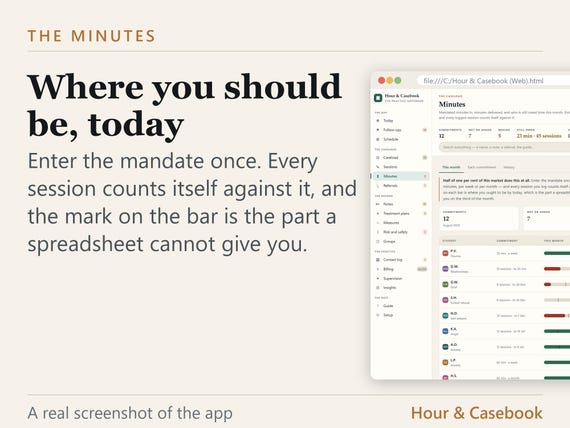
- Counts every logged session against what was authorised or mandated, and says who is owed time.
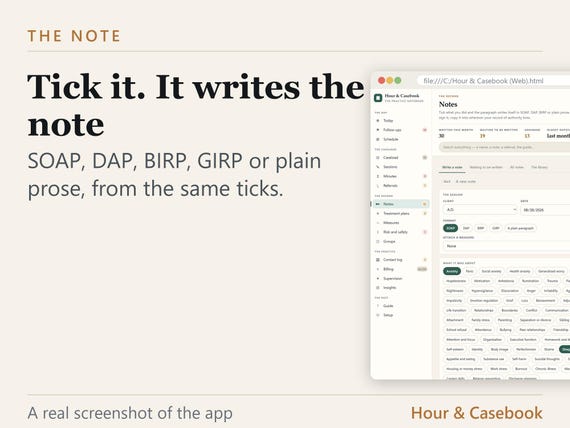
- Writes the progress note from what you ticked, in SOAP, DAP, BIRP, GIRP or plain prose.
- Scores an outcome measure, charts it, and hands back the sentence for the note.
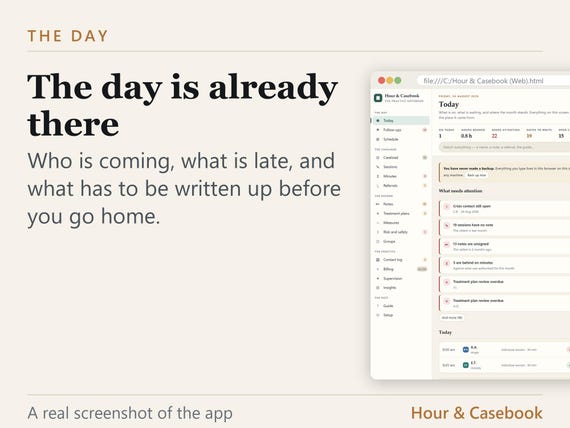
- Reads every date in the record against today and raises the ones that have gone past.
- Works with no network at all, for ever.
THE THING PAPER CANNOT DO
Enter an authorisation or a mandate once - so many sessions, or so many minutes a week - and every session you log counts itself against it. The app shows where you ought to be by today, not only where you are, which is the number a spreadsheet will not give you.
SET UP IN ONE CLICK
The first screen has one button. Your language, currency and date format are read from your browser and already filled in, so you confirm them rather than choose them. Measured at under 0.5 seconds from opening the file to a usable screen.
THE GUIDE IS INSIDE THE APP
Every screen has an entry. It is searchable, it is in your language, it covers backup, restore, moving to another device and printing, and it follows a tab after you rename it. There is nothing to look up online.
- ALSO IN THE APP
- Eighteen screens, and a tab strip you can reorder, rename, hide or collapse.
- Ten themes, each with a light and a dark.
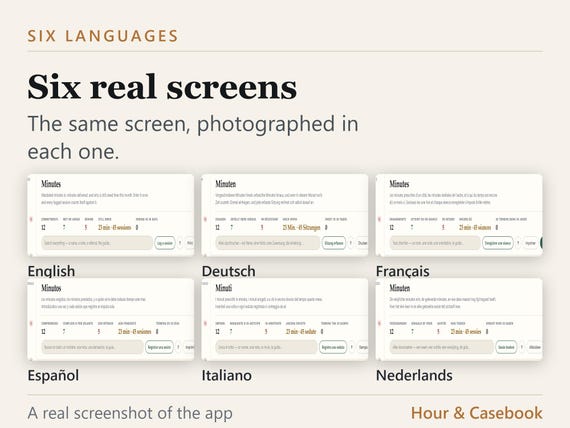
- Six languages inside the one file, and a currency you choose.
- A note library of several hundred phrases, and PHQ-9, GAD-7 and a plain check-in.
- One button writes your whole record out to a file you keep.
- WHAT IT IS NOT
- It is not your record of authority. Copy what you need into whatever is.
- It does not assess risk. A score is a screen, never a diagnosis and never a decision.
- It sends nothing anywhere. There is no account, no sync and no telemetry.
QUESTIONS
Do I need an account?
No. There is no sign-in, no subscription and no server. The app is one file and it never asks you for anything.
Does it work offline?
Always. The file contains no network calls of any kind, so it works with the machine disconnected and it will still work in ten years.
Which browsers?
Chrome, Edge, Firefox and Safari, on Windows, Mac, Linux, iPad and Android. Double-click the file and it opens.
How long does setting up take?
Measured at under 0.5 seconds from opening the file to a usable screen. The first screen has one button and everything on it is already filled in.
Is there a guide?
Inside the app, in your language, and searchable. Every screen has an entry, and it covers backup, restore, moving to another device and printing.
What if I get stuck?
The guide answers from inside the app, and every screen carries its own hints. A one-page quick setup PDF is in the download as well.
Where is my data, and how do I move it?
In your browser on your device, and nowhere else. One button writes the whole record out to a file. Copy that file and the app to another computer, open it and restore.
- AND FOUR MORE VERSIONS, FREE
- Four companion versions come with the app, in your language, and they cost nothing extra:
- The Notion version - Sixteen databases and three pages, imported into your own workspace.
- The Excel version - Twenty-two sheets with live formulas. Excel, LibreOffice or Sheets.
- The printable version - Thirty-nine sheets, undated, in US Letter and A4.
- The tablet version - A hundred and thirty-four linked pages for GoodNotes and Notability.
You pick ONE to start with. Inside your download is a card with a link and a page in your language: put in a name and an email and it downloads straight away. You can come back for the others whenever you like, as often as you like. There is no order number to enter and no account to make.
How do I get the four free versions?
A card in your download has a link and a short page in your language. Pick one, put in a name and an email, and it downloads. Come back for the others whenever.
- WHAT YOU DOWNLOAD
- Hour & Casebook (Web).html - the app itself, one file.
- A one-page quick setup guide, as a PDF.
- The card that opens your four free versions.
Hour & Casebook is an organiser and not a record of authority. Use initials, a case number or an identifier your organisation approves rather than a full name.
You may also like
All products →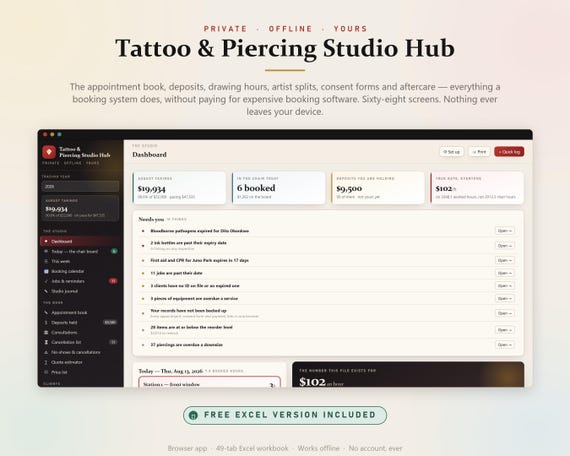
Tattoo Studio Hub, Appointment Book, Excel Sheet, Artist Splits, Consent Forms (Digital Download)
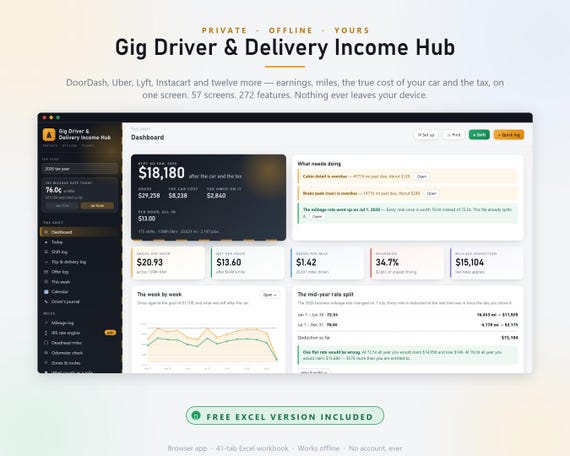
Gig Driver Income Tracker, Delivery Mileage & Tax Planner (Excel, Web App)
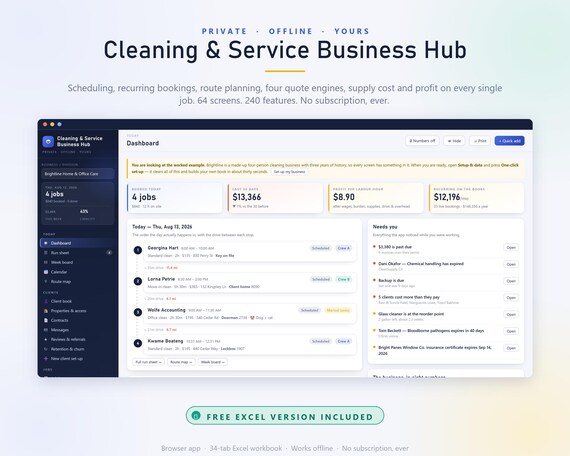
Cleaning Business Hub App, Schedule, Quote Calculator, Profit Tracker (Excel Included)