Health & Wellness · Spreadsheet
Macro Tracker Spreadsheet | TDEE Calculator, Meal Planner (Digital Download)
$2.22 USD · digital download
On PayPal, choose Send, enter $2.22 and put the product name in the note. Your download link follows by email within 24 hours.
- Download link sent to your email after payment
- Works offline on Windows, Mac, iPad and Android
- One free bonus edition included: PDF, Notion, spreadsheet or GoodNotes
- Sold and supported by BrowserHub · hello@browserhub.app
Product #4571250702 · 17 views · 0 favourites
About this product
- Watch the DEMO VIDEO before you buy — it shows every tab in 15 seconds.
Most calorie spreadsheets hand you an empty grid and expect you to do the maths.
This one does it for you: pick a food from a dropdown, type a quantity, and the
calories and macros fill themselves in.
- ✨ WHAT'S INCLUDED ✨
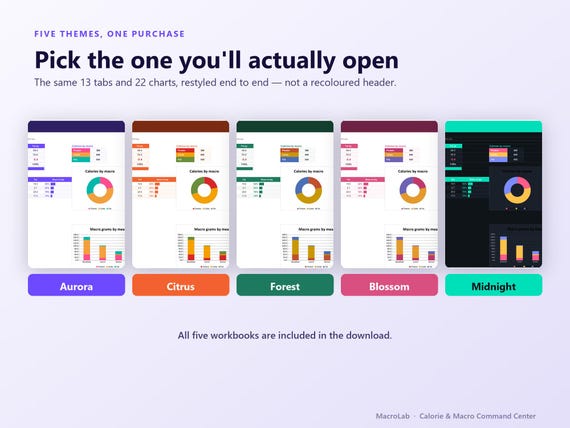
- 5 workbooks — the same tracker in 5 colour themes, including a true dark mode
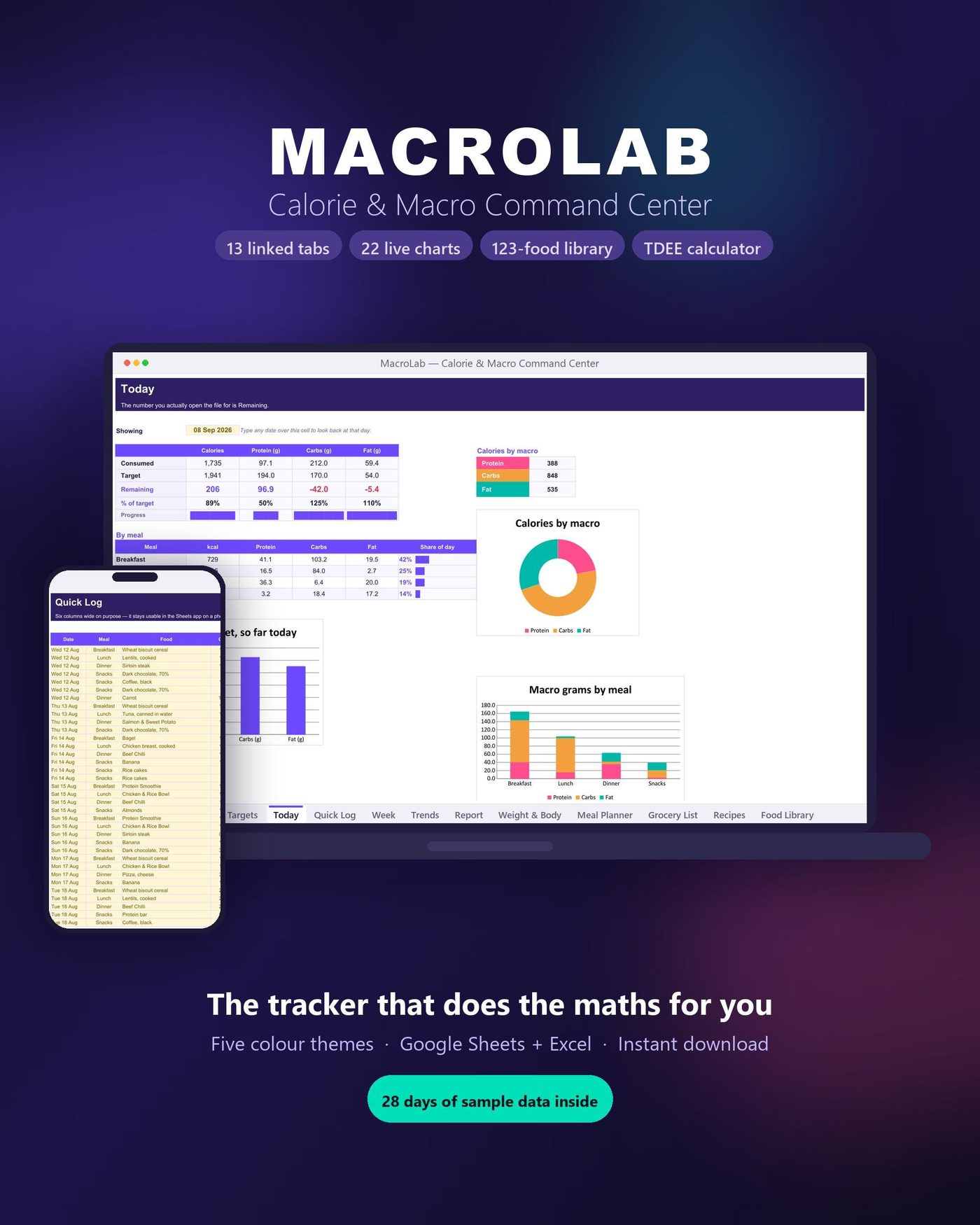
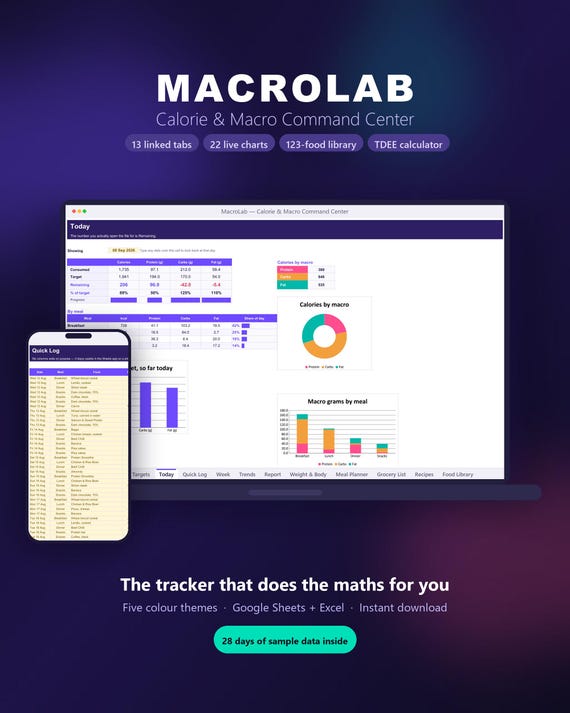
- 13 linked tabs + 22 live charts
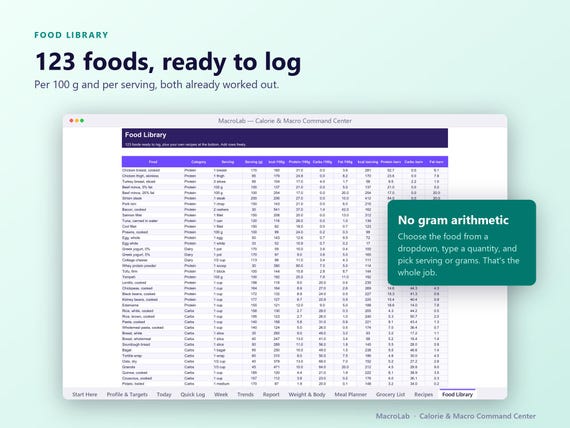
- 123-food library with per-100g AND per-serving values
- TDEE calculator (Mifflin-St Jeor) that sets your own targets
- Quick Start Guide (4 pages) + Full Guide (16 pages), both PDF
- 28 days of sample data so nothing looks empty on day one
- Google Sheets + Excel
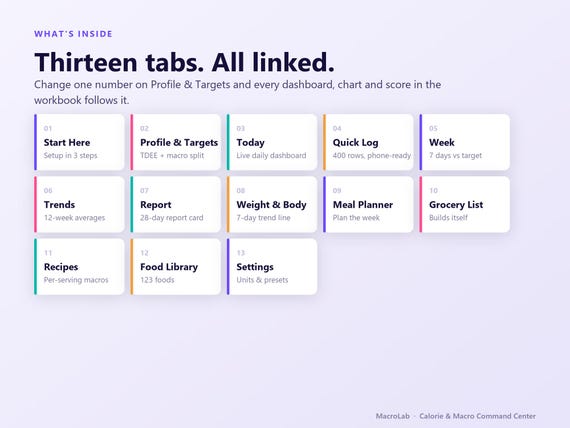
- 📊 THE 13 TABS 📊
- Start Here — setup in 3 steps
- Profile & Targets — BMR, TDEE, calorie and macro targets from your numbers
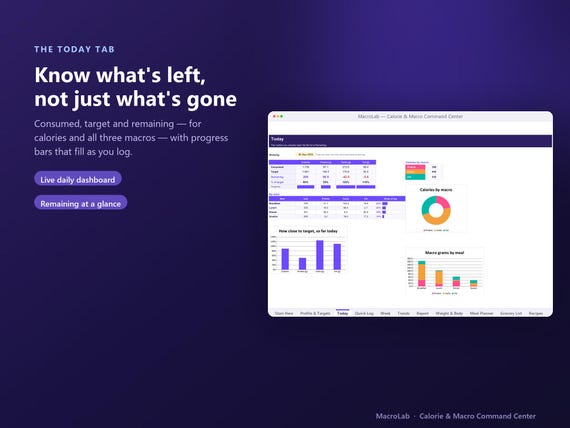
- Today — consumed, target and REMAINING, with progress bars
- Quick Log — 400 rows, six columns wide so it works on your phone
- Week — 7 days vs target plus an adherence score
- Trends — 12 weeks of rolling averages, 6 charts
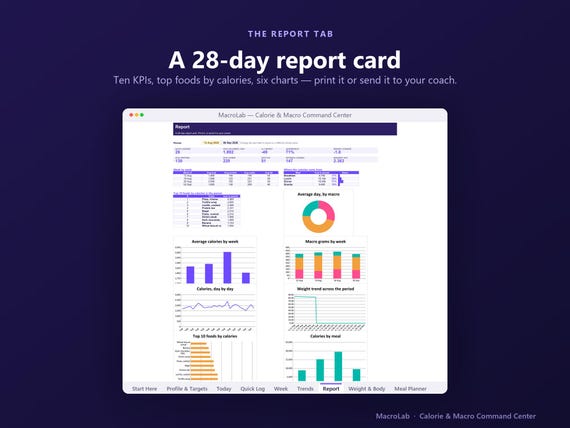
- Report — a printable 28-day report card with your top 10 foods
- Weight & Body — daily weight with a 7-DAY ROLLING TREND line
- Meal Planner — plan the week, see the calories before you cook
- Grocery List — builds itself from the plan, nothing typed
- Recipes — build a meal once, log it as one line forever
- Food Library — 123 foods, add your own in seconds
- Settings — units, meal names, activity factors, 5 macro presets
- 💡 WHY THIS ONE 💡
- No gram arithmetic — log by serving OR by grams, your choice
- Dropdowns everywhere, so a typo can't break a formula
- Your own TDEE, not a generic 1,200
- Built narrow enough to actually use on a phone
- A weight TREND line, because daily weight is mostly water
- Metric and imperial
⚡ HOW IT WORKS ⚡
1. Buy and download instantly — no waiting, no shipping.
2. Open the .xlsx in Excel, or upload to Google Drive and open with Sheets.
3. Fill in 12 cells on Profile & Targets.
4. Log your first meal. Everything else updates.
5. Any questions? Message me — I answer quickly.
- ❗IMPORTANT❗
- This is a DIGITAL DOWNLOAD. No physical item will be shipped.
- You need Excel 2016 or newer, or a free Google account.
- Colours may look slightly different from screen to screen.
- Because this is digital, all sales are final — no refunds or exchanges.
- For personal use only. Reselling, sharing or redistribution is not permitted.
- MacroLab is a tracking tool, not medical or dietary advice. Food values are
- approximate reference figures — check them against your own labels.
You may also like
All products →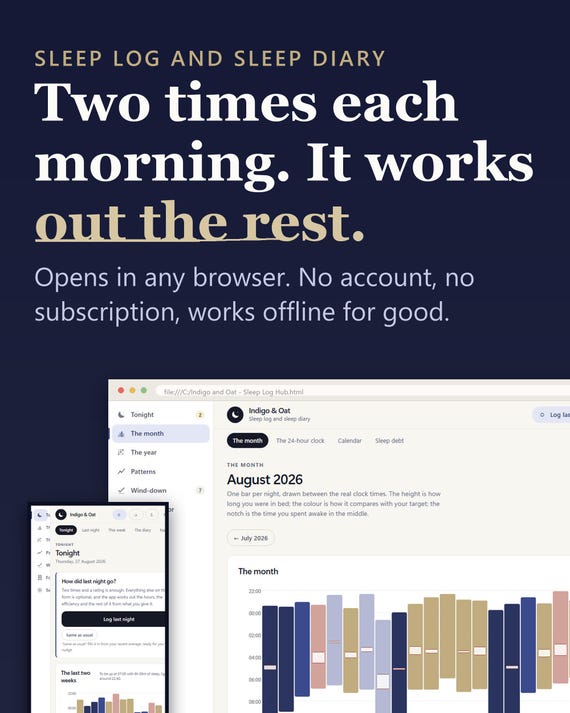
Health & Wellness
Sleep Log App, Insomnia Tracker, Sleep Planner (Digital Download)
$11.11Browser app
Health & Wellness
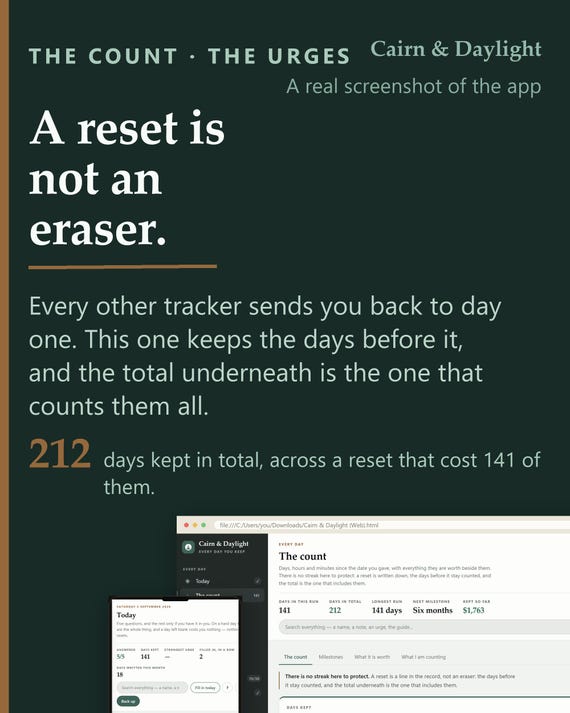
Sobriety Tracker App | Day Count, Urge Log, Body Clock (Offline HTML File)
$11.11Browser app
Health & Wellness
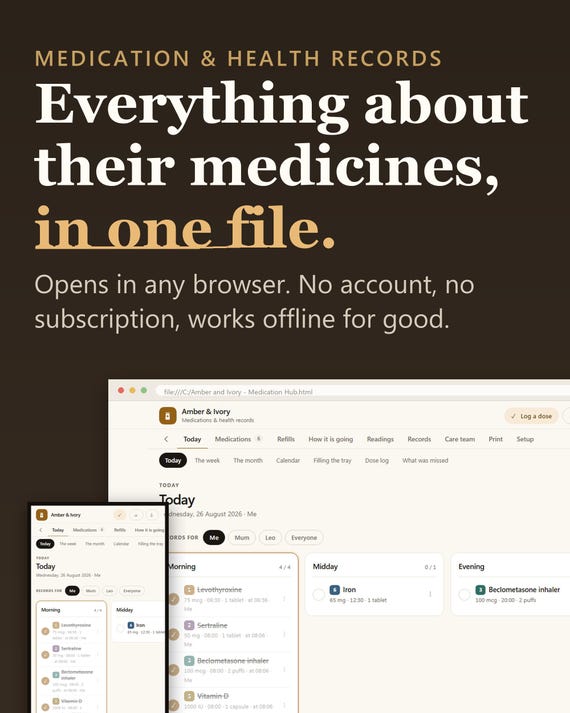
Medication Tracker App, Pill Log, Health Records Planner (Digital Download)
$11.11Browser app
Health & Wellness
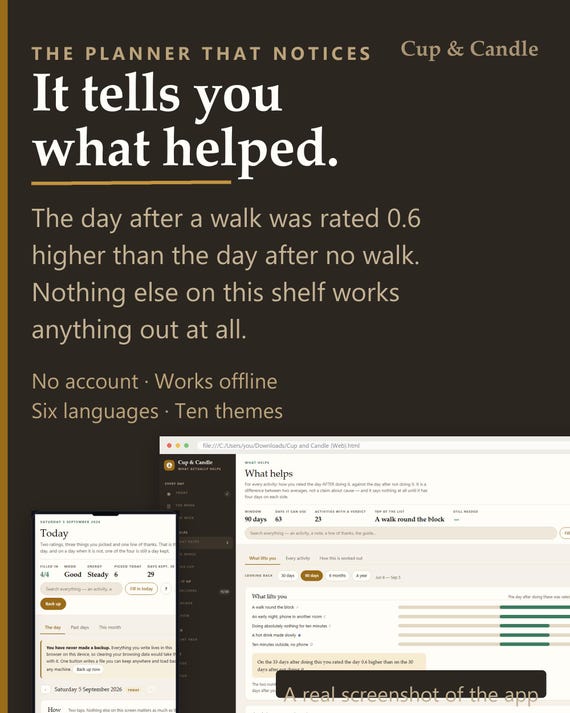
Self-Care Planner App – Tracks What Actually Helps (Offline, 6 Languages)
$11.11Browser app