Self-Care Planner App – Tracks What Actually Helps (Offline, 6 Languages)
On PayPal, choose Send, enter $11.11 and put the product name in the note. Your download link follows by email within 24 hours.
- Download link sent to your email after payment
- Works offline on Windows, Mac, iPad and Android
- One free bonus edition included: PDF, Notion, spreadsheet or GoodNotes
- Sold and supported by BrowserHub · hello@browserhub.app
Product #4569381888 · 12 views · 0 favourites
About this product
Fifty of the best-selling self-care planners were read from end to end before this one was built. Every single one of them is written on and never read back: the wheel is coloured in by hand, the menu is a list of nice ideas, the mood tracker is filled in and closed. Not one of them works anything out.
This one keeps every layout that category is recognised by — the checklist grid, the menu, the wheel, the bingo card, the cup — and adds the one thing none of them do. It tells you which of those nice ideas the days afterwards actually went better for.
WHAT IT IS
One HTML file. You double-click it and it opens in the browser you already have — on a laptop, on a tablet, on a phone. There is nothing to install, no account to make, no password, no subscription and no server anywhere. Everything you write stays in that browser on that device.
WHAT IT WORKS OUT
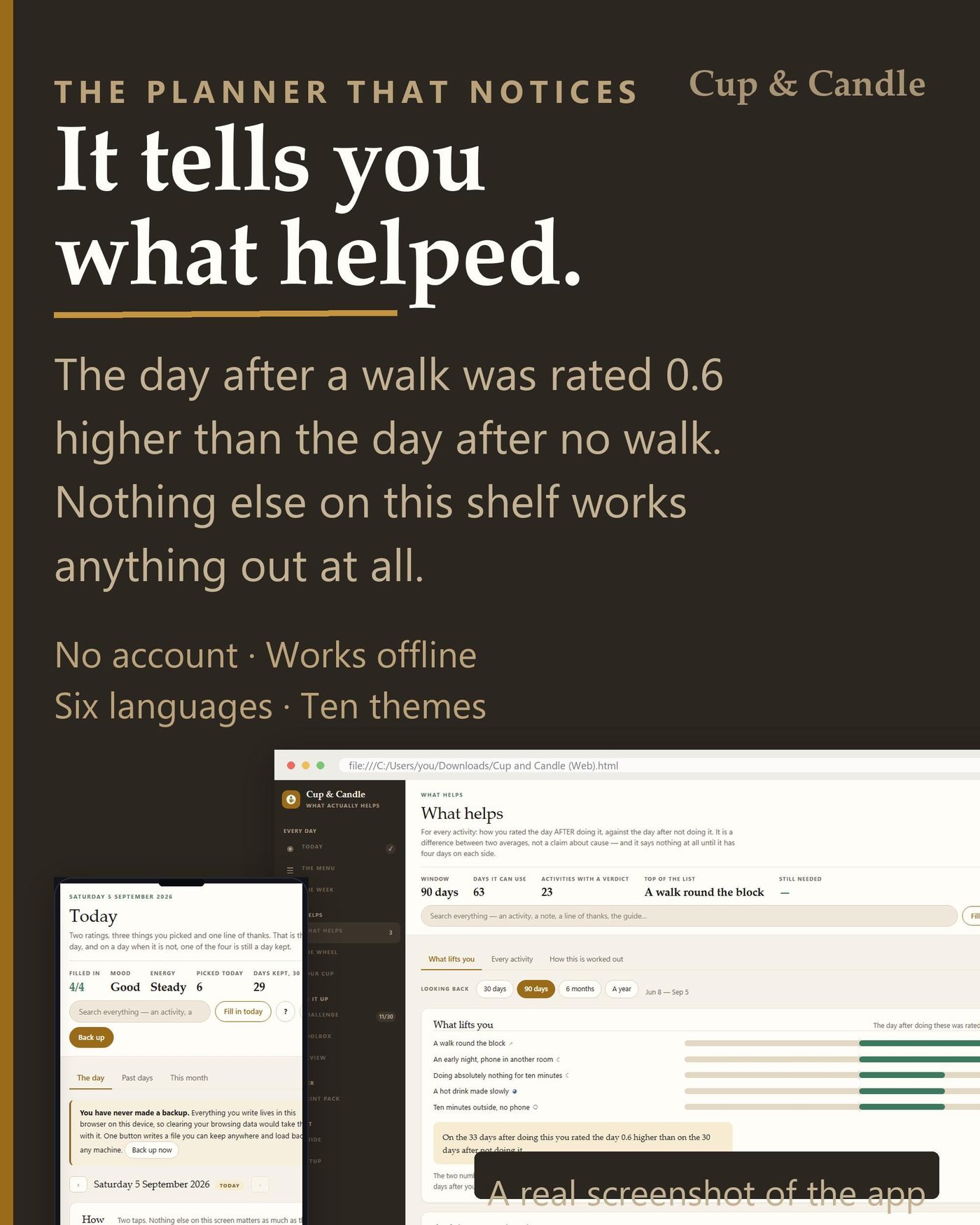
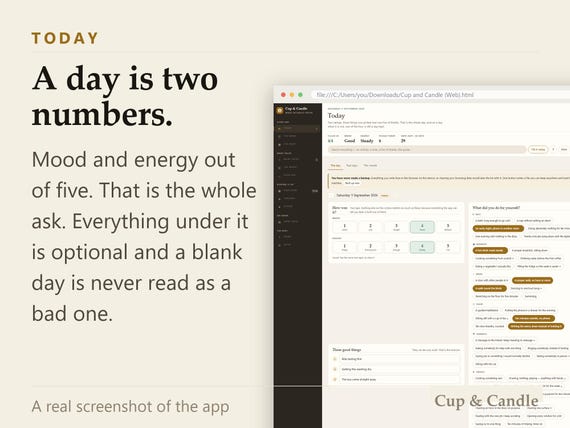
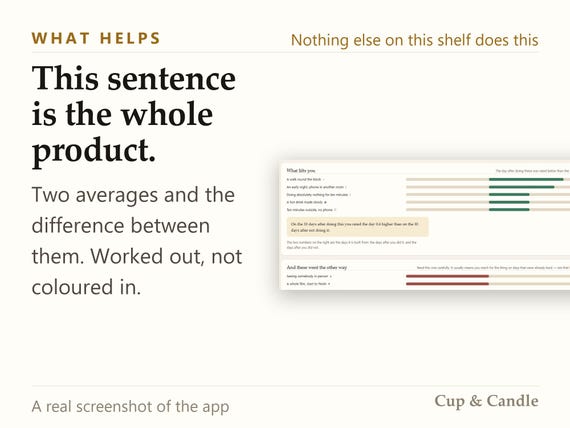
You rate the day twice, out of five, and tick what you did. That is the whole ask. After a few weeks the app compares, for each activity, the days AFTER you did it against the days after you did not — two averages and the difference between them.
It says nothing at all until it has four rated days on each side, and it prints no verdict when the difference is under a fifth of a point, because on a five-point scale that is noise. Both refusals are the product. A planner that always has something to say is a planner that is guessing.
There is NO STREAK COUNTER anywhere in it. A counter that punishes the first bad day is the single most common reason somebody stops using a planner, and the bad days are the ones this app most wants written down.
- THE SCREENS
- Today: Two ratings out of five, three things you picked, three good things — one screen, and a day with only the two numbers still counts
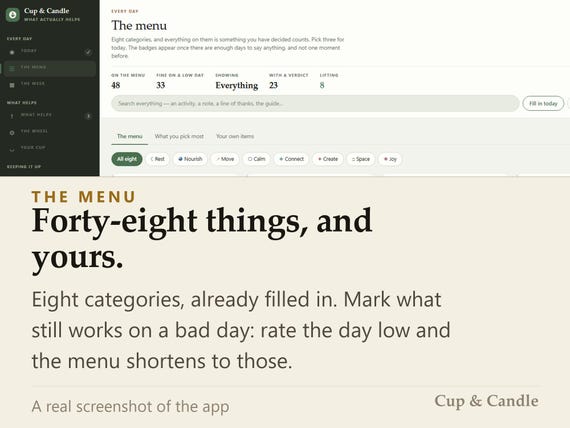
- The menu: Forty-eight activities in eight categories, yours to edit, with the ones that still work on a bad day marked
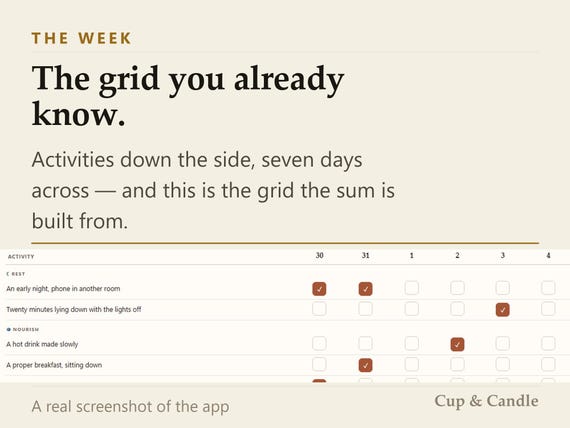
- The week: The checklist grid the whole category is recognised by: activities down the side, seven days across, and this is what the sum is built from
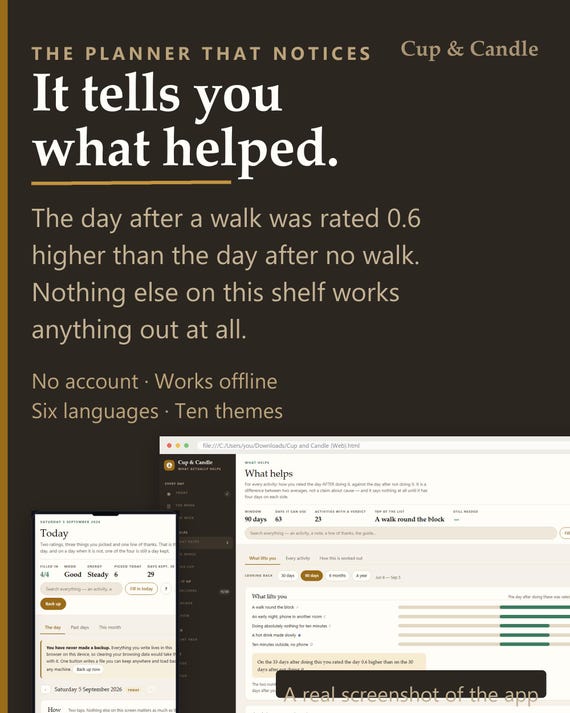
- What helps: The day after doing each thing against the day after not — two averages and the difference, with the day count it used printed beside it
- The wheel: Score the eight out of ten by hand, and see the same eight drawn again from what you actually ticked
- Your cup: What drains you and what refills you, weighted, and the week counted as one number with a sentence explaining it
- Challenge: Thirty small things in any order, as a list or as a six-by-five card, with no streak counter anywhere
- Toolbox: What to try when you feel a particular way, what tends to set it off, and one card with the names and numbers on it
- Review: Five questions once a month, with the month itself open beside them
- Print pack: Four paper sizes, an ink-friendly setting, a punch margin and two-up — print one sheet or the lot
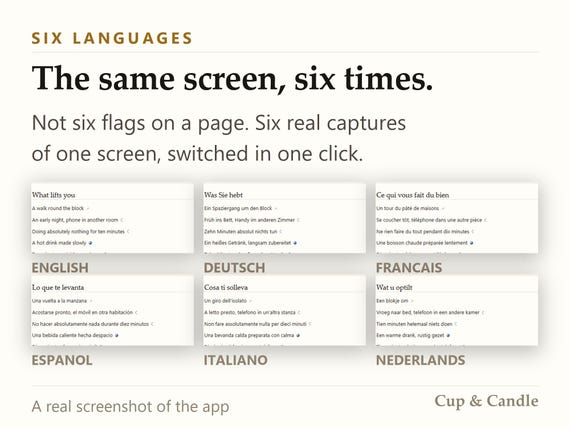
- Guide: Every screen written up in this language, searchable from the same box that searches your own planner
- Setup: Ten themes light and dark, six languages, your currency, and a tab strip you can reorder, rename and hide
IF YOU HAVE TRIED THE OTHERS
You have probably bought one of these before. It was a PDF, or a Notion page, or a spreadsheet, and you filled it in for eleven days. The wheel got coloured in once. The menu of nice ideas is still there and you still do not know which of them was worth the evening.
That is not a discipline problem. Nothing in those files ever answered the only question worth asking, so filling them in stopped paying.
WHAT IS DIFFERENT ABOUT IT
Every layout the shelf is recognised by is here, and one thing that is not on the shelf at all.
The menu shortens itself. Rate a day one or two for energy and it cuts to the things you yourself marked as fine on a low day — the most useful minute you will spend in this app.
The wheel is drawn twice. Once by you, out of ten, and once by the app from what you actually ticked. The two on top of each other is the distance between the plan and the month.
The cup is counted. What refills you against what drains you, weighted, as one number a week with a sentence explaining it.
The thirty has no dates. Do them in any order; nothing resets.
And what it costs is a screen, because self-care has a bill and nothing else on this shelf asks about it.
IT IS YOURS, AND IT STAYS YOURS
There is no account, so there is nothing to lose access to. There is no server, so there is nothing to shut down. There is no subscription, so there is nothing to lapse. The file is yours: copy it, back it up, put it on a memory stick, open it in ten years.
One button writes a backup file with your days, your menu AND your tab layout in it. Open the app on another machine, restore, and the strip you built is there too.
SETTING IT UP
One click. Language, currency and date format are read from your browser and already set; there is at most one field to fill in and you can skip it. Timed in a clean browser profile in every one of the six languages, the slowest run took 0.3 seconds from opening the file to a screen you can use.
If you are moving from another device, the first screen offers restore-from-backup as the other way in, not as a fallback buried in a menu.
THE GUIDE IS INSIDE IT
Two guides, and neither is a video. A one-page quick setup sheet in the download, saying the same words the first screen does — and the full guide inside the app, a chapter per screen, in this language, searchable from the same box that searches your own planner.
It covers backing up, moving to another device and printing, and it follows a tab you rename: call The menu something else and the guide calls it that too.
A PLANNER, NOT THERAPY
This notices patterns in what you write down and reports them as patterns. It does not diagnose anything, it cannot tell cause from company, and it is not a substitute for a professional. If you are struggling, please talk to somebody qualified to help — and if you are in danger now, contact your local emergency number.
- WHAT YOU DOWNLOAD
- The app: one HTML file, all six languages and all ten themes inside it, nothing to install
- A one-page quick setup guide, in this language, saying the same words the first screen does
- A card with the link to your free companion version
AND ONE FREE COMPANION VERSION, YOUR CHOICE
One companion version comes with the app, free, and you choose which. They are built to the same standard as the app rather than thrown in: the workbook computes, the tablet file's tabs are real links, the Notion import is fourteen tables and not a husk.
- Inside your download there is a card with a link on it. Open it, pick one, give a name and an email, and it downloads. No order number to find, no account to make. The app carries the same button in Setup, so you never have to find this listing again.
- Notion: 14 tables you import into your own workspace, with a one-page guide
- Excel: 14 sheets, every figure computed, no macros
- Printable: 17 pages on US Letter and A4, undated, print any section alone
- GoodNotes: 64 landscape pages for a tablet, every tab a live link
QUESTIONS
Do I need an account?
No. There is no sign-up, no password and no server. You open a file.
Does it work offline?
Yes, completely. There is not one network call in the file — turn the wifi off and nothing changes. That is also the easiest way to check the privacy claim yourself.
Which browsers does it work in?
Chrome, Edge, Firefox and Safari, on Windows, Mac, iPad, Android and iPhone. Anything from the last few years opens it.
How long does setting it up take?
The slowest of six timed runs was 0.3 seconds, from opening the file to a screen you can use. Language, currency and date format come from your browser and are already right; the one field on that screen is optional.
Is there a guide, and what is in it?
Two. A one-page quick setup sheet in the download, and the full guide inside the app — a chapter for every screen, plus backing up, moving to another device and printing. Both in this language, and the full one is searchable.
What if I get stuck?
Write to us and a person answers. The guide is on the question mark in the header, and the search box at the top searches it alongside your own planner, so most answers are one word away.
How do I back it up or move to a new device?
One button writes a backup file with your days, your menu and your tab layout in it. Copy that file and the app onto the other machine, open the app there and choose the backup on the first screen. Nothing syncs between them, because there is nothing in between — so back up now and then.
How do I claim the free version?
There is a card in your download with a link on it, and the app carries the same button in Setup. Open either, pick one of the four, give a name and an email, and it downloads. No order number, no account.
THE SMALL PRINT
A digital download. Nothing is shipped and nothing can be returned once the file is on your machine, which is the rule for every digital item on this shop and on this site. If something does not work, write to us and a person will answer.
For your own use. Please do not resell it or pass the file on.
You may also like
All products →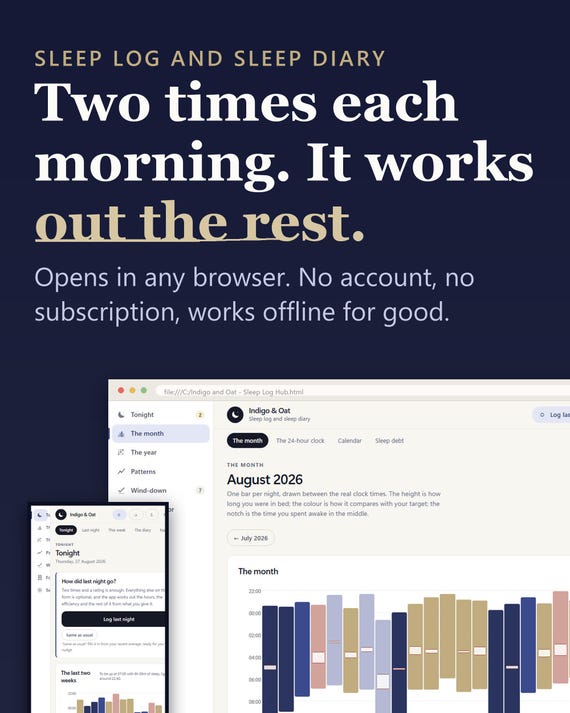
Sleep Log App, Insomnia Tracker, Sleep Planner (Digital Download)
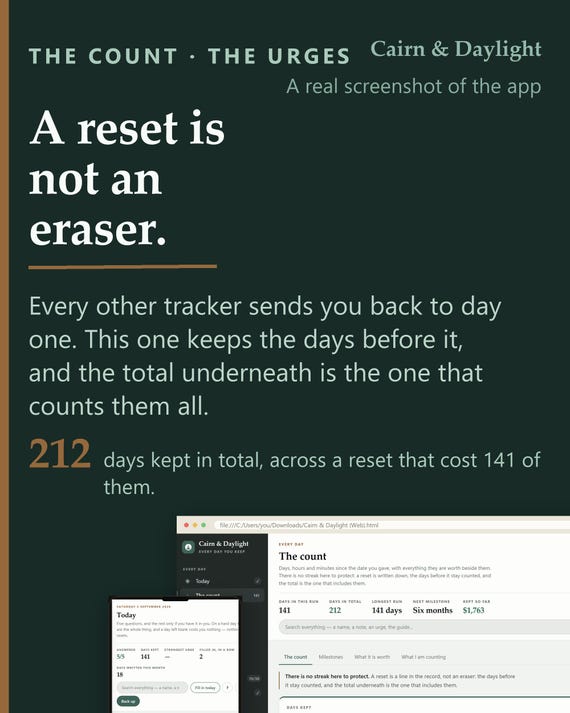
Sobriety Tracker App | Day Count, Urge Log, Body Clock (Offline HTML File)
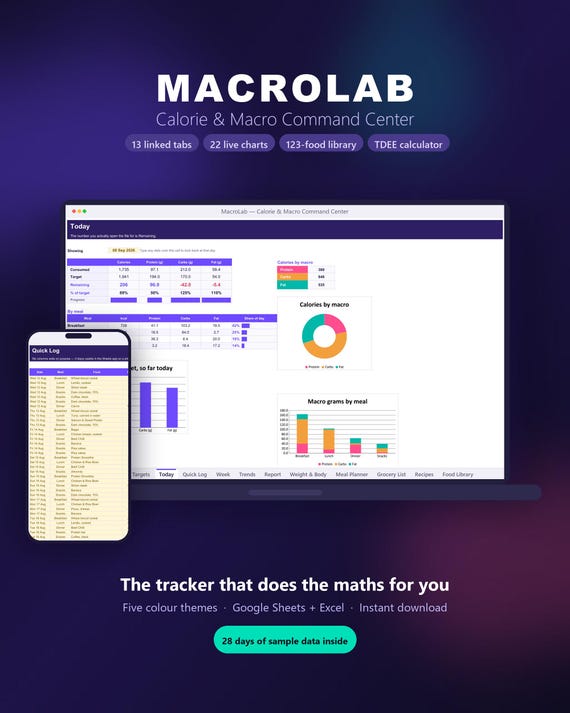
Macro Tracker Spreadsheet | TDEE Calculator, Meal Planner (Digital Download)