Medication Tracker App, Pill Log, Health Records Planner (Digital Download)
On PayPal, choose Send, enter $11.11 and put the product name in the note. Your download link follows by email within 24 hours.
- Download link sent to your email after payment
- Works offline on Windows, Mac, iPad and Android
- One free bonus edition included: PDF, Notion, spreadsheet or GoodNotes
- Sold and supported by BrowserHub · hello@browserhub.app
Product #4562935997 · 15 views · 0 favourites
About this product
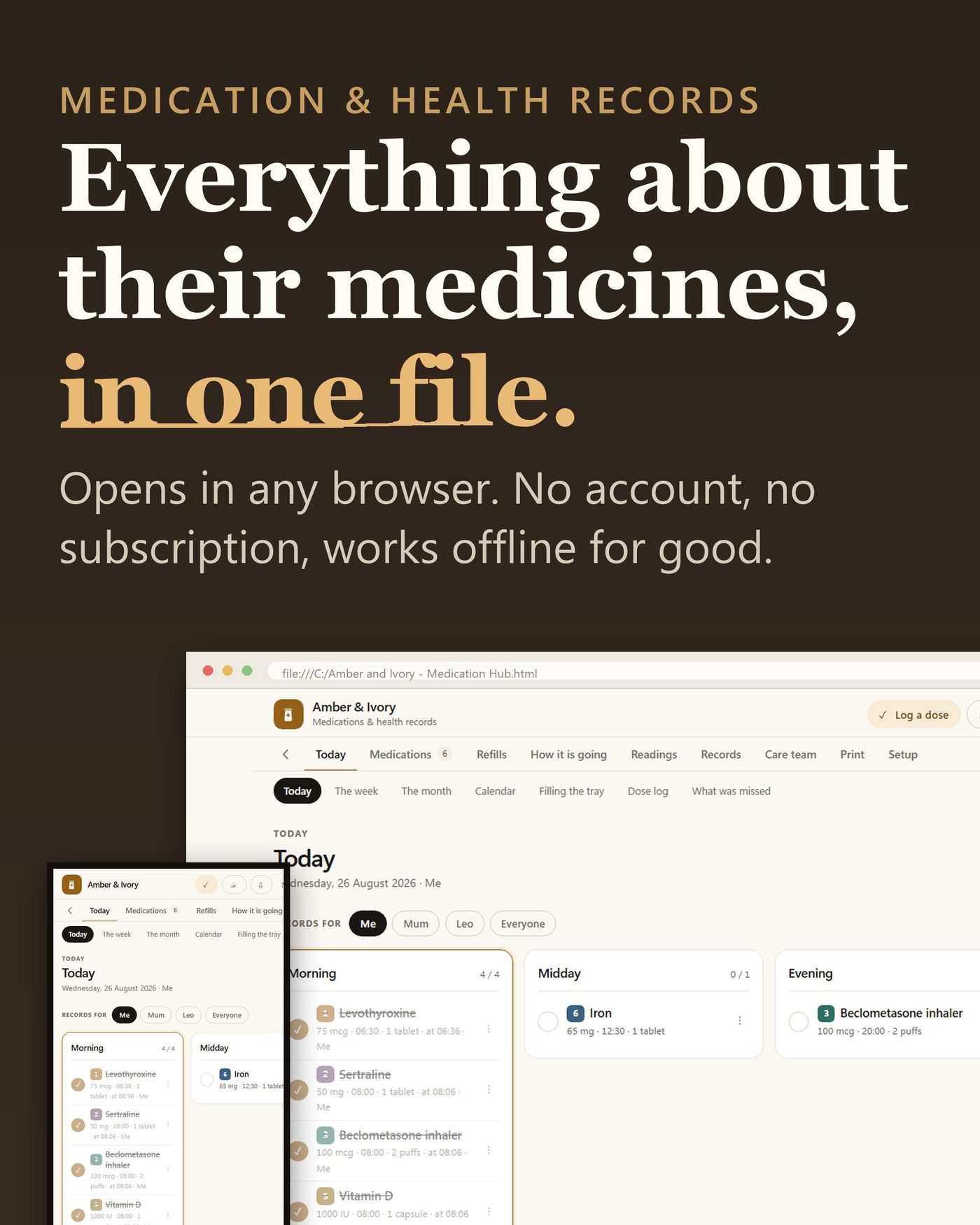
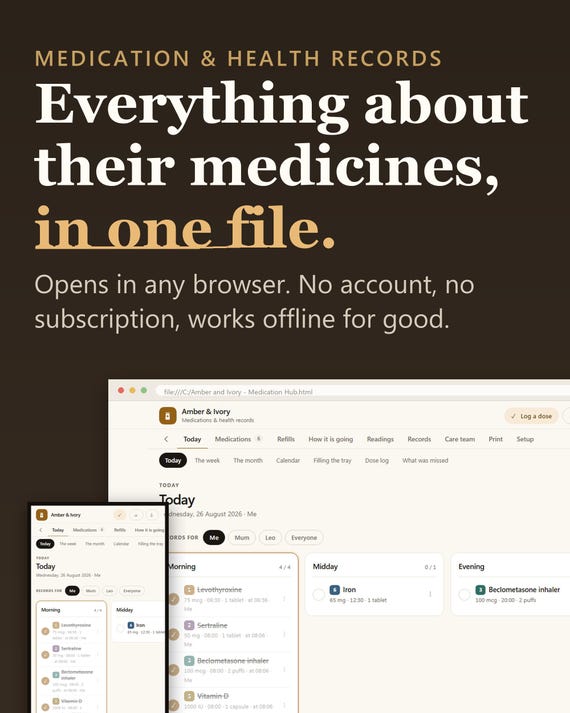
One file. You double-click it and it opens in the browser you already use.
There is no account to make, nothing to install, and no subscription that can be switched off later. Everything you type stays in that browser, on that device. It works offline for good.
SET UP IN ONE CLICK
It reads your language, your currency and your date format from the browser and fills them in. You look at four lines and press Start. Under 30 seconds from opening the file, and it opens already filled in with an example household so no screen is blank while you look around.
- WHAT IT DOES
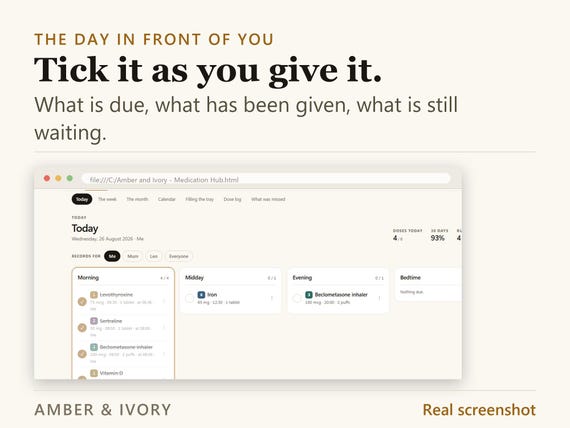
- Today, the week and the month: what is due, what was given, what was missed
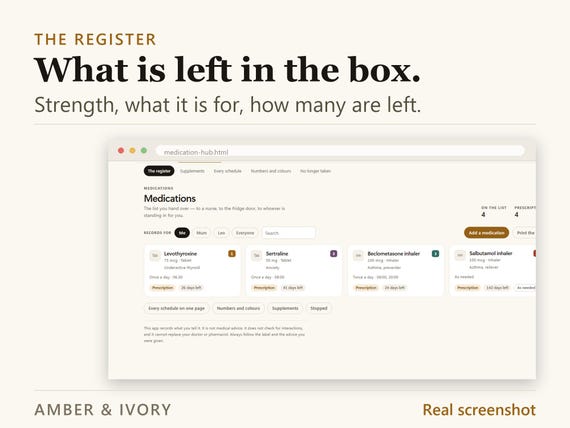
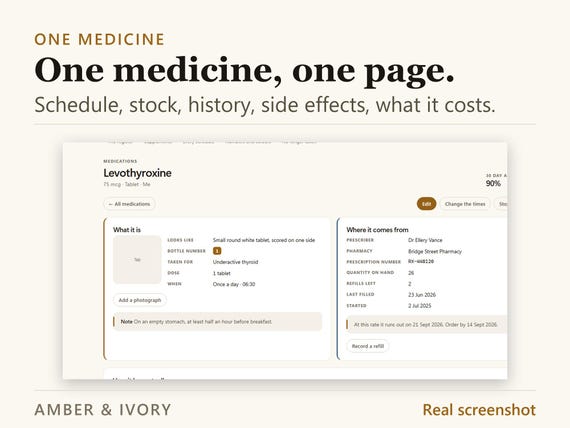
- One row per medicine: strength, schedule, what is in the box
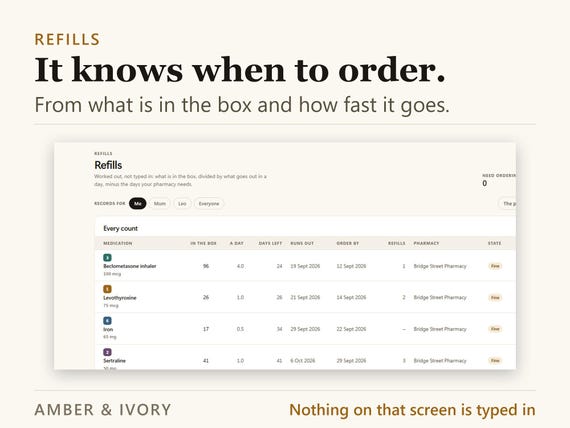
- Refills that work themselves out from how fast it goes and how long your pharmacy takes
- Adherence that does not flatter you, and counts a planned break as a planned break
- Readings: blood pressure, blood sugar, weight, peak flow, and the rest
- Side effects, with a column for whether anyone has told the doctor yet
- Appointments, questions to ask, test results, allergies, vaccinations, contacts
- Eight sheets laid out for paper, including the one you hand a doctor
IT EXPLAINS ITSELF
A full guide lives inside the app, in your language, with an entry for every screen: what it is for, what to type, what the numbers mean, and what to do when it looks wrong. It has a search box and it works offline like everything else. A one-page start guide is in the download as well.
YOURS TO ARRANGE
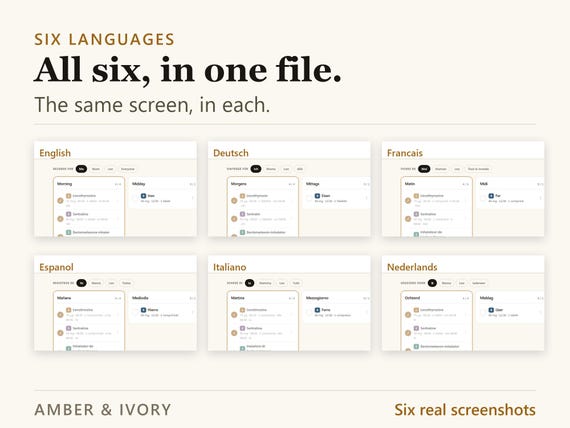
Ten colour schemes, each in light and dark. Six languages, all inside the same file. The tabs collapse to icons, and you can reorder them, rename them into your own words, hide the ones you do not use, and choose which one opens first.
IT NEVER LOSES YOUR WORK
One button writes a backup file. Copy that file and the app to another computer, press Restore, and everything comes with it - records, settings, colours and your tab layout.
AND ONE MORE VERSION, FREE
A card inside the download takes you to a page where you pick one of these four, at no extra cost. It downloads straight away - your name and email, and no order number to find.
1. Notion - A live template tree you duplicate into your own workspace. Real databases, real relations, real views.
2. Excel - A multi-sheet workbook with live formulas and no macros. Opens in Excel, LibreOffice and Google Sheets.
3. Printable - US Letter and A4, undated, print-ready margins. Every section prints on its own.
4. GoodNotes - A landscape tablet PDF, fully hyperlinked. Works in GoodNotes, Notability and Noteshelf.
WHAT ARRIVES
One small zip: the app, the one-page start guide, and the card for your free version. It downloads the moment you buy.
It records what you tell it. It is not medical advice and it does not check anything - always follow the label and the person who wrote it.
- - - - - - - - - - - - - - - - - - - -
FAQ
Do I need an account?
No. There is nothing to sign up for and nothing to remember. The file does not talk to anything.
Does it work offline?
Yes, always. Nothing is fetched and nothing is sent, so a plane, a hospital or a dead connection makes no difference.
Which browsers does it work in?
Chrome, Edge, Firefox and Safari, on Windows, Mac, iPad and Android. It is a web page, so whatever opens web pages opens this.
How long does setting it up take?
Under 30 seconds. It reads your language, currency and date format from the browser, you check four lines and press Start.
Is there a guide?
Two. A one-page start guide in the download, and a full guide inside the app with an entry for every screen and a search box - in your language, and it works offline.
What if I get stuck?
Search the guide inside the app first - every screen has an entry with what to do when it looks wrong. If that does not answer it, message me and I will reply.
Can I move it to another computer?
Yes. Press Back up to write one small file, copy it and the app across, and press Restore on the first screen. Records, settings, colours and your tab layout all come with it.
How do I get the free version?
A card in the download has a link. Press it, pick one of the four, give a name and an email, and it downloads. There is no order number to find.
You may also like
All products →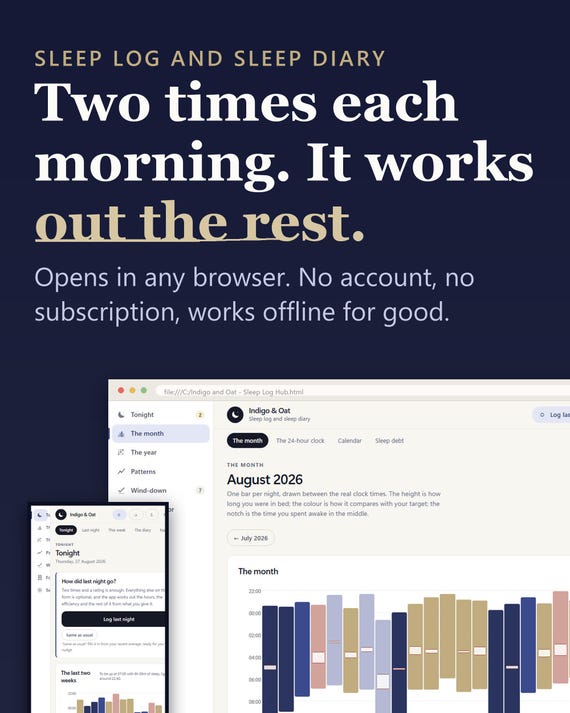
Sleep Log App, Insomnia Tracker, Sleep Planner (Digital Download)
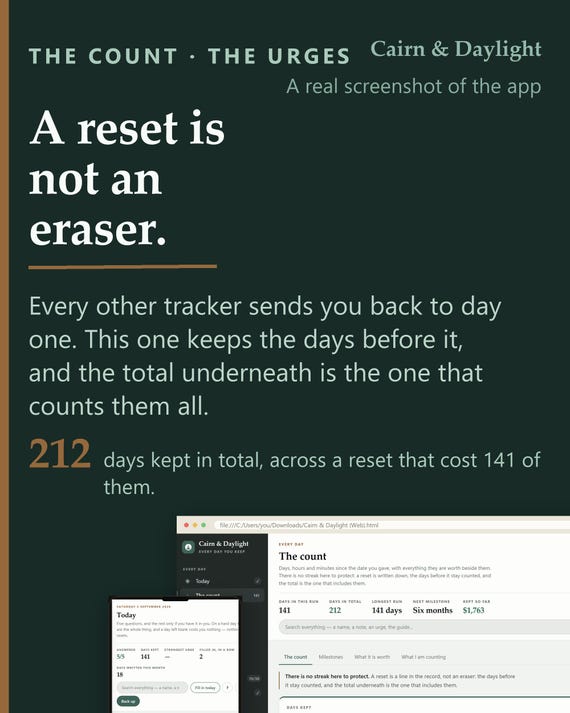
Sobriety Tracker App | Day Count, Urge Log, Body Clock (Offline HTML File)
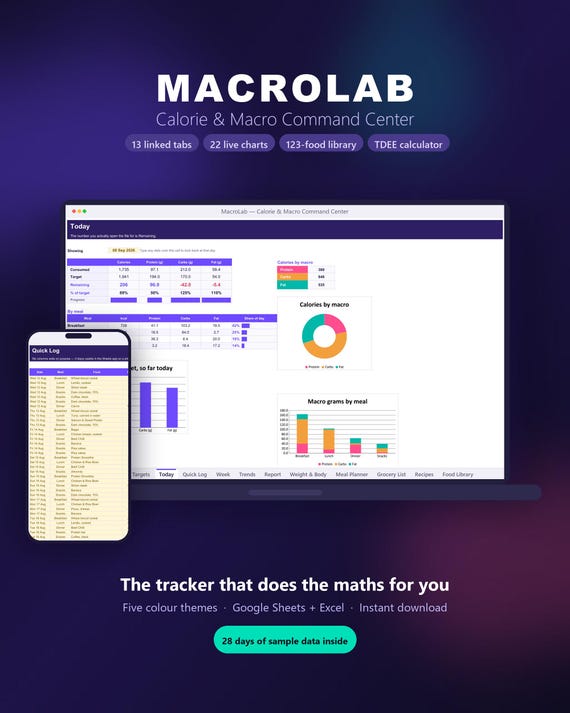
Macro Tracker Spreadsheet | TDEE Calculator, Meal Planner (Digital Download)