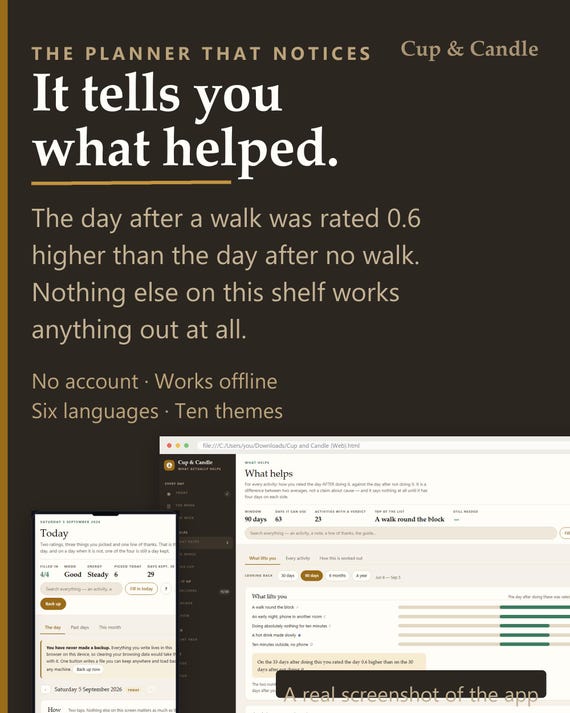
Sobriety Tracker App | Day Count, Urge Log, Body Clock (Offline HTML File)
On PayPal, choose Send, enter $11.11 and put the product name in the note. Your download link follows by email within 24 hours.
- Download link sent to your email after payment
- Works offline on Windows, Mac, iPad and Android
- One free bonus edition included: PDF, Notion, spreadsheet or GoodNotes
- Sold and supported by BrowserHub · hello@browserhub.app
Product #4569369137 · 19 views · 0 favourites
About this product
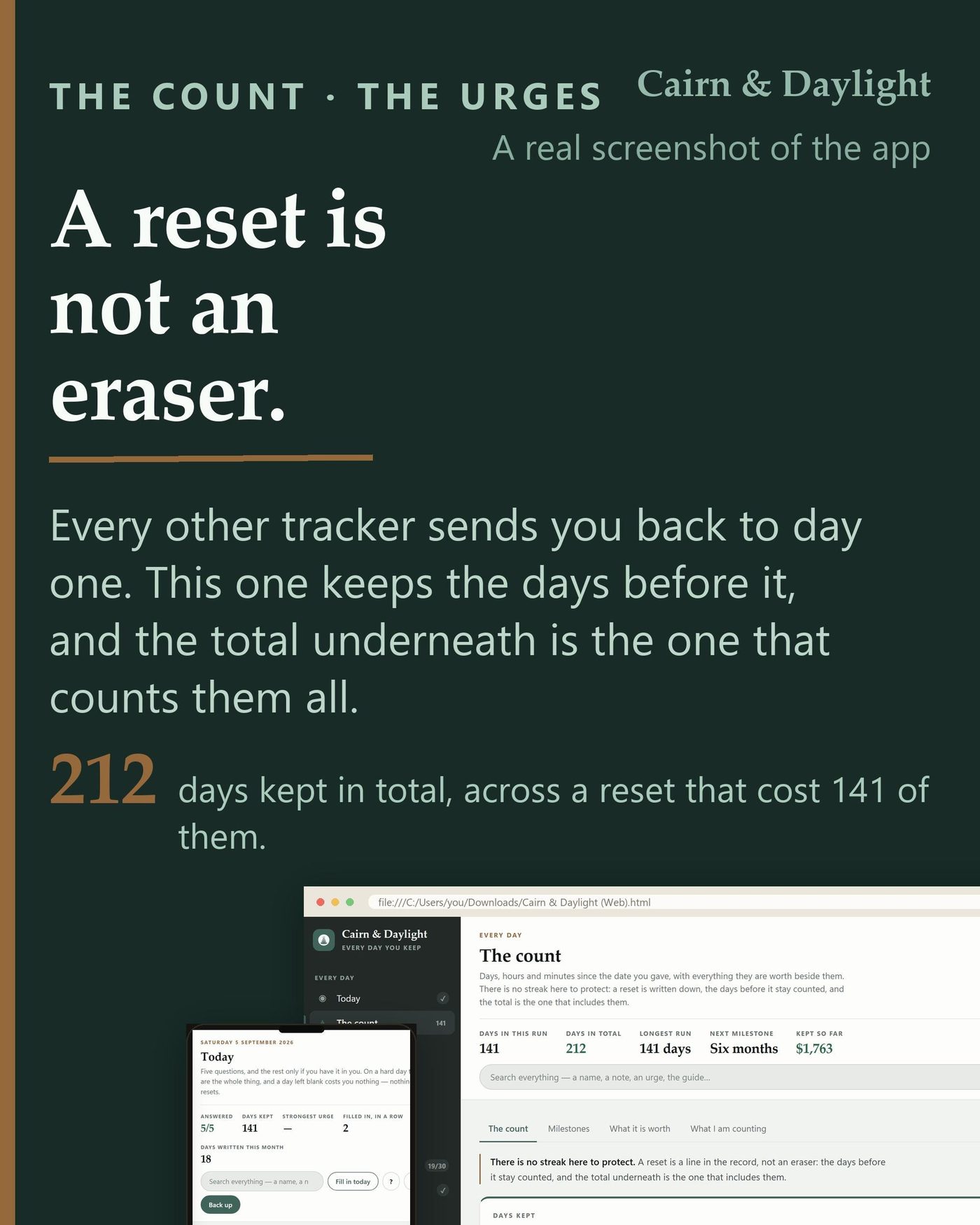
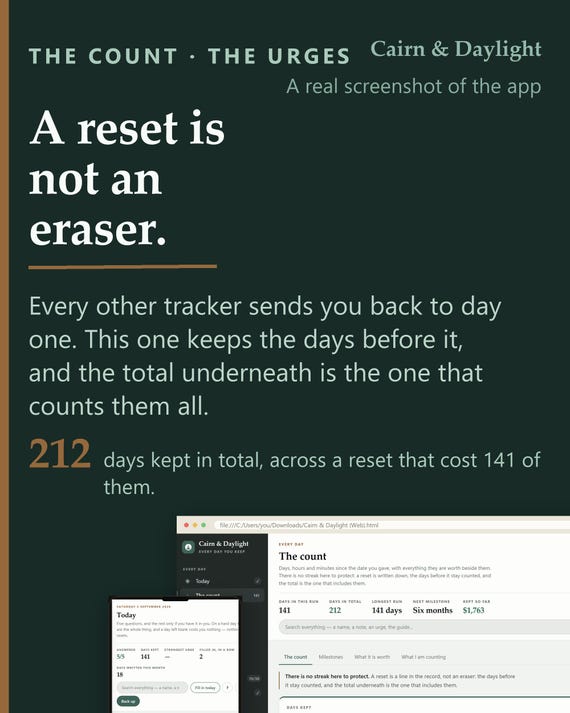
Nearly every sobriety tracker on sale sends you back to day one. This one writes the reset down and keeps the days before it, because the number that matters is how many you have kept altogether.
WHAT IT IS
One HTML file you open in your browser. It is a sobriety record and a thirty-sheet workbook in the same place: the day count, the urge log, the body clock, the plan you write on a good day, and the sheets a counsellor would take you through. Nothing installs, nothing signs up, and it works with the wifi off.
A RESET IS NOT AN ERASER
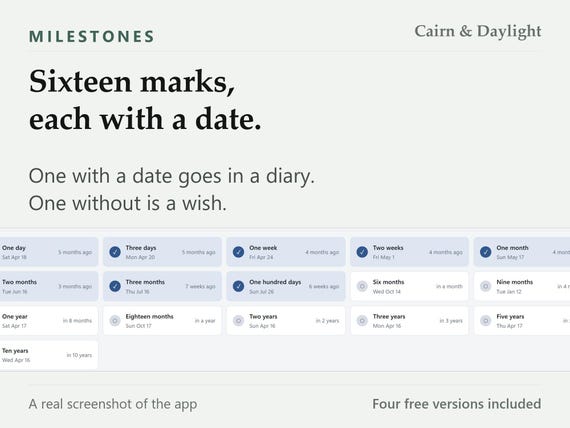
The count keeps two numbers, not one: the days in this run, and the days you have kept altogether. A reset is a line in the record with the date and, if you want, what happened - and the days before it stay counted. The longest run is kept as its own number so a long stretch is never lost. Sixteen milestones from one day to ten years each carry the date they fall on, so they can go in a diary.
- THE SCREENS
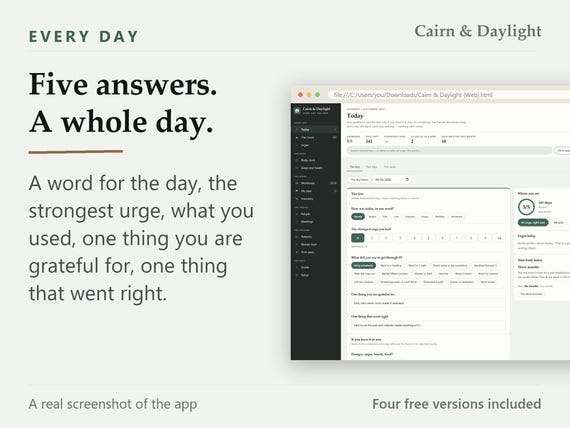
- Today: the day in five answers, and a blank day costs you nothing
- The count: days in this run, days in total, the longest run, and the resets
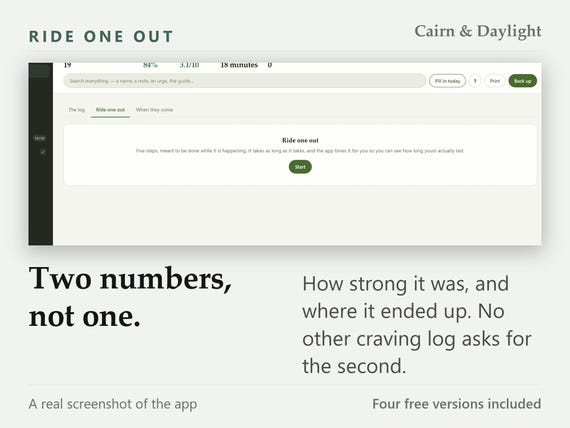
- Urges: how strong it was and where it ended up, so the drop can be read back
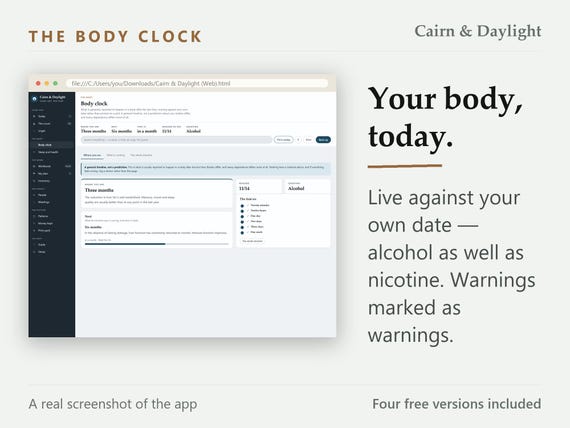
- Body clock: what is generally reported to happen, run live against your own date
- Sleep and health: sleep, movement, food and anything you have been prescribed
- Workbook: thirty sheets in six chapters, made live instead of printed
- My plan: warning signs, what you will say, where you will go, who you ring
- Inventory: the long inventory and the nightly ten, both filled in rather than printed
- People: a name and a number, a first call, and the dates you want to remember
- Meetings: anything that counts as showing up, and the ninety counted from a date
- Patterns: when the urges arrive, after what, and which of your answers worked
- Money kept: what the days were worth, and the half nobody builds: what it became
- Print pack: the workbook, the plan and the summary page, on paper with your answers in
- Guide: every screen explained, searchable, in the language the app is set to
- Setup: language, currency, ten themes, and which tabs you see
HOW IT WORKS
You write down what happened; the app does the arithmetic the moment you type. It works out the days across every reset, the date each milestone falls on, where you are on the body clock, which hour of the evening your urges cluster in, what came before them, and which of the things you did was followed by the urge passing. It says all of that as one plain sentence, and it refuses to say it at all until there is enough written down to mean anything.
IT PRINTS
The print pack puts the workbook, the plan, the inventories and the summary page on paper with your own answers already in them - not blank forms. The summary page is the one you hand to a sponsor, a counsellor or a doctor: written from the log rather than from memory, and every line on it an observation about what you wrote down.
PRIVACY, DESCRIBED RATHER THAN PROMISED
The app makes no network request of any kind. There is no account, no login, no sync and no company holding a copy - open it with the wifi off and it works exactly the same. That matters more than usual with this kind of record: what is in it could be read as an admission by an employer, an insurer or a court, and the safest place for it is a file you hold rather than a database somebody else runs.
SETUP TAKES 0.4 SECONDS
Double-click the file and you are on a usable screen in 0.4 seconds - measured in a clean browser profile, in all six languages, and the worst of the six is the number printed here. The first screen is one button, not a wizard: your language, currency and date format are read from your browser and shown for you to confirm, a theme is already on, and one field is genuinely required. Everything can be changed later.
THE GUIDE IS INSIDE IT
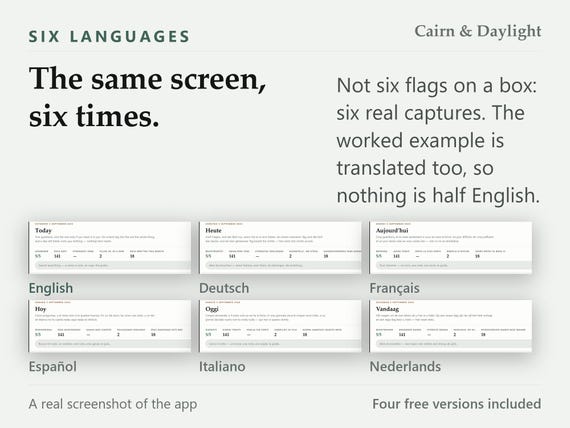
A full guide lives inside the app, in all six languages, reachable from every screen and searchable. It covers every area, backing up, moving to another device and printing. It is text and the app’s own live interface rather than embedded screenshots, so it follows you if you rename a tab. A one-page quick setup guide comes as a PDF in the download as well.
IT IS YOURS
One file, on your machine, with no expiry and nothing to renew. Back it up with one button and the backup carries your layout, your renamed tabs and every answer with it. Ten themes, each with a dark twin, and you can reorder, hide or rename the tabs - hiding is never deleting, and reset to defaults is one click away.
- WHAT YOU DOWNLOAD
- the app - one HTML file, six languages, ten themes
- a one-page quick setup guide, as a PDF
- the card that claims your free version
QUESTIONS
Do I need an account?
No. There is nothing to sign up for and nothing to log in to. The file is yours and it runs on your own machine.
Does it work without internet?
Yes, always. It never makes a network request of any kind, so it is the same with the wifi off - on a train, or at nine in the evening when the wifi is not the problem.
Which browsers does it work in?
Chrome, Edge, Firefox and Safari, on Windows, Mac, Android and iPhone. It is one HTML file, so anything that opens a web page opens it.
How long does setting it up take?
0.4 seconds, measured in a clean browser profile in all six languages - the worst of the six is the number quoted. One button, not a wizard, and one field genuinely required.
Is there a guide, and what is in it?
Yes, two. A full guide inside the app, searchable and reachable from every screen, covering every area, backup, moving device and printing - and a one-page quick setup PDF in the download.
What if I get stuck?
Search the guide inside the app first - it answers most of it. If that does not do it, write to the address printed on the card in your download and on the download page, and you will get a reply.
How do I back it up or move it to another device?
One button writes a backup file. Copy it and the app to the other device, open the app there and restore - your record, your layout and your renamed tabs all travel with it.
How do I claim the free version?
A card in your download carries a button and a short address. Press it, pick one of the four versions, give a name and an email, and it downloads. No order number, no account, and nothing else to buy.
- FOUR FREE VERSIONS COME WITH IT
- Four versions of the same record, in your language, built to the same standard as the app and given away rather than sold. Open the card in your download, press the button, pick ONE of the four, give a name and an email, and it downloads. No order number and no account.
- Free Excel Version: Twenty-three sheets, and every figure is a formula: the days kept in this run and the days kept in total across every reset, all sixteen milestone dates, the body clock against your own date, which hour of the evening your urges cluster in and which of the things you did was followed by the urge passing. Opens in Excel, in LibreOffice and in Google Sheets. No macros, and nothing in it connects to the internet.
- Free Printable Version: Sixty-four pages, undated, in US Letter and A4 — both sizes are in the download. The thirty workbook sheets are the middle of it, one to a page. Every section starts on a new page and carries its own heading, so you can print the plan, the if-then page or the month at a glance on its own. The left margin is wide enough for a ring binder.
- Free Tablet Version: A hundred and nine landscape pages for GoodNotes, Notability or Noteshelf. Write on it with a pen; the tab rail is on every page and every tab, every day in the month grid, every workbook sheet and every arrow is a real link, not a picture of one. Undated: all twelve months point at the same thirty-one day pages, so it starts whenever you do.
- Free Notion Version: Sixteen flat databases and six pages to read, as an import file — the count, the resets, the milestones, the daily log, the urge log, the workbook, the plan, the if-then page, both inventories, the people, the meetings, the ninety, the money and the medication. Settings → Import → Markdown & CSV and it is in your own workspace in a minute. Nothing of ours is published anywhere, so there is no link to go stale. No formulas and no relations, because neither survives an import — the app does the arithmetic; this keeps the record.
THE HONEST PART
This is a record and a workbook. It is not treatment, not a diagnosis, not a programme and not a substitute for a doctor, a counsellor or a fellowship. It keeps what you write, does the arithmetic, and hands it back. If you drink heavily every day, see a doctor before you stop - withdrawal can be dangerous and there is medication that makes it safe. Digital download; nothing ships.
You may also like
All products →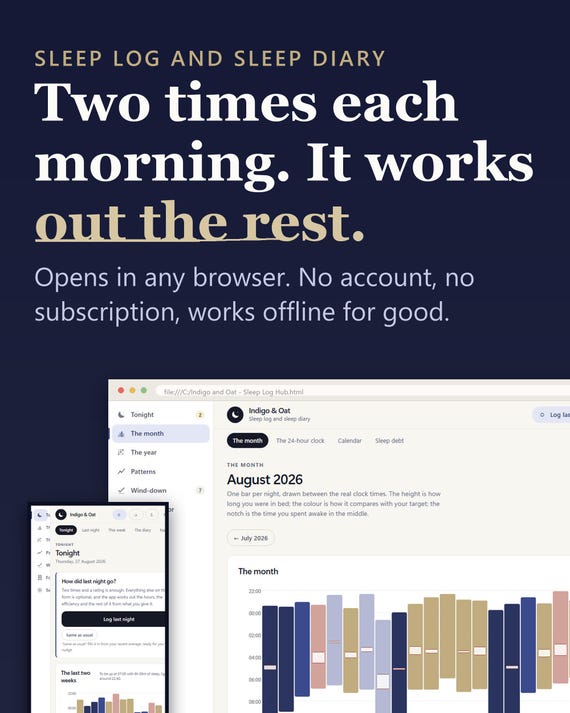
Sleep Log App, Insomnia Tracker, Sleep Planner (Digital Download)
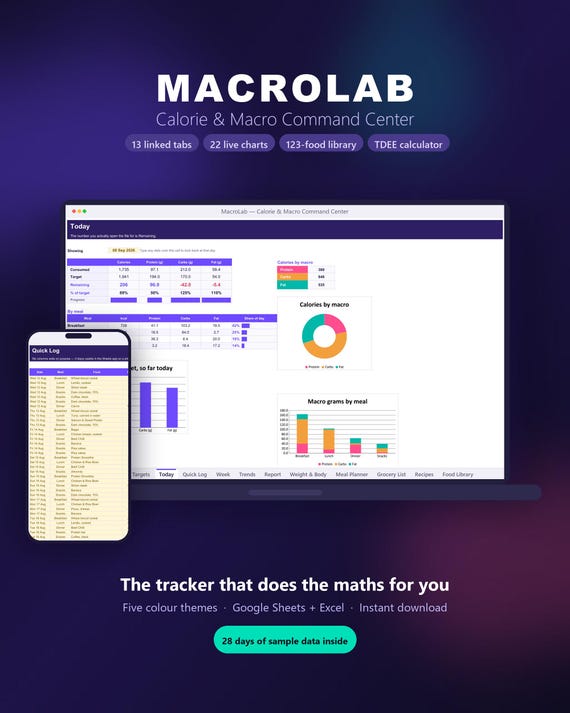
Macro Tracker Spreadsheet | TDEE Calculator, Meal Planner (Digital Download)
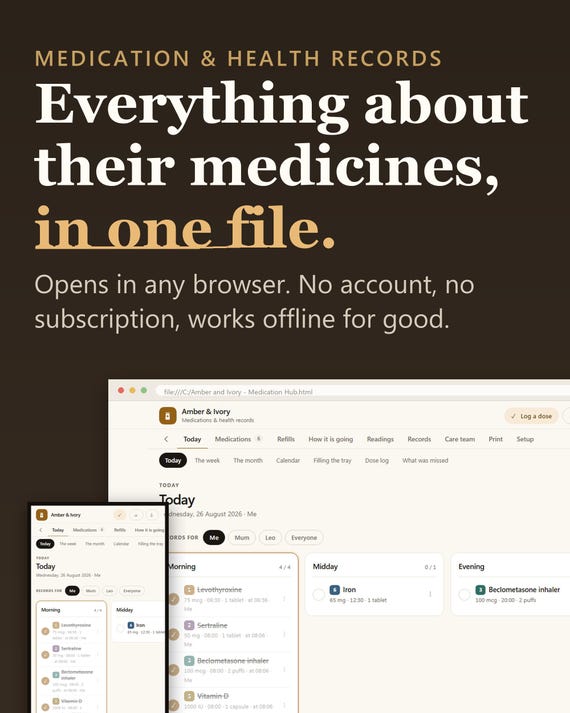
Medication Tracker App, Pill Log, Health Records Planner (Digital Download)