Nursing School Study App - Concept Maps, Drug Cards, Care Plans, Grade Tracker - Offline, No Account - Free Notion or Excel Version
On PayPal, choose Send, enter $11.11 and put the product name in the note. Your download link follows by email within 24 hours.
- Download link sent to your email after payment
- Works offline on Windows, Mac, iPad and Android
- One free bonus edition included: PDF, Notion, spreadsheet or GoodNotes
- Sold and supported by BrowserHub · hello@browserhub.app
Product #4567837484 · 14 views · 0 favourites
About this product
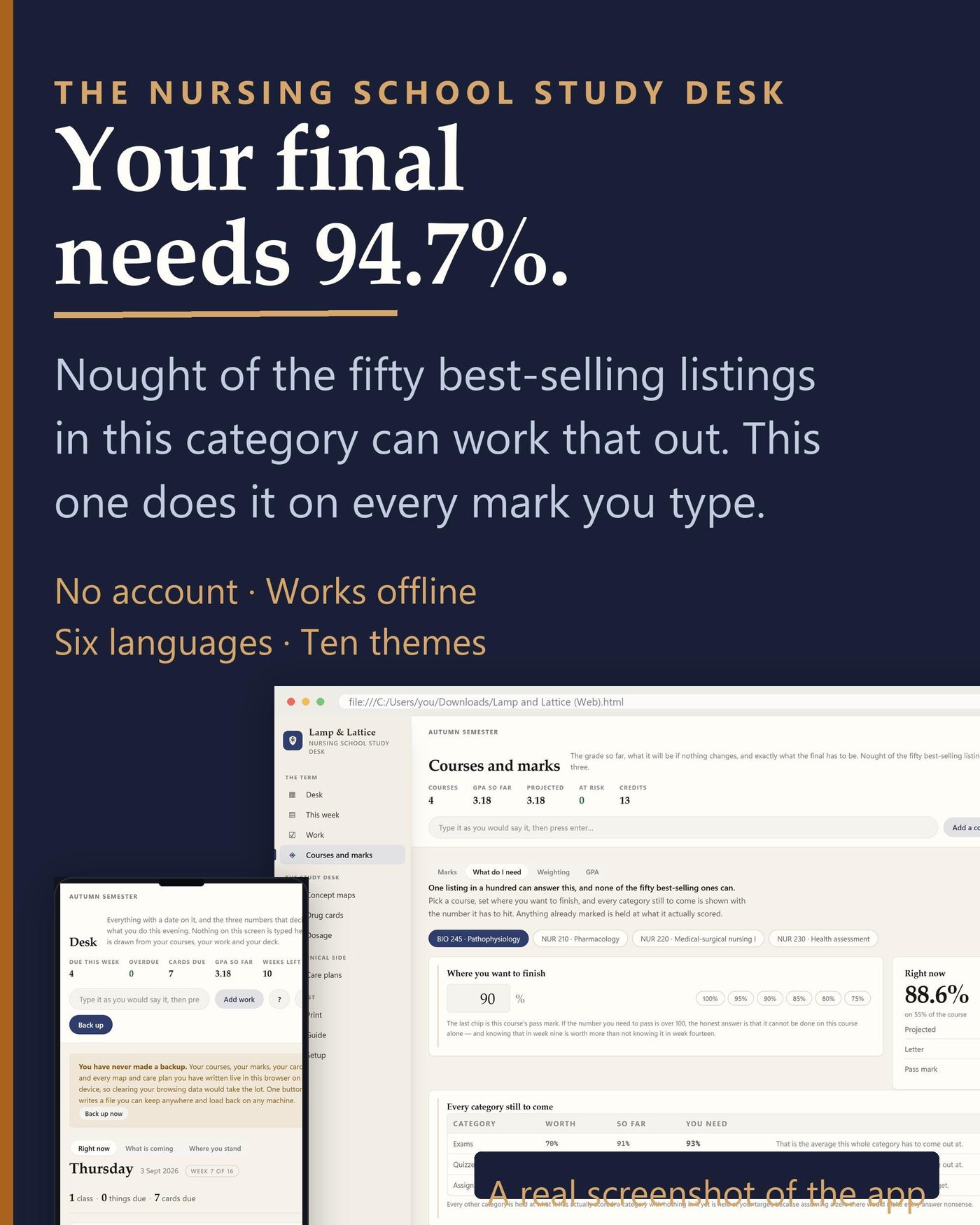
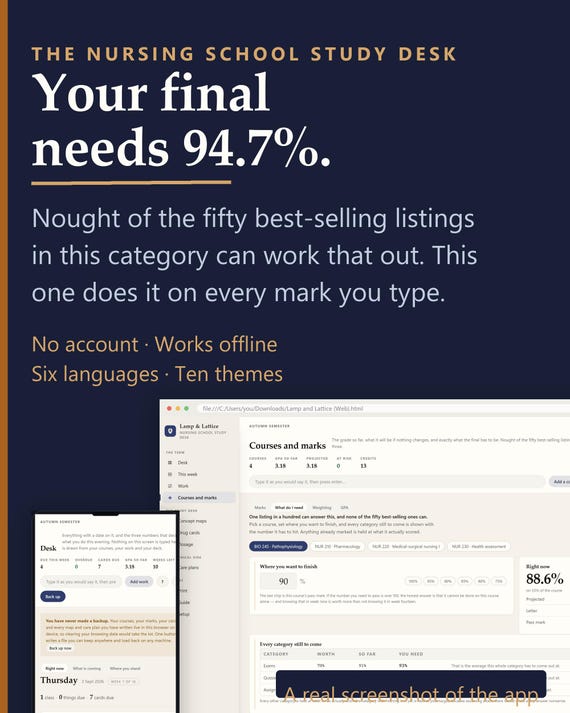
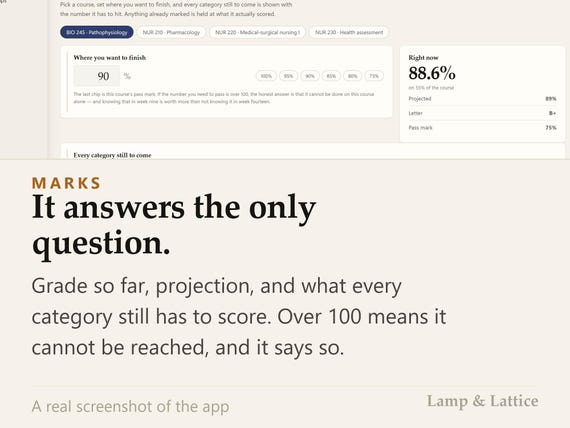
It is the middle of the semester and somebody asks what you need on the final. This app already knows: 94.7 per cent, on the exam worth thirty of your sixty. Nought of the fifty best-selling products in this category can work that out.
WHAT IT IS
One HTML file you double-click. It opens in the browser you already have, on any machine, and it works offline for ever. It is a study desk first and a planner second: the concept map, the drug card and the care plan are the point, and the calendar is there because a semester has dates in it.
HOW THE ARITHMETIC WORKS
You type how the syllabus weights the course once — exams 60, quizzes 20, care plans 20 — and every mark after that counts itself. The grade so far is re-weighted over the categories that actually have a mark in them, so a 92 with 15 per cent marked does not pretend to be a 92 with 85 per cent marked. The projection assumes each unmarked category goes the way that category has gone. And the question everybody actually asks — what does the final have to score — is that arithmetic run backwards. When it comes out over 100 the app says the target cannot be reached, instead of quietly showing you a number.
- WHAT IS INSIDE
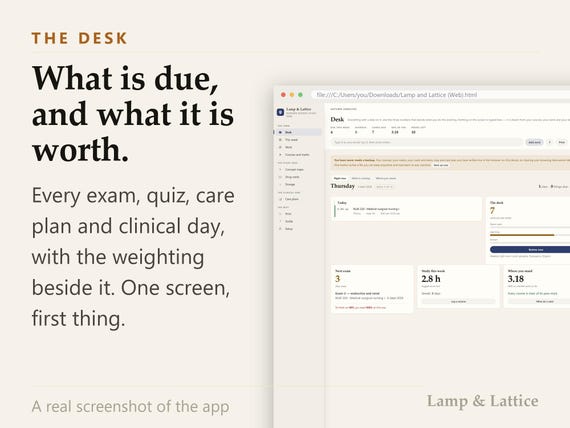
- Desk: What is due, what is overdue, and what it is worth — the first screen, every morning
- This week: The week as a grid, built from each course's own timetable
- Work: Every exam, quiz, paper, care plan and clinical day, with its weighting
- Courses and marks: Grade so far, the projection, the letter, the GPA, and what the final still has to score
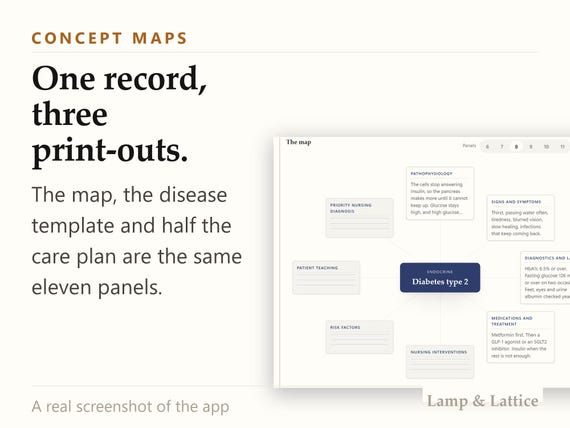
- Concept maps: Eleven panels a condition — and the same record prints as a disease template too
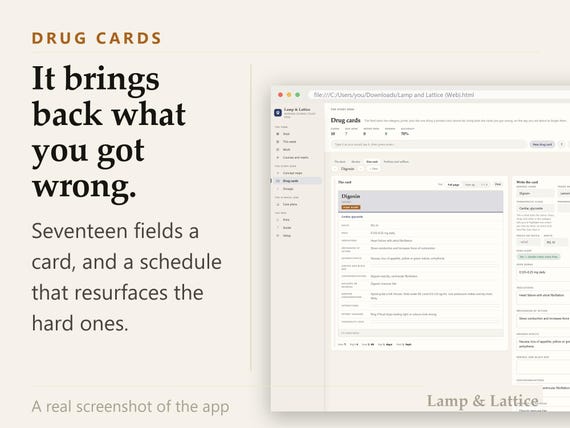
- Drug cards: Seventeen fields a card, and a schedule that brings the hard ones back
- Dosage: Twenty-two calculations with the working shown, not just the answer
- Lab values: Fifty-five values, conventional or SI, flagged against your own
- NCLEX countdown: An exam date, a plan, a daily quota, and the topics spread across it
- Care plans: History, vitals, systems, diagnoses, goals, interventions, evaluation, SBAR
- Head to toe: Thirteen systems with the normal findings and the red flags beside them
- Clinical hours: Every placement day and the hours, adding up against what is required
IT ARRIVES ALREADY FULL
Fifty-five laboratory values in conventional units and SI, fifty-three nursing diagnoses with their defining characteristics, fifty-one clinical skills to be signed off, forty-six documentation and SBAR stems, twenty-six NCLEX topics and twenty-two dosage calculations are typed in before you arrive. So the first care plan you write already has a diagnosis list to choose from, and the first potassium you check already has its range beside it in the units your programme uses. Every one of those lists is yours to rename, add to and delete from, because your school's list is not somebody else's — and the three pain scales, the eleven concept-map panels, the seventeen drug-card fields and the thirteen body systems are laid out the way an instructor marks them, not the way a template author guessed.
IF YOU HAVE BOUGHT ONE OF THESE BEFORE
Then you already know the pattern: a folder of thirty PDFs, or a template you filled in twice. This is not a folder. It is one file that opens on the screen you left it on, with a worked semester already in it — so the first thing you see is a working app rather than an empty grid.
WHAT MOST NURSING SCHOOL FILES DO NOT DO
They do not compute anything. They print a grid for marks and leave the arithmetic to you. They sell the concept map, the disease template and the care plan as three separate files holding the same eleven fields, and nobody joins them — so you write heart failure out three times. And not one of them reads a syllabus: you copy thirty dates by hand into a calendar that cannot check them.
IT IS YOURS
Everything you type stays in this browser on this device. There is no account, no password, no server and no subscription, and nothing here expires. One button writes a backup file you can carry to any other machine, and the app tells you plainly once a month has passed since the last one.
MAKE IT YOUR OWN DESK
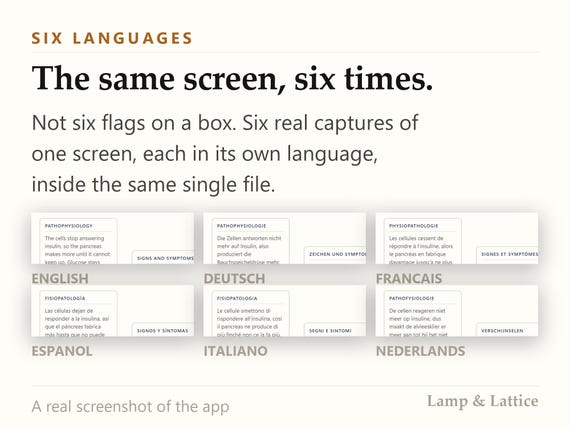
Ten themes, each with a light and a dark side, so twenty ways for it to look, and it opens in the one you left it in. Tabs rename, reorder, collapse and hide, so a semester with no placement in it does not have to carry a clinical tab around, and the screen you live on can be the first one. Six languages and your own currency, switched whenever you like without losing a word you have typed. Any screen prints, to paper or to PDF, at Letter or A4, without the toolbar coming along for the ride — so the drug cards you revise from on the bus and the care plan you hand in are the same record, printed twice. None of that is a setting buried three menus deep; it is on the screen it changes. And when you open it tomorrow it is exactly where you left it: same screen, same theme, same order of tabs.
SETUP
One click. Your language, your lab units, your paper size and the way a syllabus writes its dates are read from your browser and already filled in; the only three things it asks for — when your term starts, when it ends, and the mark your programme fails below — arrive filled in too, and all three are changeable later. Timed in a clean browser profile in every one of the six languages: 13 seconds from double-click to a working screen.
THE GUIDE
There is a guide, and it is not a PDF of screenshots. It lives inside the app, on the question-mark button in the toolbar of every screen: an entry for each screen, searchable, saying what the numbers mean and what to do when one of them looks wrong. A one-page quick setup sheet comes in the download as well, in your language.
PATIENT DATA
Care plans and head-to-toe assessments ask for initials, not names, and nothing you export can carry a patient row. One button clears every care plan and assessment at the end of a rotation, and it never fires on its own — it only offers. This is a study tool, not a medical record and not a medical reference: every value in it is checked against your own textbook and your placement’s policy before it reaches a patient.
- WHAT YOU DOWNLOAD
- The app: one HTML file, six languages, ten themes, works offline
- A one-page quick setup guide, in your language
- A card for claiming your free version
- AND ONE FREE VERSION
- After you buy, one of four free versions is yours — and you can come back for another. The card in the download opens a page where you pick one, give a name and an email, and it downloads on the spot. No order number. The same button is inside the app, on the Setup screen. Each version arrives with its own one-page guide to setting it up.
- The Notion version: Eleven flat databases and six reference pages, as an import file. Nothing of ours is published anywhere, so there is no link to go stale and nothing of yours leaves your own workspace.
- The Excel version: Twenty-three sheets, live formulas, no macros. It opens in Excel, in LibreOffice and in Google Sheets, and every figure in it is computed rather than typed.
- The printable version: Twenty-nine pages, undated, US Letter and A4 in the same download. Every section starts on its own page, because nobody prints twenty-nine sheets.
- The GoodNotes version: Eighty landscape pages, hyperlinked throughout. It works in GoodNotes, in Notability and in Noteshelf, and in any PDF reader that follows links.
QUESTIONS
Do I need an account?
No. There is no sign-up, no password and no server. You open a file.
Does it work offline?
Yes, completely and permanently. It makes no network call of any kind, so nothing in it can stop working because a website changed.
Which browsers does it work in?
Chrome, Edge, Firefox and Safari, on Windows, Mac, iPad and Android. It is one HTML file, so it needs nothing installed.
How long does setup take?
It was timed rather than estimated: 13 seconds from double-click to a working screen, in a clean browser profile, in every one of the six languages. One click, and nothing on that screen is required.
Is there a guide, and what is in it?
Two. A one-page quick setup sheet in the download, and the full guide inside the app on the question-mark button of every screen: an entry per screen, searchable, what the numbers mean and what to do when one looks wrong.
What if I get stuck?
Write to the address printed inside the download and on the claim page. It is answered by the person who built this.
How do I move it to another device?
Press Back up now. A file lands in your downloads. Open the app on the other machine and choose I have a backup file — everything comes back, including your marks, cards, maps, plans, hours and your own tab layout.
How do I claim the free version?
A card in the download has a button on it, and the same button is in the app under Setup. It opens a page where you pick one of the four, give a name and an email, and it downloads. No order number is asked for, and you can come back for another.
THE SMALL PRINT
A digital download. Nothing is posted. Because the file is delivered instantly and cannot be returned once downloaded, there is no refund on a change of mind — but if it does not work for you, write and it will be put right. It is a study tool for a student, not a medical record, not a legal document and not a substitute for your programme’s own materials.
You may also like
All products →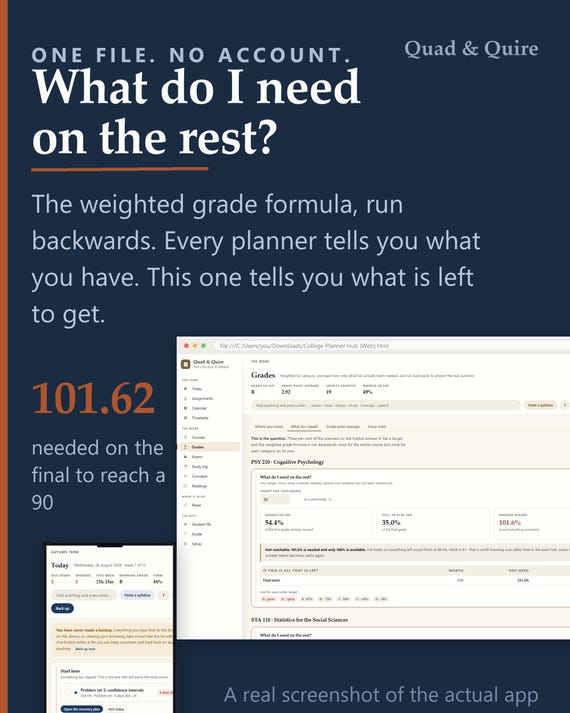
College Grade Calculator App, GPA Planner, Semester Study Tool (Digital Download)
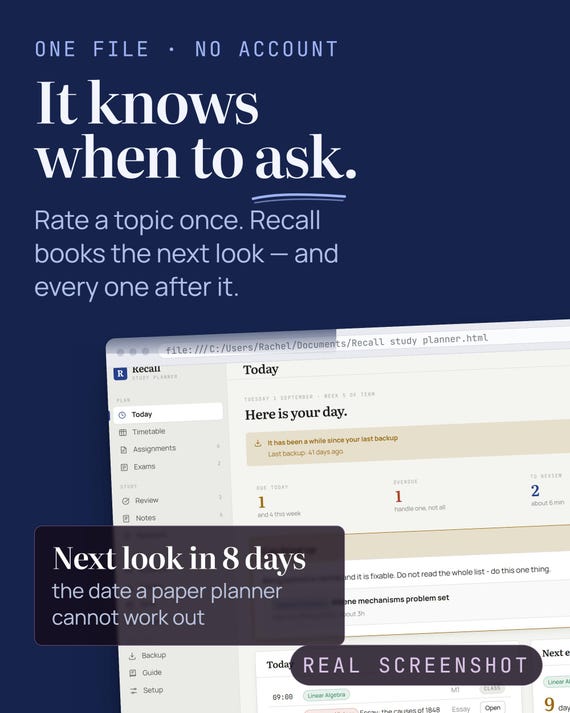
Offline Study Planner App – Spaced Revision, Timetable, Exams (HTML File)
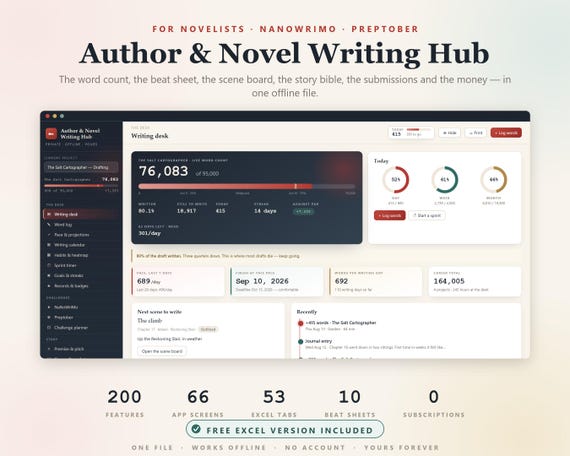
Novel Planner, Author Novel Writing Hub, NaNoWriMo, NaNoWriMo Tracker, Word Count Tracker, Writers Planner, Book Writing Journal, Preptober