College Grade Calculator App, GPA Planner, Semester Study Tool (Digital Download)
On PayPal, choose Send, enter $11.11 and put the product name in the note. Your download link follows by email within 24 hours.
- Download link sent to your email after payment
- Works offline on Windows, Mac, iPad and Android
- One free bonus edition included: PDF, Notion, spreadsheet or GoodNotes
- Sold and supported by BrowserHub · hello@browserhub.app
Product #4563460819 · 28 views · 1 favourites
About this product
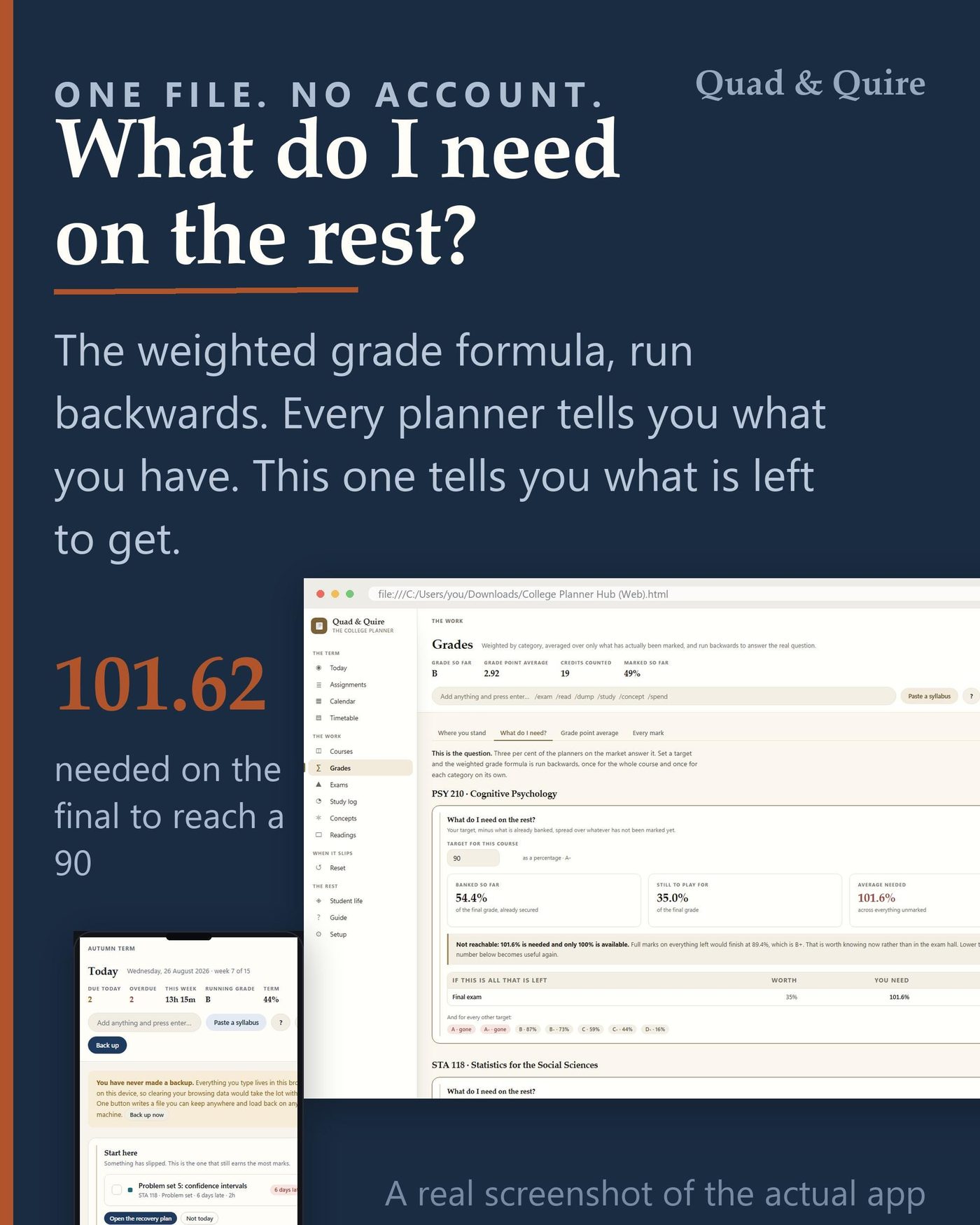
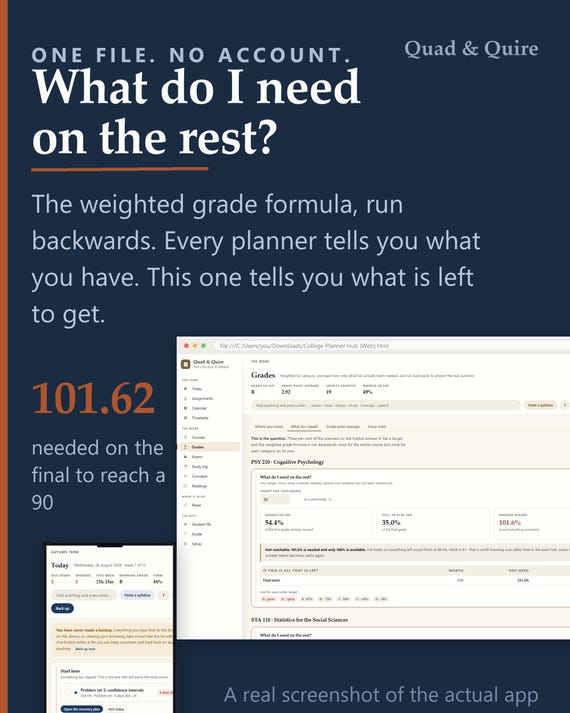
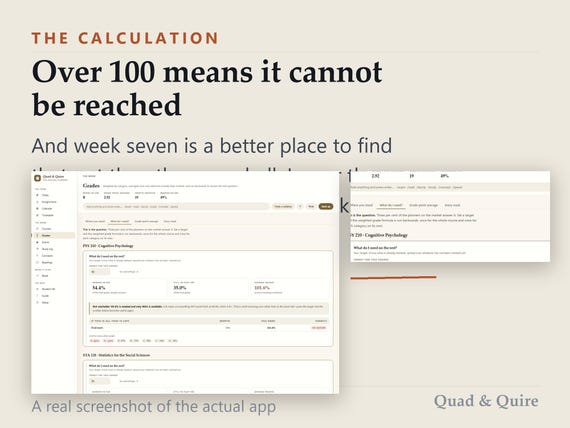
Every planner tells you what your grade IS. This one tells you what you still need on the rest of the term - and it says so plainly when the answer is over 100.
WHAT IT IS
One HTML file. You double-click it and it opens in the browser you already have. There is no account to make, no subscription to cancel, no app store, and nothing to install. Everything you type lives in that browser on that device, and one button writes a backup file you can carry to any other machine.
THE ONE CALCULATION IT IS BUILT AROUND
( target - secured ) / weight left
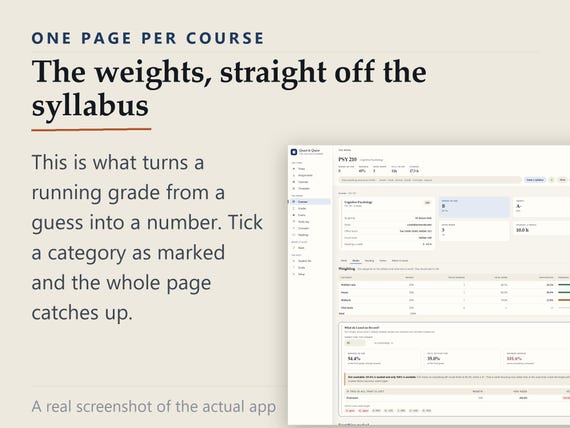
Put the marking weights in from your syllabus once. From then on the app knows what you have already banked and what is still to play for, and it can answer the question that actually matters in week seven: what do I need on everything that is left. If that number comes out over 100, it says so - because finding out in week seven beats finding out in the exam hall.
- WHAT IS IN IT
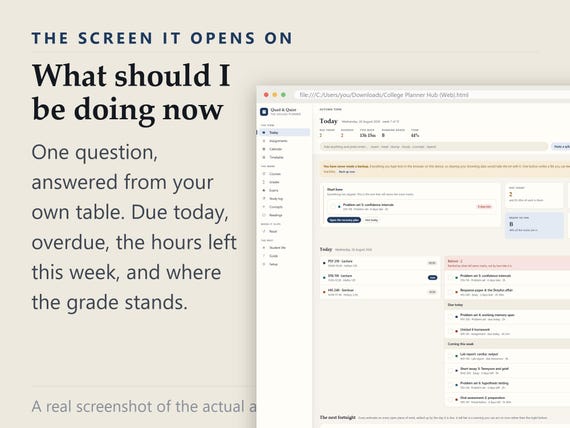
- Today: Due today, overdue, the hours left this week, and where the grade stands
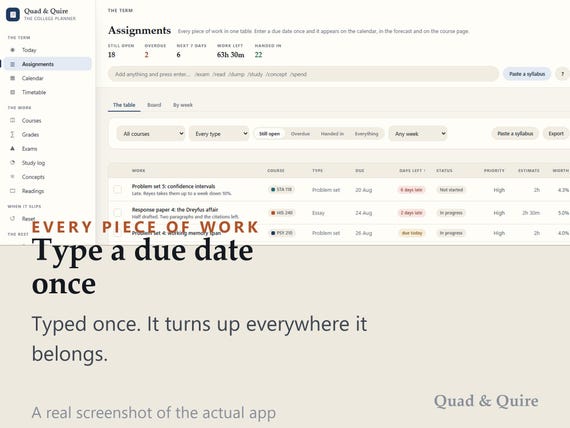
- Assignments: Every piece of work in one sortable table, with what each one is worth and what it is worth per hour
- Calendar: Month, week and a plain list of what is coming
- Timetable: Built from the meeting times on each course
- Courses: One page per course: the people, the weighting, the work, the marks and the reading
- Grades: Where you stand, what you need, and your average on the scale you picked
- Exams: A timetable, a confidence map of every topic, and a seven-day revision sprint
- Study log: Planned against actual, so next week's estimate is better than last week's
- Concepts: Knowledge by idea rather than by class, with active recall
- Readings: Assigned, unread, to skim, read properly, deliberately skipped
- Reset: The screen for the week it has gone wrong
- Student life: Money, textbooks, portals and food
WHAT IT DOES THAT A TEMPLATE CANNOT
Six things this does that a planner template cannot. It runs the grade formula BACKWARDS, so it answers what you still need rather than only what you have. It reads a pasted syllabus and turns a block of dates into a filled table. It ranks your work by POINTS PER HOUR, so the next hour goes on the piece that moves the grade rather than the piece that is shouting. It logs planned time against actual, which is the only honest record of why an hour did not work. And it has a recovery screen for the week it has gone wrong - everything overdue, sorted by what it is actually worth, so you work down the list instead of around it. The tabs down the side are yours as well: reorder them, rename them, hide the ones your course does not use, collapse the whole strip to icons. A tab you rename keeps your name for it after you switch the app to another language, and the guide finds it under your name too.
YOURS TO SET UP
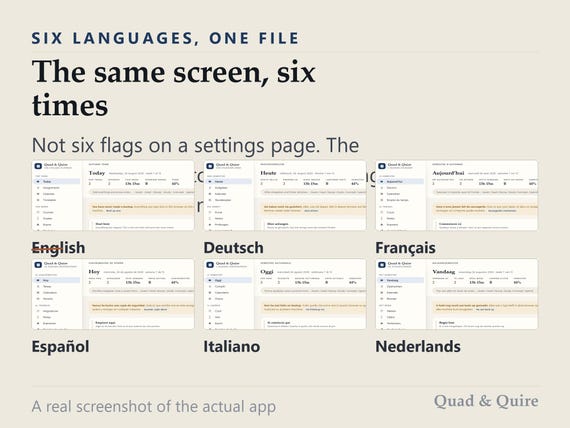
Ten themes, each with a light and a dark version - twenty looks, all inside the one file, nothing downloaded when you switch. Six languages, and switching takes the example term with it so nothing is left half-translated. Your own currency everywhere money appears.
ONE-CLICK SETUP
Your language, your date format, your currency, which day the week starts on and whether the clock is 24-hour are all read from your browser and filled in before you see them. One field is genuinely required - the first day of term - and even that arrives with a sensible answer in it. Then one button. Measured in a clean browser profile, in all six languages: UNDER 20 SECONDS from double-click to a working planner. If you already have a backup file, there is a button for that on the same screen, the same size.
THE GUIDE, INSIDE THE APP
A full guide lives inside the app, in all six languages, reachable from a ? in the toolbar on every screen - and it opens at the screen you were looking at. Every screen the app can show has an entry: what it is for, what to type into it, what each number means, and what to do when one of them looks wrong. It is searchable, and it covers backup, restoring, moving to a new computer and printing. A one-page quick setup sheet comes in the download as well.
IT IS YOURS, AND IT STAYS YOURS
Nothing here talks to a server, so there is no account to be breached and no company that can switch it off. It works offline, on a train, forever. It lays itself out for a phone, so the same file in a cloud folder opens on anything. Every screen prints properly - menus and buttons come off, and a line with your name, your institution and which week of which term goes on. And because it all lives in your browser, the backup button is the important one: the app counts the months and tells you when it has been too long.
- WHAT YOU DOWNLOAD
- The app - one HTML file, all six languages
- Quick setup - one page, in your language
- Your bonus card - the link to your free version
- YOUR FREE VERSION - PICK ONE OF FOUR
- Included with your purchase, and it is a choice rather than a bundle. A card inside your download links to our own page, already in your language. Name and email, nothing else - no order number, no account, no password - and the one you picked downloads immediately.
- Notion: A live template you duplicate into your own workspace
- Excel: One workbook, every figure computed, no macros
- Printable: US Letter and A4, undated, print any section alone
- GoodNotes: Landscape tablet PDF, every tab and month a link
QUESTIONS PEOPLE ASK
Do I need an account?
No. There is nothing to sign into and nothing to sign up for. The file opens and works.
Does it work offline?
Yes, completely. Nothing is fetched from anywhere, so a train with no signal changes nothing.
Which browsers does it work in?
Chrome, Edge, Firefox and Safari, on Windows, Mac, iPad, Android and Chromebook. Any browser from the last few years.
How long does setting it up take?
Under 20 seconds, measured in a clean browser in all six languages. Almost everything is read from your browser; one date is filled in already; then one button.
Is there a guide, and what is in it?
Yes - two. A one-page quick setup sheet in the download, and a full guide inside the app with an entry for every screen: what it is for, what to type, what the numbers mean, and what to do when one looks wrong. It is searchable and opens where you are.
What if I get stuck?
How do I back it up or move to a new computer?
One button on the Setup page writes a file with everything in it. Copy that file and the HTML file to the new machine and load it back - your themes, language, currency and menu layout travel with it.
How do I get the free version?
A card in your download links to our page, already in your language. Pick one of the four, give a name and an email, and it downloads. No order number and no account.
THE FINE PRINT
Digital download - nothing is posted. Because it is a file you keep, it cannot be returned; if anything is wrong, write to us and a person will answer. For personal use. Undated, so it works for any term, any year.
You may also like
All products →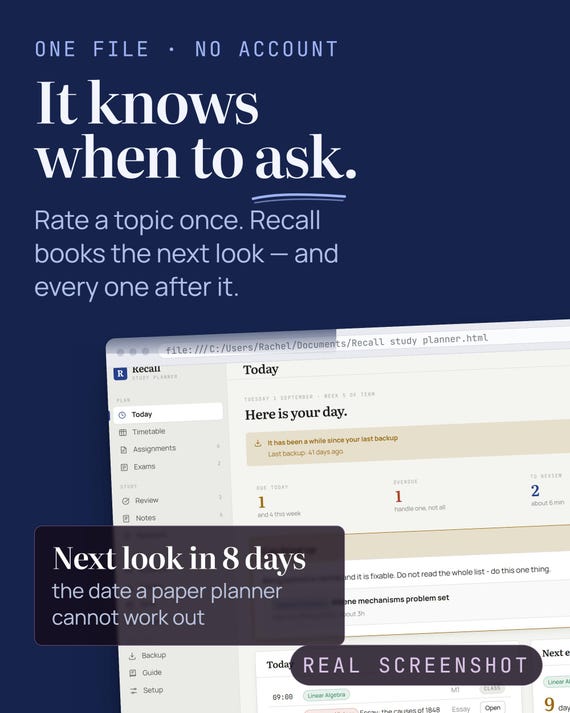
Offline Study Planner App – Spaced Revision, Timetable, Exams (HTML File)
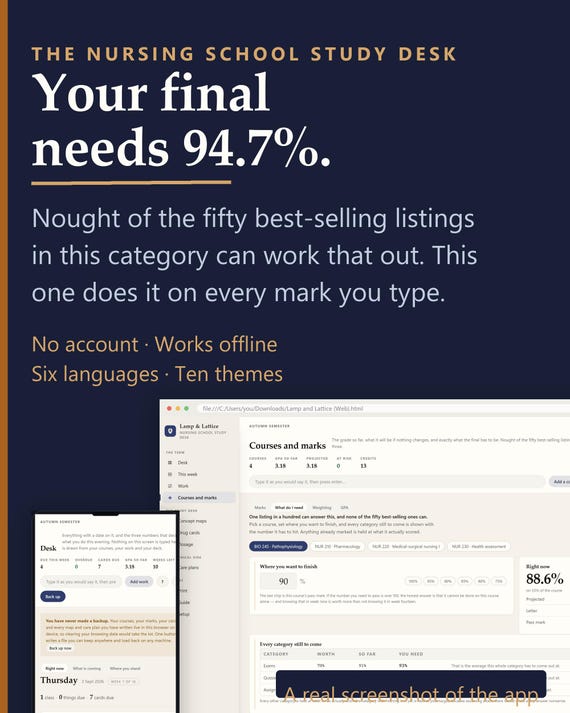
Nursing School Study App - Concept Maps, Drug Cards, Care Plans, Grade Tracker - Offline, No Account - Free Notion or Excel Version
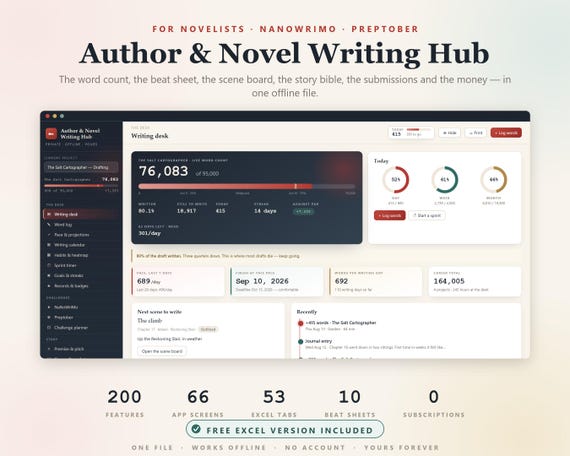
Novel Planner, Author Novel Writing Hub, NaNoWriMo, NaNoWriMo Tracker, Word Count Tracker, Writers Planner, Book Writing Journal, Preptober