Offline Study Planner App – Spaced Revision, Timetable, Exams (HTML File)
On PayPal, choose Send, enter $11.11 and put the product name in the note. Your download link follows by email within 24 hours.
- Download link sent to your email after payment
- Works offline on Windows, Mac, iPad and Android
- One free bonus edition included: PDF, Notion, spreadsheet or GoodNotes
- Sold and supported by BrowserHub · hello@browserhub.app
Product #4567748540 · 25 views · 0 favourites
About this product
A study planner that works the schedule out for you. One HTML file you double-click. It opens in the browser you already have, and everything you type stays on your own device.
THE PART THAT DOES THE WORK
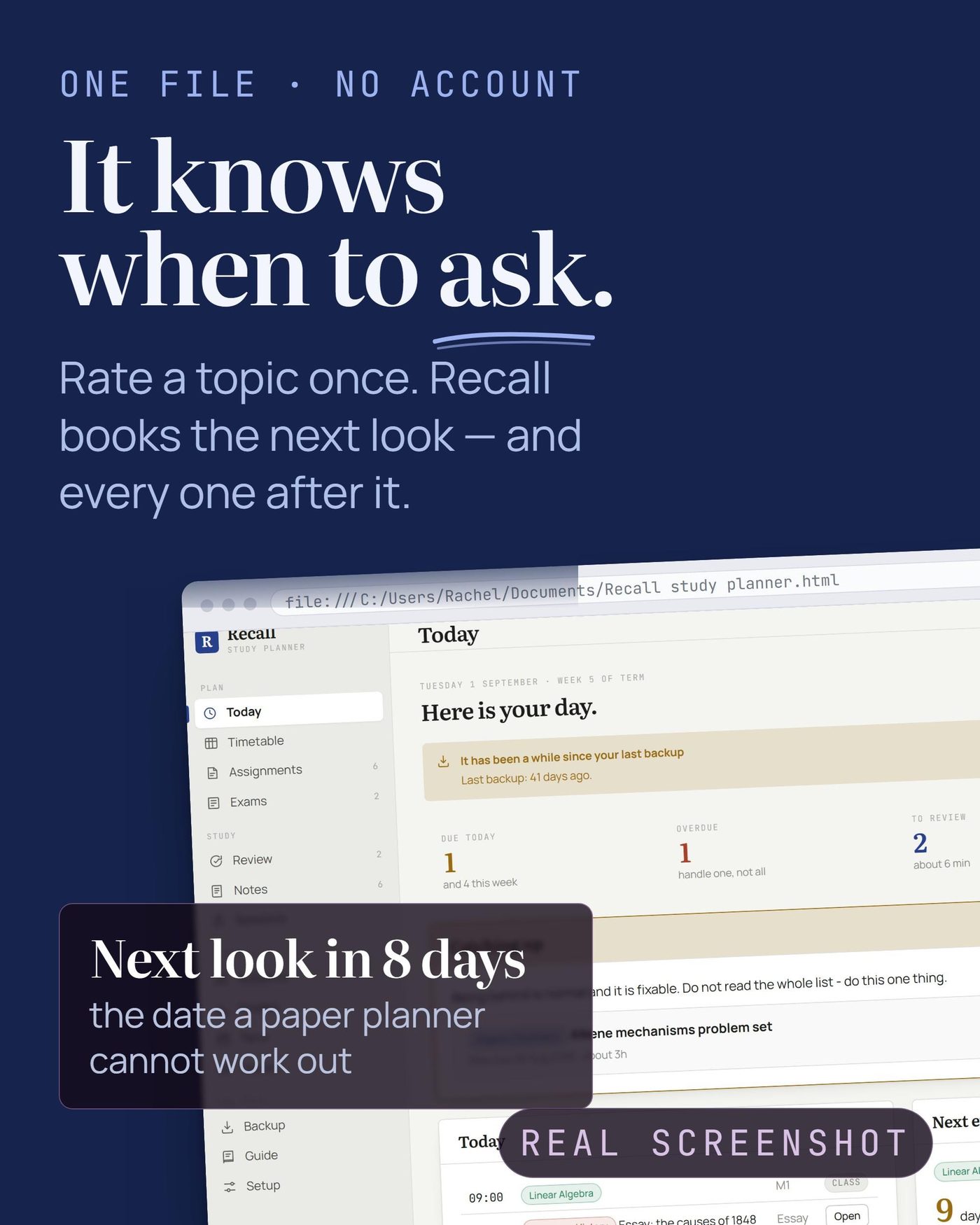
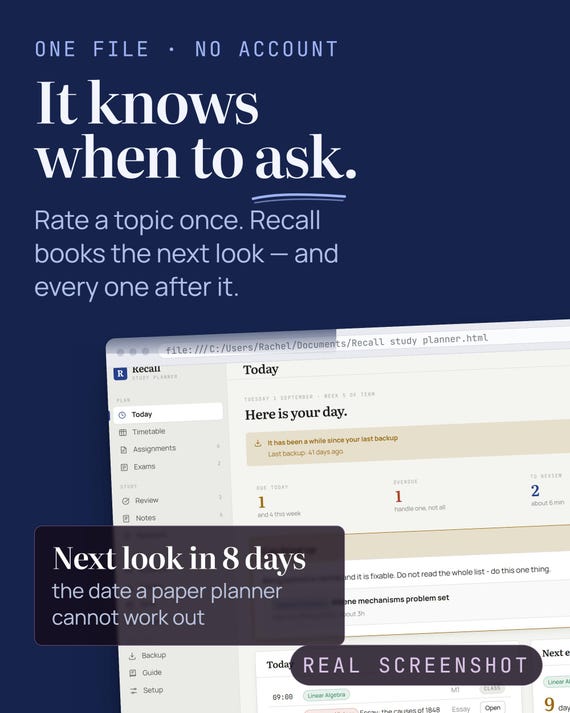
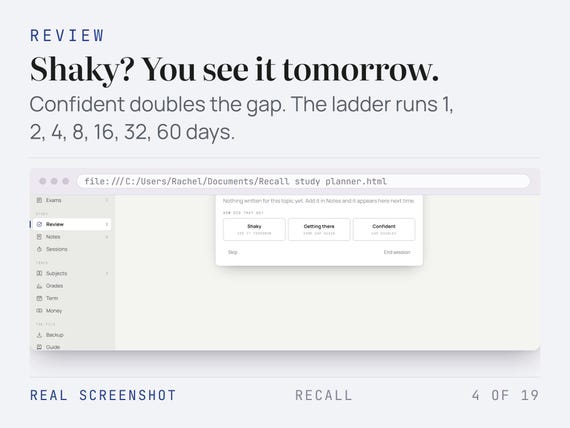
Rate a topic - shaky, getting there, or confident - and Recall books the next look. Shaky means tomorrow. Confident roughly doubles the gap. The ladder runs 1, 2, 4, 8, 16, 32 and 60 days, and nothing is ever scheduled past the exam it belongs to.
- ELEVEN SCREENS
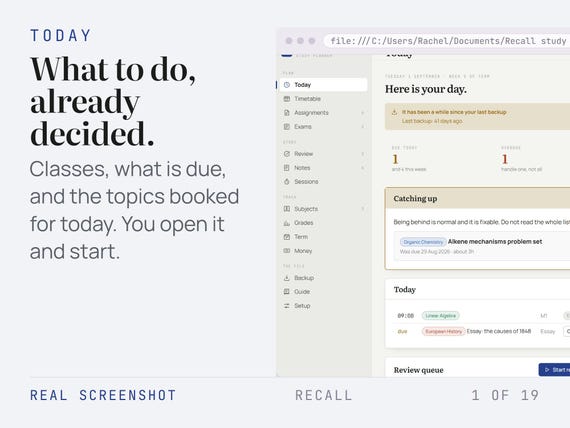
- Today
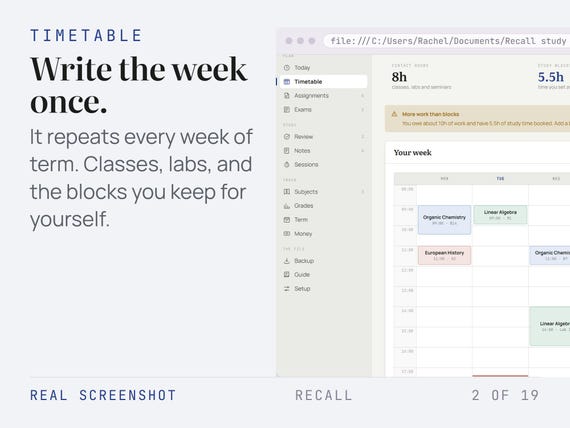
- Timetable
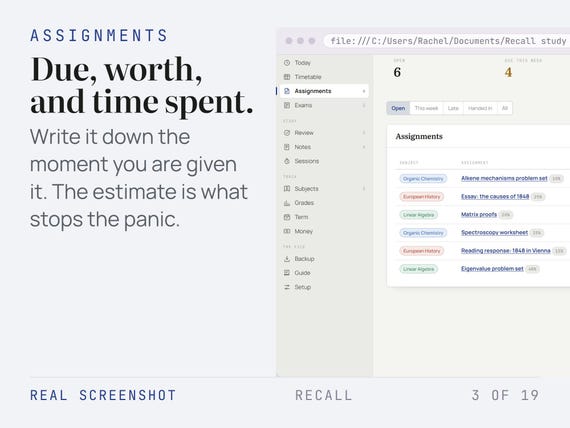
- Assignments
- Exams
- Review
- Notes
- Sessions
- Subjects
- Grades
- Term
- Money
IT COUNTS SO YOU DO NOT HAVE TO
Weighted grades from the marks you already have, what you still need on everything left, hours logged against your weekly target, days to each exam, and time spent against your own estimate on every assignment.
SETUP IS ONE BUTTON
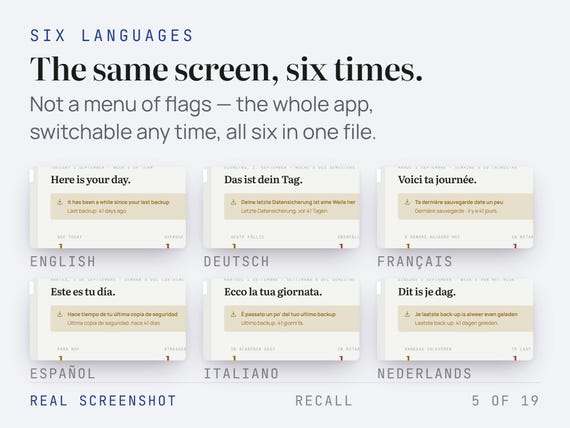
Language, currency and date format are read from your browser and filled in before you arrive - you confirm rather than choose. Measured from opening the file to a usable screen: 0.2 seconds, in a clean browser, in all six languages.
AND IT EXPLAINS ITSELF
A one-page quick setup guide is in the download. The full Guide is inside the app - every screen, plus backup, restore, moving device and printing - searchable, in all six languages.
MADE TO LAST
No account, no subscription, no server, and no network request of any kind. It works with the wifi off and it will still open in ten years. Ten themes, each with a light and a dark face. Tabs you can reorder, rename or hide. One button writes a backup file you keep yourself.
QUESTIONS
Do I need an account?
No. There is nothing to sign up for and nothing to log into. The file makes no network request of any kind.
Does it work offline?
Always. Turn the wifi off and it behaves identically - that is not a mode, it is the only way it works.
Which browsers?
Chrome, Edge, Firefox and Safari, on Windows, Mac, Android and iPad. It is an ordinary HTML file, so anything with a browser opens it.
How long does setup take?
One button. Measured from opening the file to a usable screen: 0.2 seconds, in a clean browser, in all six languages.
Is there a guide?
Two. A one-page quick setup guide in the download, and the full Guide inside the app: every screen, what to type, what the numbers mean and what to do when something looks wrong, plus backup, restore, moving device and printing. Searchable, in all six languages.
What if I get stuck?
Search the Guide inside the app first - it covers every screen. If that does not answer it, message me here and I will answer.
How do I back it up or move to a new device?
One button writes a single backup file. Copy that file and the app to the new device and choose Restore on the welcome screen; your theme, language and tab layout come back with your data.
YOUR FREE BONUS VERSION
- Four other versions of this planner come free with it. You pick ONE, in any of the six languages:
- Printable version: Undated sheets in US Letter and A4. The term overview, the weekly plan, the revision plan, the grade page.
- Excel version: Eleven sheets with the formulas done: countdowns, hours logged, weighted marks and what you still need on the rest.
- GoodNotes version: A hyperlinked landscape planner for GoodNotes, Notability and Noteshelf.
- Notion version: Ten flat databases you import in one go, plus a one-page import guide.
They are a free extra, not a cut-down edition. The one thing they do not do is work the schedule out for you - that is the app's job, and it is why the app is the product. The Excel version is the exception: computing is the whole point of a spreadsheet, so it computes.
How do I get the free bonus version?
A card in the download has a button on it. Click it, pick one of the four versions and the language you want, and it downloads straight away. The same button is inside the app, on the Setup screen.
Instant download. Nothing is posted.
You may also like
All products →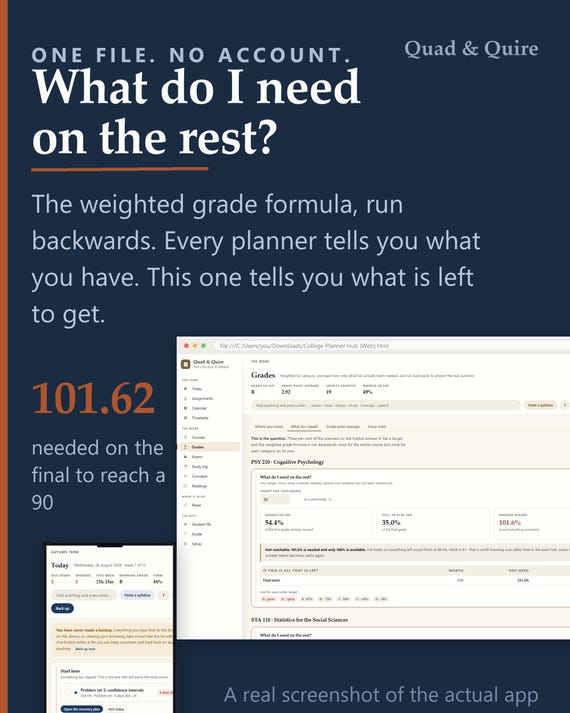
College Grade Calculator App, GPA Planner, Semester Study Tool (Digital Download)
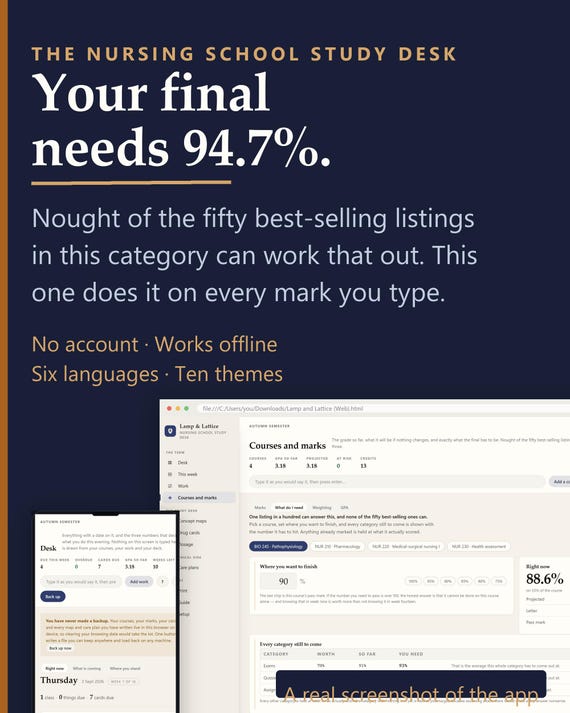
Nursing School Study App - Concept Maps, Drug Cards, Care Plans, Grade Tracker - Offline, No Account - Free Notion or Excel Version
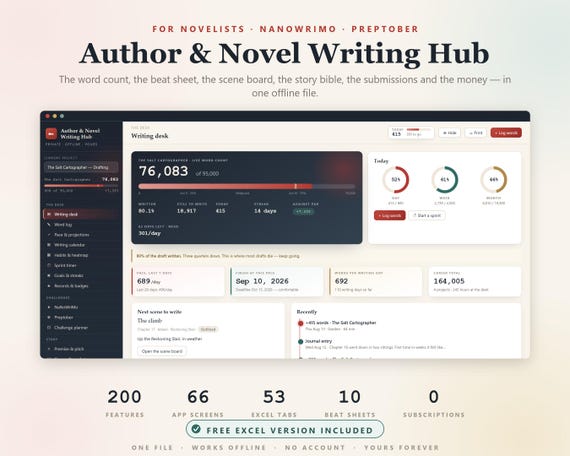
Novel Planner, Author Novel Writing Hub, NaNoWriMo, NaNoWriMo Tracker, Word Count Tracker, Writers Planner, Book Writing Journal, Preptober