Couples Budget App | Fair Share Split by Income, Running Balance (HTML File)
On PayPal, choose Send, enter $11.11 and put the product name in the note. Your download link follows by email within 24 hours.
- Download link sent to your email after payment
- Works offline on Windows, Mac, iPad and Android
- One free bonus edition included: PDF, Notion, spreadsheet or GoodNotes
- Sold and supported by BrowserHub · hello@browserhub.app
Product #4565885281 · 24 views · 1 favourites
About this product
A budget for two people with two different pay packets — and the only one that keeps a running balance of who owes whom.
WHAT IT IS
Tally & Tether is one HTML file. You open it in the browser you already use, and it works offline, for good. Nothing is installed, no account is made, nothing is paid again.
THE FAIR SHARE
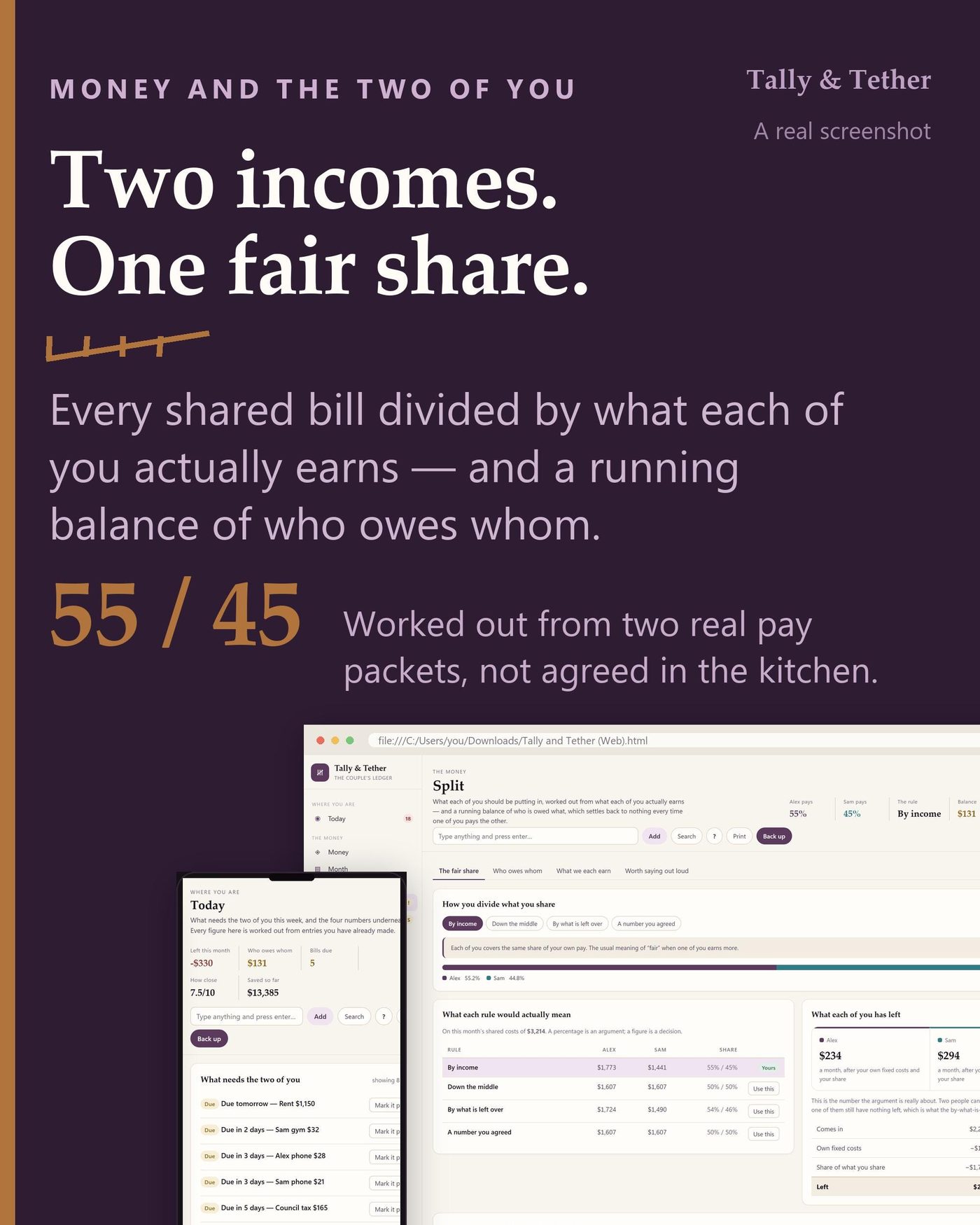
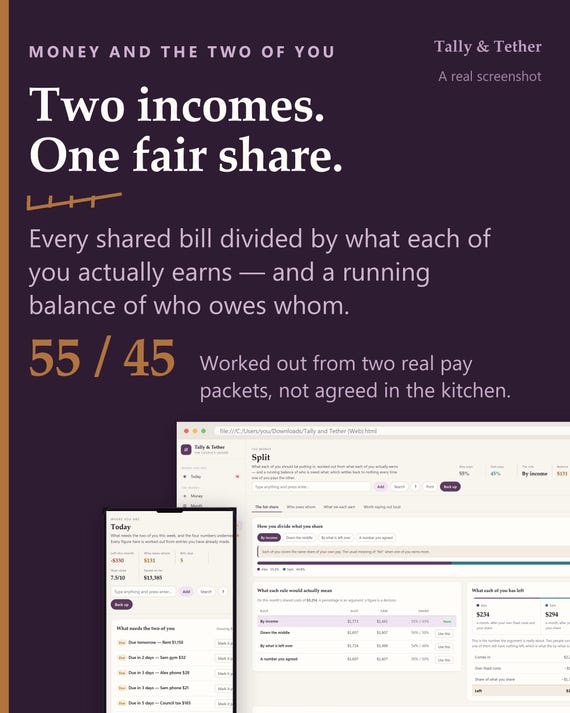
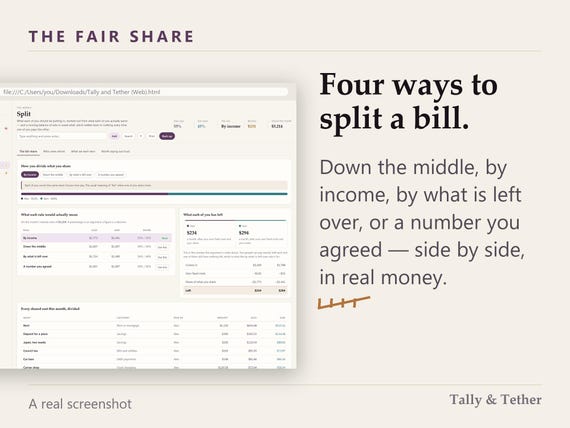
Most couples planners divide a bill in half. This one divides it four ways and shows all four side by side, in this month's real money: down the middle, by income, by what is left over once each of you has covered your own fixed costs, or a number you agreed. Seven pay cycles are normalised properly, so a fortnightly wage counts as twenty-six packets a year and not twenty-four.
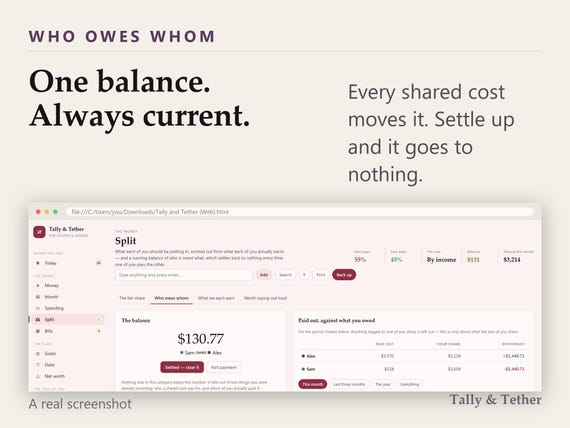
Then it keeps a running balance — because the fair share is only half the problem. The other half is who actually paid, and one button settles it back to nothing.
EVERY SCREEN
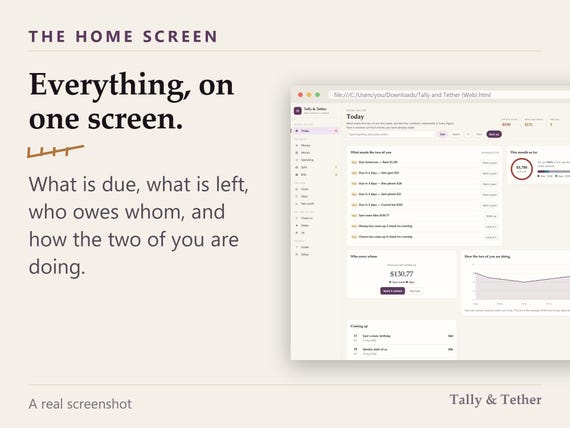
WHERE YOU ARE - what is due, what is left, and how the two of you are doing
Today
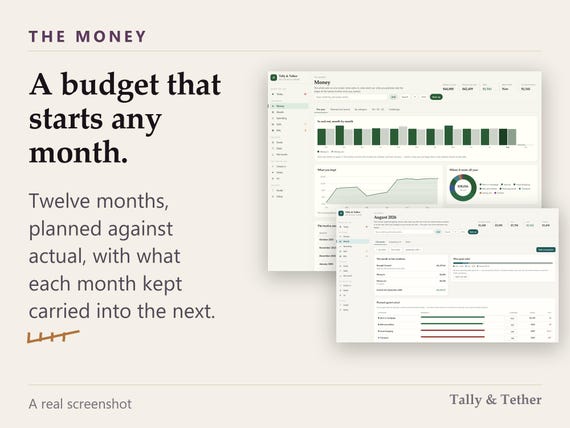
THE MONEY - the month, the year, the bills and the fair share
Money / Month / Spending / Split / Bills
THE PLAN - what you are saving for, what you owe, and what you are worth
Goals / Debt / Net worth
THE TWO OF YOU - the weekly check-in, 132 date cards and 96 questions
Check-in / Dates / Us
THE REST - the full guide, and everything you can change
Guide / Setup
WHY THIS ONE
Nothing else on this shelf does both halves. The money planners never ask how the two of you are; the relationship journals never add up. This is one file that does the arithmetic and remembers the conversation — a weekly check-in with two scores, the gap between them, and the subject that keeps coming back.
IT IS YOURS
It is a file in your Downloads folder. Everything the two of you type stays in that browser on that device — there is no server to send it to and no network request of any kind. One button writes a backup file you can carry to the other laptop, and the app says so plainly when a month has gone by without one.
ONE-CLICK SETUP
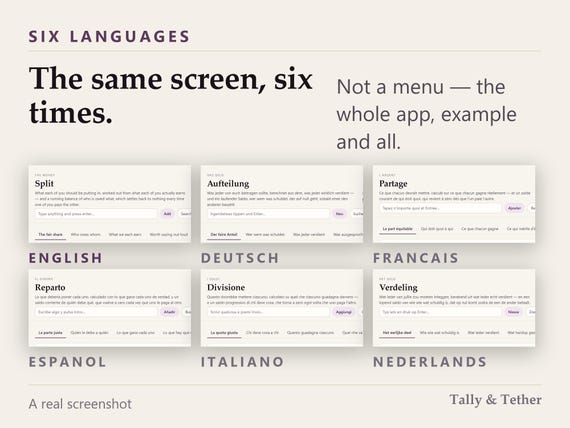
First run is one button, not a wizard. Language, currency and date format are read from your browser and filled in for you — you check them rather than choose them, and a theme is already applied. Two names is the only thing you have to type. Measured at 0.19 s in a clean browser profile, in all six languages. If you already have a backup file, restoring from it is the other button on the same screen.
THE FULL GUIDE
The full guide is inside the app, reachable from every screen with the ? control, and it can be searched. It covers all fourteen screens in your language — and if you rename a tab, the guide follows the name you gave it. A one-page quick setup guide comes as a PDF in the download as well.
- WHAT YOU DOWNLOAD
- The app - one HTML file, six languages, ten themes light and dark
- A one-page quick setup guide, PDF, in your language
- A card with the link to your free version
QUESTIONS
Do we need an account?
No. There is nothing to sign up for, no password and no subscription. The app never asks who you are.
Does it work offline?
Always. It makes no network request of any kind. Once the file is on your machine you can use it on a plane, and it will still open years from now.
Which browsers does it need?
Chrome, Edge, Firefox and Safari, on Windows, Mac, Linux, iPad and Android. It is one HTML file - if the browser opens a web page, it opens this.
How long does setup take?
Measured at 0.19 s in a clean browser profile, in all six languages. One button, and two names to type - everything else is read from your browser and can be changed later.
Is there a guide, and what is in it?
Two. The full guide is inside the app, on every screen, searchable, covering all fourteen screens - and it follows your own names if you rename a tab. A one-page quick setup guide comes as a PDF in the download.
What if we get stuck?
Write to hello@browserhub.app. A person reads it and answers.
How do we back it up or move to another device?
One button writes a backup file. Copy it to the other machine and use “I have a backup file” on the first screen. The app tells you plainly when a month has gone by without one - it is the one thing it nags about, because it is the one thing it cannot do for you.
How do we get the free version?
There is a card in the download with a link on it. Open the page, give a name and an email, choose one of the four versions and it downloads. No order number is asked for.
- AND FREE WITH IT
- Four more versions of the same planner, free with the app. Open the card in your download, pick the one that suits how you work, and it downloads straight away — name and email only, no order number. Each is in all six languages and each comes with its own one-page guide.
- Notion: An importable Markdown & CSV file. Seventeen flat databases and three pages that land in a workspace of your own in one go - no formulas, because an import cannot carry them.
- Excel: A twenty-eight sheet workbook with live formulas and no macros. Opens in Excel, LibreOffice and Google Sheets.
- Printable: Seventy-two pages in US Letter and A4, undated, with print-ready margins. Every section prints on its own.
- GoodNotes: Sixty-seven landscape pages, fully hyperlinked. Works in GoodNotes, Notability and Noteshelf.
THE SMALL PRINT
Digital download - nothing is posted. Because the file is delivered instantly and cannot be returned, all sales are final. If anything is wrong, write to hello@browserhub.app and it gets fixed.
You may also like
All products →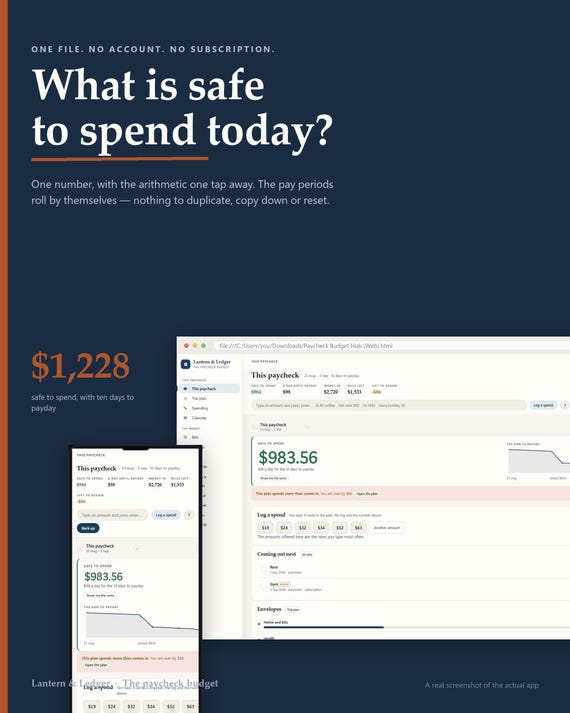
Paycheck Budget Planner App, Biweekly Envelope Budget, Debt Payoff Plan (Digital Download)
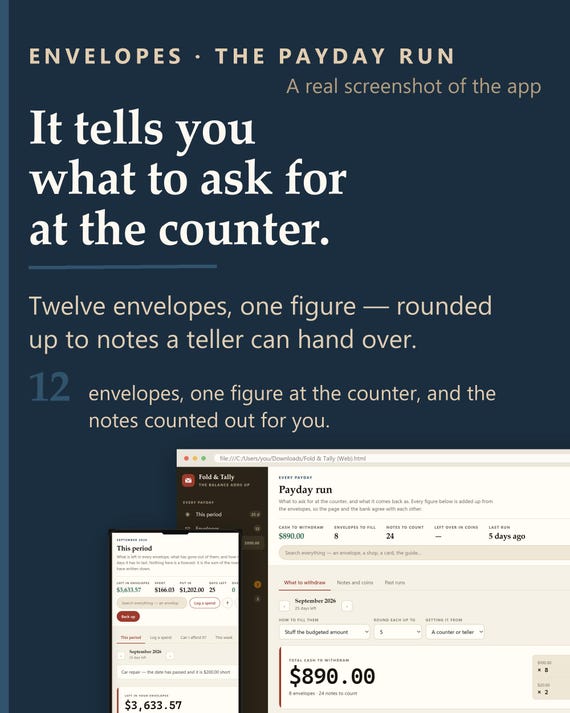
Cash Envelope Tracker App | Offline Budgeting, Payday Run, Sinking Funds (HTML File)
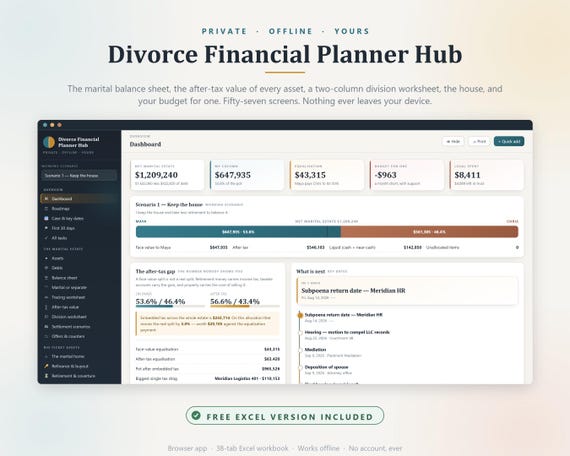
Divorce Financial Planner Hub, Asset Division, After-Tax Value, Excel Workbook (Instant Download)