Debt Payoff Tracker App, Snowball Avalanche Planner (Digital Download)
On PayPal, choose Send, enter $11.11 and put the product name in the note. Your download link follows by email within 24 hours.
- Download link sent to your email after payment
- Works offline on Windows, Mac, iPad and Android
- One free bonus edition included: PDF, Notion, spreadsheet or GoodNotes
- Sold and supported by BrowserHub · hello@browserhub.app
Product #4564022019 · 9 views · 0 favourites
About this product
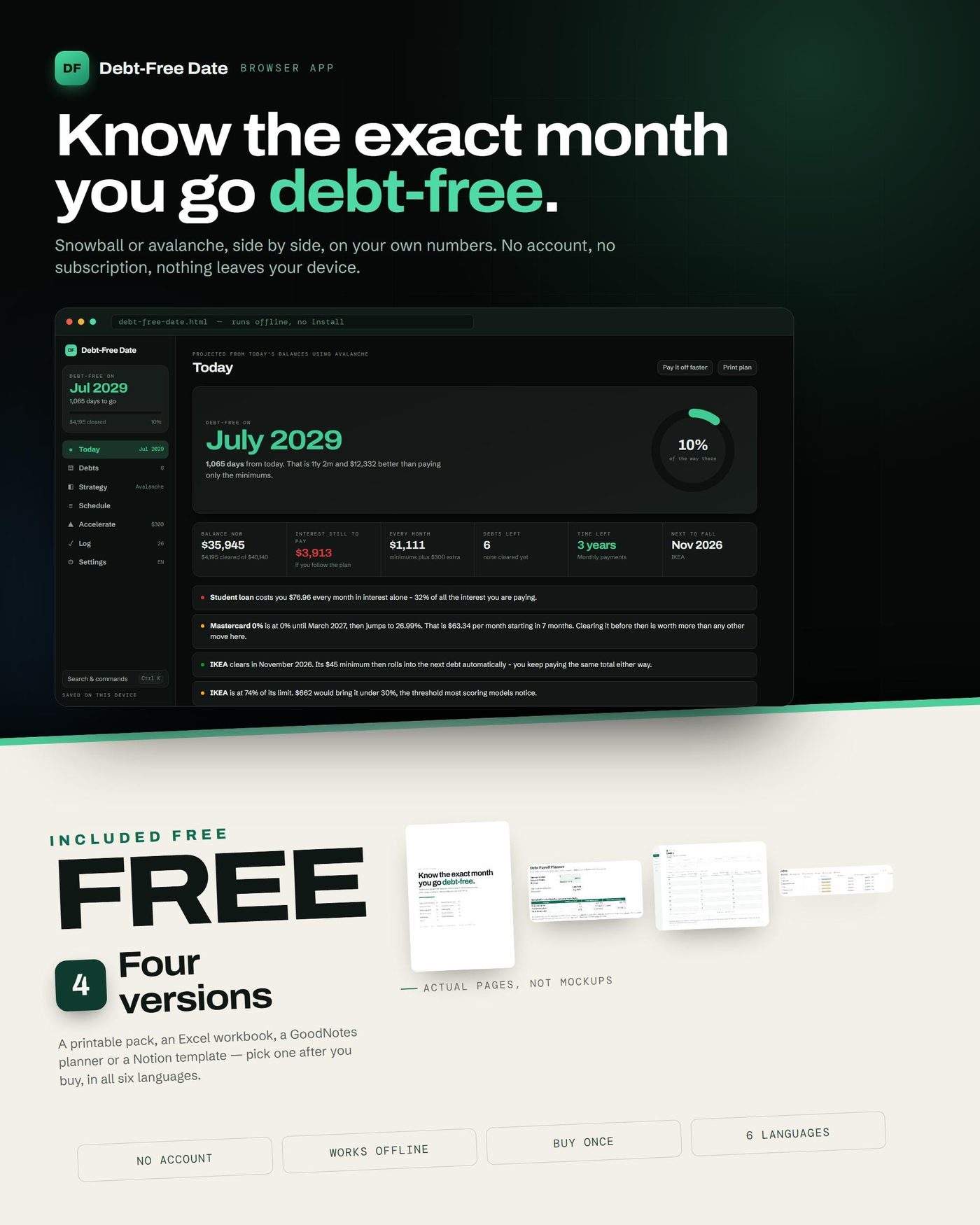
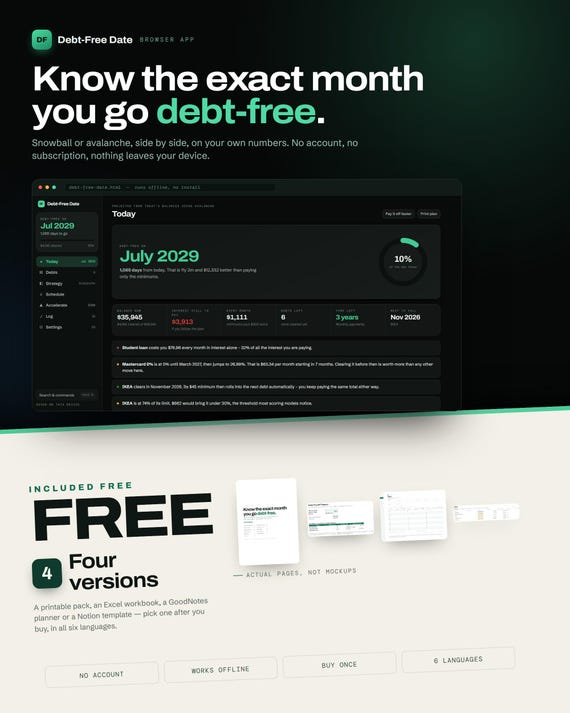
Type in what you owe. Get the exact month you are debt-free — and the cheapest order to pay in. It runs in your browser, offline, with no account and no subscription.
WHAT YOU GET
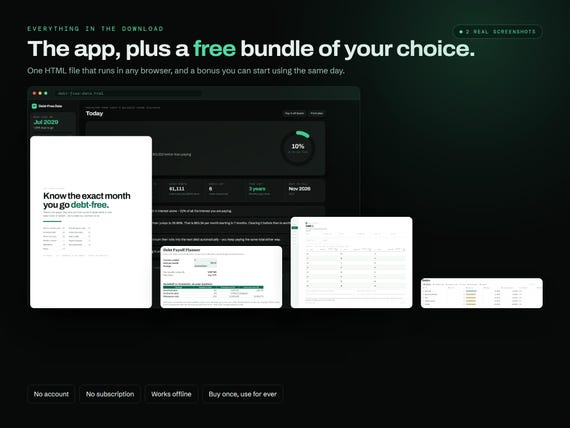
1. debt-free-date.html — the full app. One file. Double-click and it opens in Chrome, Safari, Edge or Firefox.
2. FREE BONUS: any one of the four versions below — you pick it after you buy, on a page linked in your download
WHY IT IS NOT ANOTHER SPREADSHEET
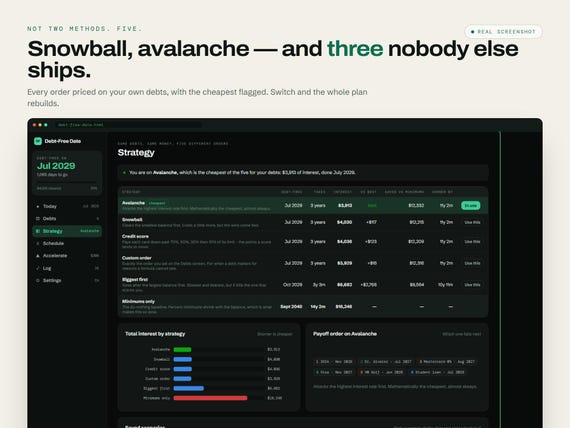
FIVE payoff strategies, not two. Snowball, avalanche, a credit-utilisation order that pays each card past 70%, 50%, 30% then 10% of its limit, biggest-balance-first, and your own custom ranking. Every one is priced on YOUR debts, and the cheapest is flagged for you.
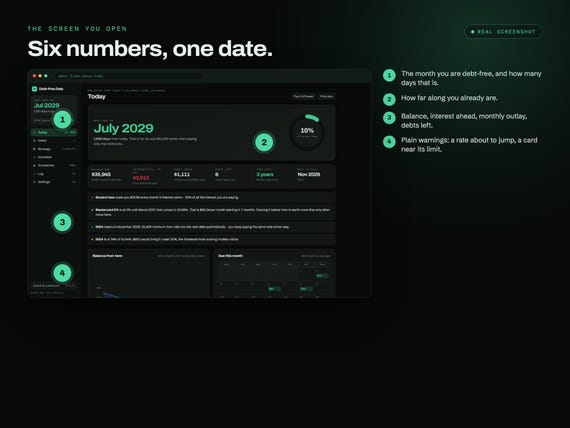
Warnings written in plain words. “This minimum will never clear the balance.” “Your 0% ends in seven months.” “This card sits at 74% of its limit — and here is exactly what it takes to get under 30%.” A spreadsheet cannot tell you any of that.
The extra-payment slider. Move it and see the months saved and the interest avoided BEFORE you commit to anything. One-off windfalls too, on any date you like.
Plan versus reality. Log what you actually paid and the projection re-reads your real balances, so a month you missed becomes a later date instead of a comfortable lie.
- INSIDE THE APP
- Your debt-free date, the days remaining, and how far along you already are
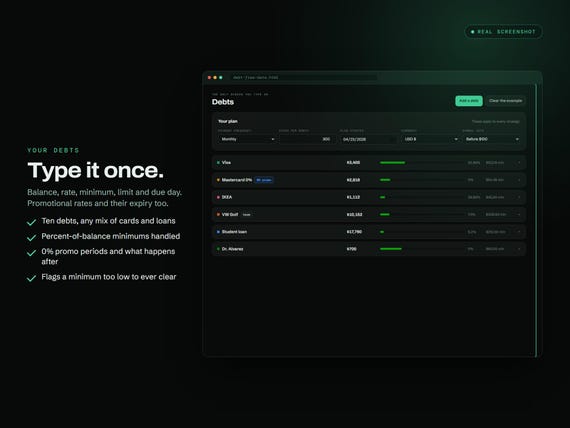
- Up to 10 debts — credit cards, store cards, balance transfers, car, student, medical, personal, overdraft, mortgage
- Percent-of-balance minimums, 0% promotional periods, and what happens the month they end
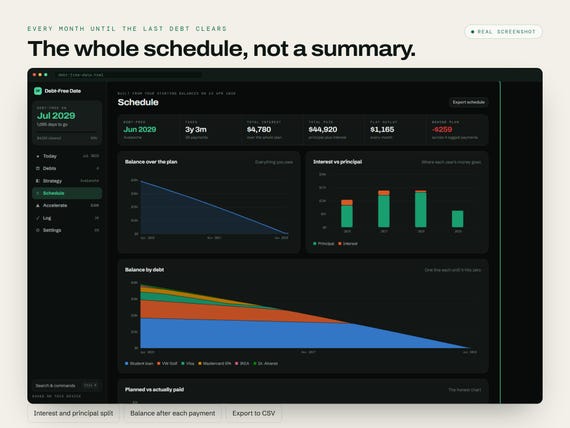
- The whole month-by-month schedule to the final payment, interest and principal split, CSV export
- A one-page printable plan for the fridge door, dated so you can file it
- Ten colourways, light and dark, following your device or your choice
- Six languages and twenty-four currencies — dates, number formats and the warnings all follow
- iPhone, Android, iPad, Windows and Mac: the same file, with the layout rebuilt for the screen
- YOUR FREE PICK OF THESE FOUR
- PRINTABLE PACK — 26 undated pages in A4 and US Letter, four currency versions, eight PDFs in one zip
- EXCEL WORKBOOK — ten debts and 120 months of a true rolling cascade, snowball and avalanche side by side, every formula unlocked
- GOODNOTES PLANNER — hyperlinked for iPad or any tablet, tabbed, in four currency versions
- NOTION TEMPLATE — three linked databases, eleven ready-made views and the milestone ladder, on the free Notion plan
- Whichever you pick arrives in all six languages, at no extra cost
PRIVACY
No account. No cloud. No bank connection. Your plan lives in your own browser and nowhere else. Download a backup file whenever you like, delete everything in one click, and it all works with the wifi switched off.
INSTANT DOWNLOAD
Yours the moment payment clears. You receive:
› debt-free-date.html — the app
› Claim your free version - English.pdf — one page with the link where you pick your bonus
› The version you pick, in all six languages, from that page
Buy once, keep the file, and use it again the next time — or hand it to someone who needs it.
PLEASE NOTE
— This is a digital download. Nothing is posted to you.
— It is an educational planning tool, not financial advice. It does not connect to your bank and cannot move money.
— Because the files arrive instantly, digital items are non-refundable — but message me if anything does not work and I will put it right.
QUESTIONS PEOPLE ASK BEFORE BUYING
Do I have to install anything?
No. It is a single HTML file. Double-click it and it opens in the browser you already have — Chrome, Safari, Edge or Firefox. There is no app store, no installer and no sign-up.
Will it work on my phone, tablet and computer?
Yes — iPhone, Android, iPad, Windows and Mac. It is the same file everywhere; the layout rebuilds itself for the screen you open it on. On a phone, save it to Files and open it from there.
Do I need an account or an internet connection? Does it touch my bank?
No to all three. It never asks for an email, it runs with the wifi switched off, and it has no way of reaching your bank. Nothing you type is sent anywhere, because there is nowhere for it to be sent.
Where is my plan stored — could I lose it?
It is saved in the browser you use it in, and nowhere else. That means clearing your site data, switching to a different browser, or working in a private window will lose it. Settings has a Backup button that writes a file, and a Restore button that reads it back — that same file is also how you move your plan to another device.
Which currency does it use? Does it convert anything?
Choose from twenty-four symbols, sitting before or after the number, whichever is right where you live. Nothing is ever converted — the number you type is the number you see. Only the symbol and the formatting change.
Can I switch language after I buy?
Yes. All six — English, German, French, Spanish, Italian and Dutch — are inside the same file, and you can change at any time. Dates, number formats and the written warnings all follow your choice.
How many debts can I put in?
It is designed and tested around ten, which is more than most people have. The app will not stop you adding more if you need to.
Do I get updates, and can I use it again later?
Is this financial advice?
No. It is a planning and educational tool that does arithmetic on numbers you give it. It cannot see your accounts, it cannot move money, and it does not know your circumstances. If your debts are unmanageable, please talk to a free debt advice service in your country.
How do I get my free version?
Your download includes a one-page PDF with a link. Open it, type your first name and email, choose which of the four you want and which language, and it downloads on the spot. No account, no order number, no wait.
Do I get all four, or just one?
You pick one. The link keeps working though, and the page has a “pick a different one” button, so you are not locked to the first thing you clicked.
Is the bonus in my language too?
Yes. Every one of the four exists in all six languages, and you choose the language on the same page. The app itself carries all six at once and switches whenever you like.
You may also like
All products →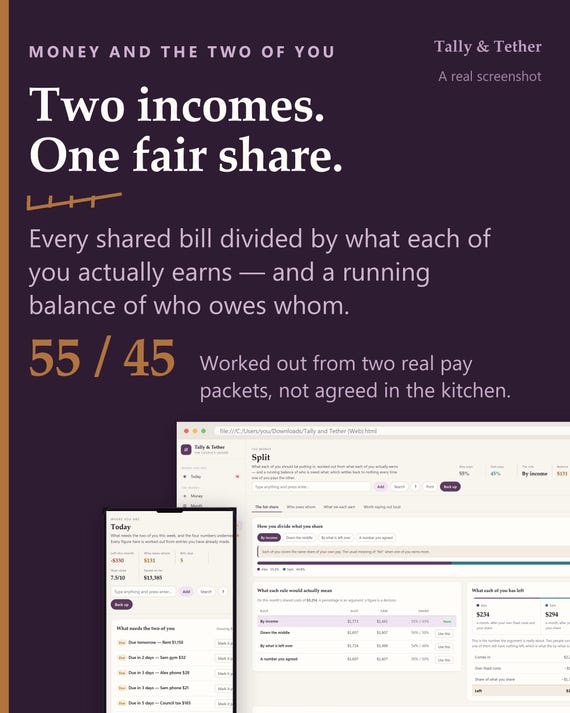
Couples Budget App | Fair Share Split by Income, Running Balance (HTML File)
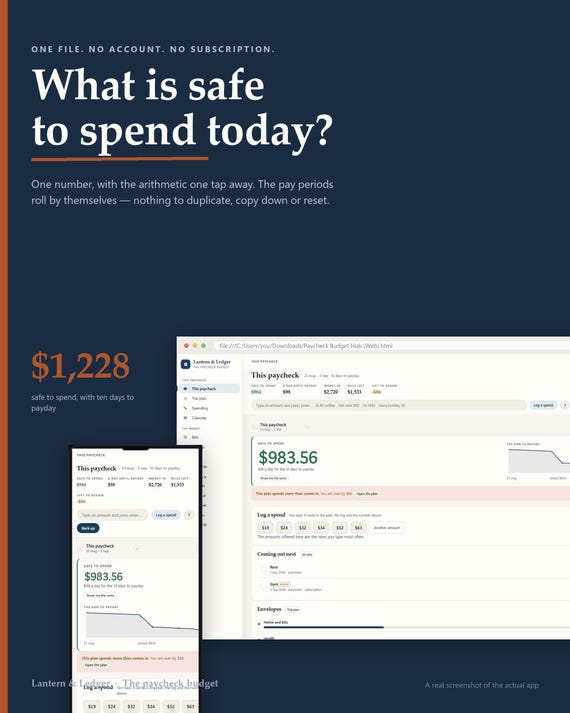
Paycheck Budget Planner App, Biweekly Envelope Budget, Debt Payoff Plan (Digital Download)
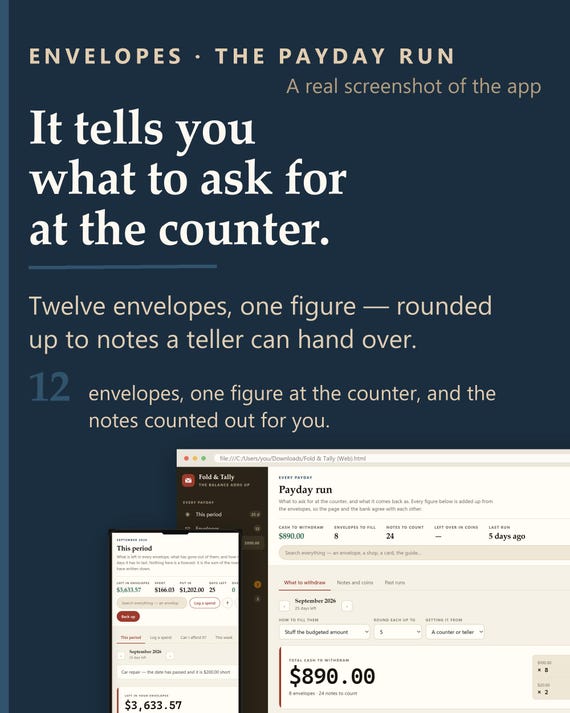
Cash Envelope Tracker App | Offline Budgeting, Payday Run, Sinking Funds (HTML File)