Paycheck Budget Planner App, Biweekly Envelope Budget, Debt Payoff Plan (Digital Download)
On PayPal, choose Send, enter $11.11 and put the product name in the note. Your download link follows by email within 24 hours.
- Download link sent to your email after payment
- Works offline on Windows, Mac, iPad and Android
- One free bonus edition included: PDF, Notion, spreadsheet or GoodNotes
- Sold and supported by BrowserHub · hello@browserhub.app
Product #4563452133 · 18 views · 0 favourites
About this product
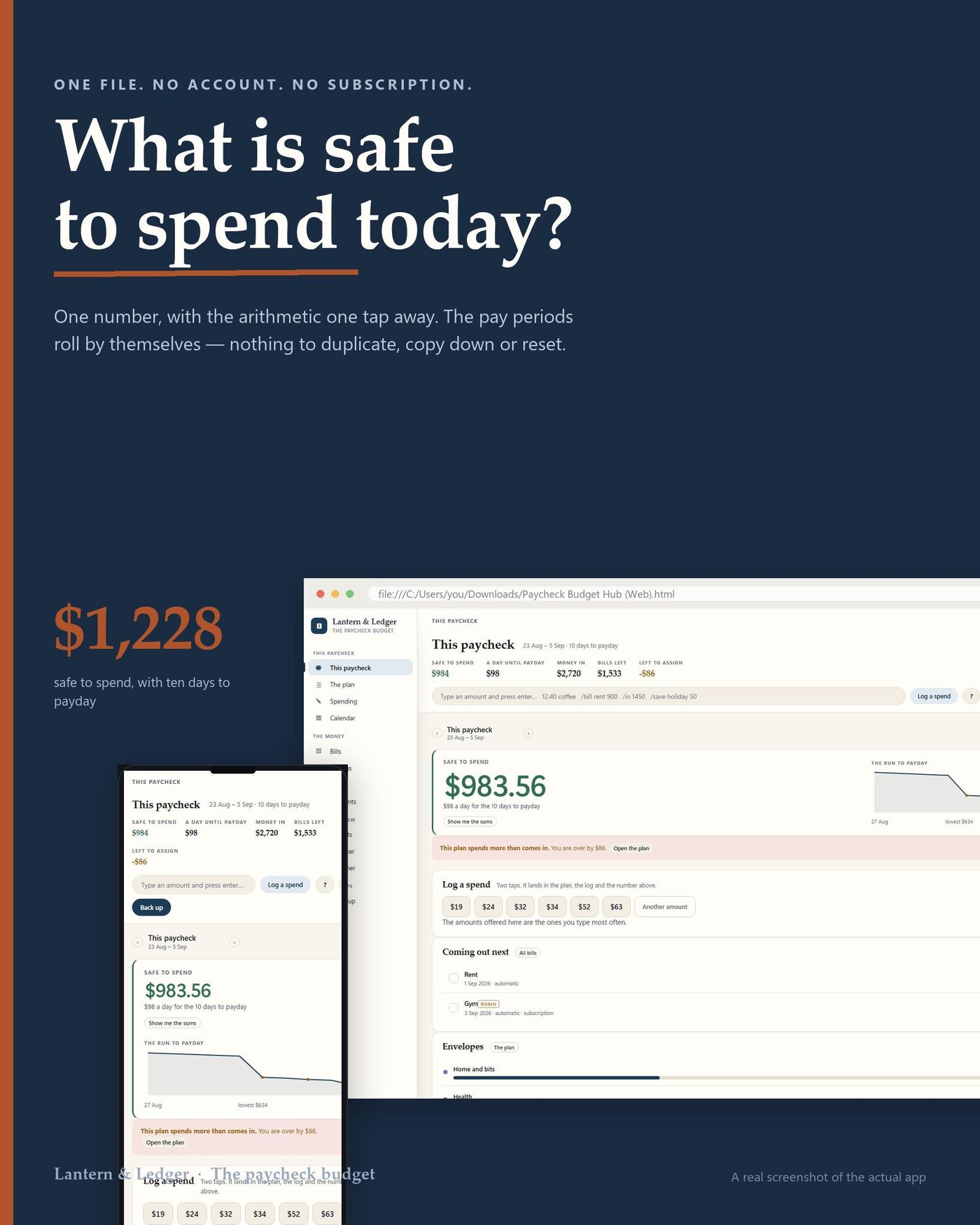
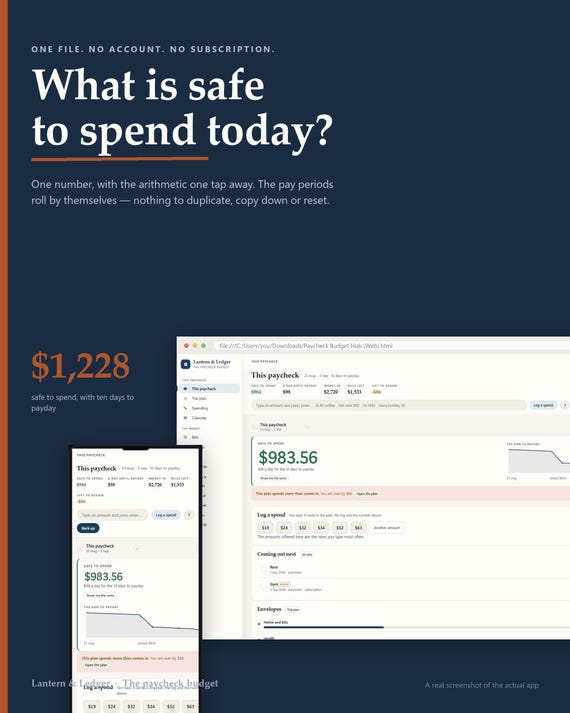
Almost every budget is built around a month. You are not paid monthly, so this one is built around the day you ARE paid - it rolls your pay periods forward on its own, for ever, and tells you what is safe to spend today.
WHAT IT IS
One HTML file. You double-click it and it opens in the browser you already have, on a laptop or a phone. There is no account to make, no subscription to cancel, no app store and nothing to install. Everything you type stays in that browser on that device, and one button writes a backup file you can keep anywhere you like.
THE ONE CALCULATION IT IS BUILT AROUND
Money in - Bills - Envelopes - Savings and debt = Safe to spend
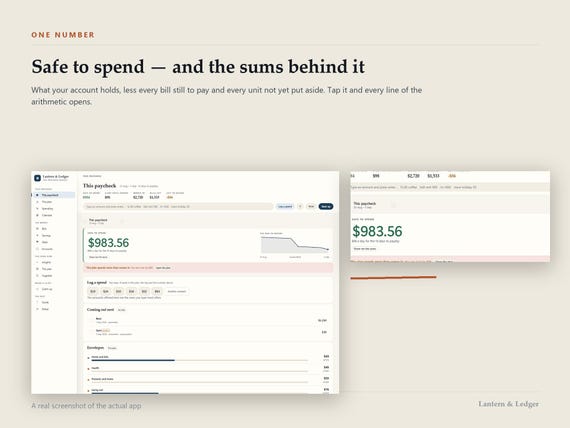
That is the number on the first screen, and the app shows you the arithmetic that made it rather than asking you to trust it. Money that has landed, minus the bills that still have to come out of this paycheck, minus what your envelopes still need to last, minus the saving and the debt payment you decided on. What is left is what you can spend today without borrowing from the fortnight.
- WHAT IS IN IT
- This paycheck: What came in, what is already spoken for, and what is safe to spend today
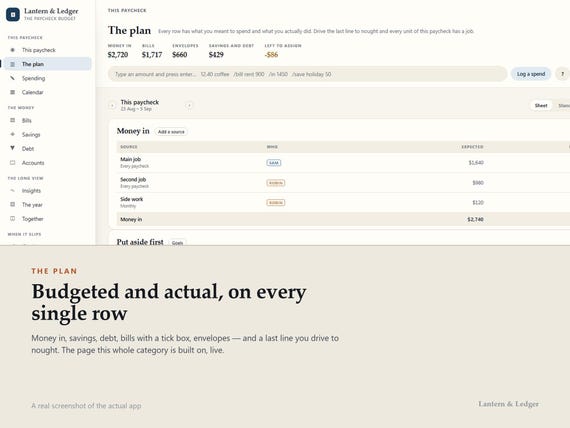
- The plan: One sheet a payday: money in, bills, envelopes, saving, and what is left to assign
- Spending: One line per spend, against the envelope it came out of
- Calendar: Month, week, or a plain list of what is coming and when
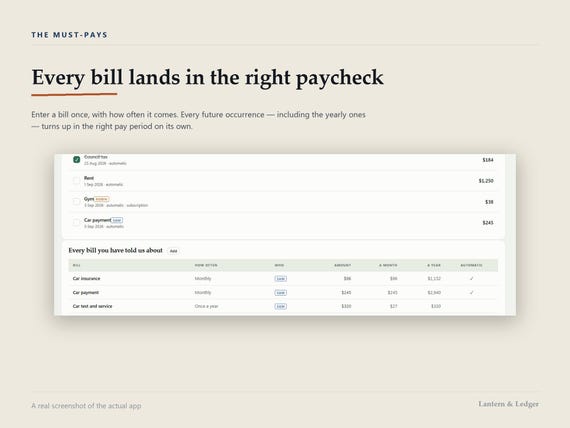
- Bills: Every must-pay, the paycheck it lands in, and a tick when it is paid
- Savings: Pots with a target and a date, and the amount per payday that gets you there
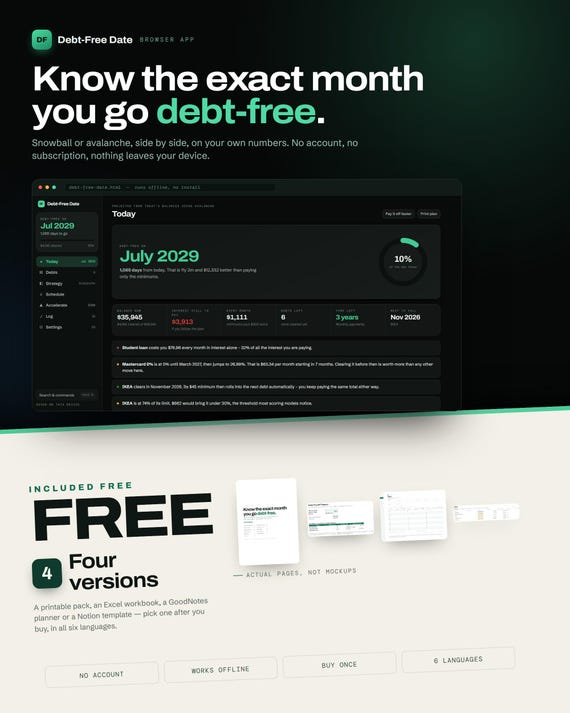
- Debt: Snowball or avalanche, with the month it is gone and what the difference costs
- Accounts: What the bank says, and what it all adds up to
- Insights: Where it actually went, by envelope and by month, with the trend
- The year: Twelve months at once, so the once-a-year bills stop being a surprise
- Together: Two people, one budget, and who actually paid for what
- Catch up: The screen for the fortnight that went wrong, and how to land the next one
WHAT IT DOES THAT A SPREADSHEET TEMPLATE CANNOT
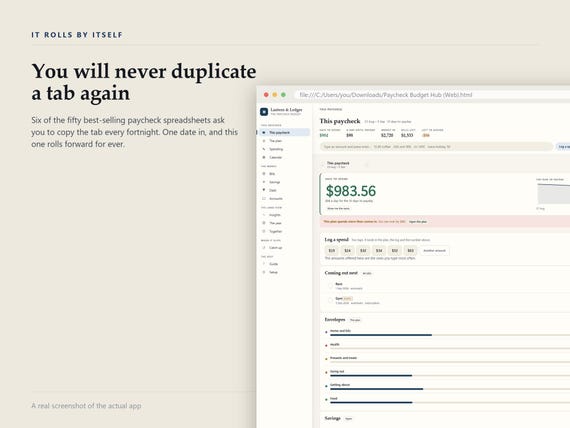
A spreadsheet template gives you one month and asks you to duplicate the tab. This works out your pay periods from one date and how often you are paid - weekly, fortnightly, every four weeks, twice a month, monthly, or irregular - and rolls them forward for ever without you touching anything. A bill entered once lands in the right period every time, including the ones that fall twice in one fortnight and the ones that skip a fortnight entirely. The run to payday tells you the day the money runs out if nothing changes. The debt plan tells you the month you are free, and what choosing the other order would cost you.
YOURS TO SET UP
Ten themes, each in light and dark, and a language and a currency you pick rather than one you are given. The tabs down the side are yours too: reorder them, rename them, hide the ones you do not use, or collapse the whole strip to icons. Hiding is not deleting, and the app says so at the moment you do it. Your layout travels in the backup file, so a new laptop looks like the old one.
ONE-CLICK SETUP
One button, not a wizard. The app reads your browser and fills in the language, the date format, the currency and the day your week starts, shows them to you as a worked example, and asks you for exactly one thing it cannot know: your next payday. Everything else can wait. Timed in a clean browser in all six languages: one click, under 20 seconds. If you already have a backup file, the button that restores it is on the same screen and the same size.
THE GUIDE, INSIDE THE APP
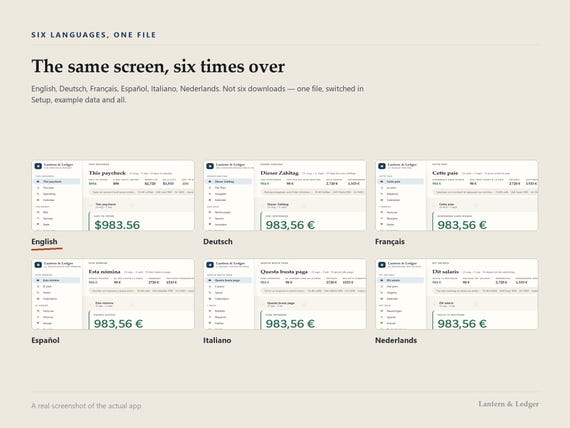
The ? in the toolbar of every screen opens the guide at that screen. It is searchable, it is in all six languages, and there is an entry for every screen in the app - what the numbers mean, and what to do when one of them looks wrong. If you rename a tab, the guide follows the name you gave it.
IT IS YOURS, AND IT STAYS YOURS
No account, no server, no telemetry, nothing to cancel. Your figures never leave the device you typed them on, which also means nobody here can recover them for you - so the backup button matters, and the app reminds you on your first payday. The file you download is yours to keep, and it keeps working whether or not this shop still exists.
- WHAT YOU DOWNLOAD
- The app - one HTML file, all six languages
- Quick setup - one page, in your language
- Your bonus card - the link to your free version
QUESTIONS PEOPLE ASK
Do I need an account?
No. There is nothing to sign into and nothing to sign up for. The file opens and works.
Does it connect to my bank?
No, and it never will. There is no server for it to connect through, which is the same reason your figures cannot leak. You type what you spent, the way you would into a notebook - and that typing is what makes you notice it.
I am paid twice a month, not every two weeks. Does that work?
Yes, and the difference matters: twice a month is 24 paydays and every two weeks is 26. Pick either, or weekly, four-weekly, monthly, or irregular if your hours move. The periods are built from your choice and roll forward on their own.
What happens if I clear my browser?
Your figures go with it, and nobody can get them back - not even us, because we never had them. That is why one button writes a backup file, why the app asks you to use it on your first payday, and why restoring from that file is on the very first screen.
Can my partner and I use it together?
Yes. There is a screen for two people: who earns what, who paid for what, and a fair split that accounts for both. It is one file though, not a shared account - pass the backup file across, or keep it on the machine you both use.
Will it work on my phone?
Yes - it has a layout made for a narrow screen, which is where you log a spend standing at a till. One thing to know: a browser on a phone is a different browser from the one on your laptop, so it holds a different copy. Move the backup file across when you want them to match.
I am behind. Is this going to make me feel worse?
There is a screen for exactly that fortnight - the one where the money ran out early. It does not scold you and it does not reset your streak, because there is no streak. It shows you what the next payday has to cover and the smallest change that lands it.
Is the free version really free?
Yes. Name and email on a page, and the file downloads - no order number, no account, no card. You pick one of the four; the card in your download has the link and the address in print in case the link is stripped.
- YOUR FREE VERSION - PICK ONE OF FOUR
- Inside your download is a card with a link. Pick whichever ONE of these four suits you, in your language, and it is yours - name and email, no order number, no account:
- Notion: A live template you duplicate into your own workspace
- Excel: One workbook, every figure computed, no macros
- Printable: US Letter and A4, undated, print any section alone
- GoodNotes: Landscape tablet PDF, every tab and month a link
THE FINE PRINT
Digital download, so no refunds once it is downloaded - which is why the photos show real screens rather than mock-ups, and why the questions above answer the awkward ones instead of the easy ones. For personal use. Works in any current browser: Chrome, Edge, Safari, Firefox, on Windows, Mac, iPad, Android and Linux. It is not an app store app and it does not connect to your bank.
You may also like
All products →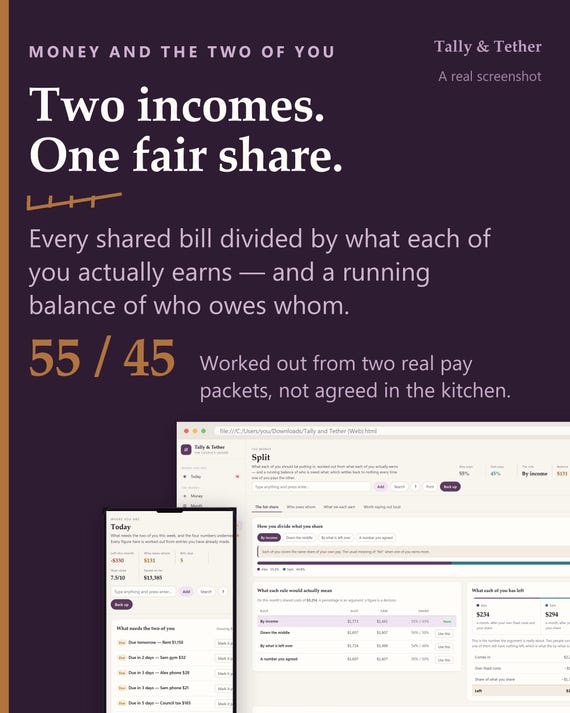
Couples Budget App | Fair Share Split by Income, Running Balance (HTML File)
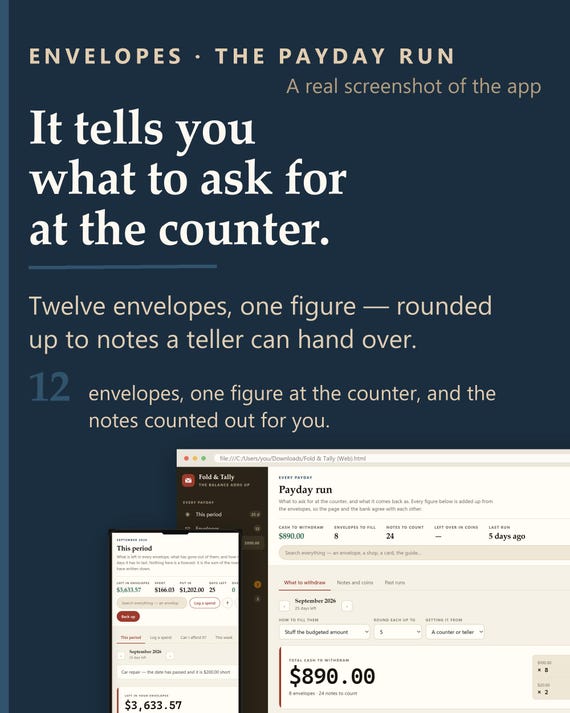
Cash Envelope Tracker App | Offline Budgeting, Payday Run, Sinking Funds (HTML File)
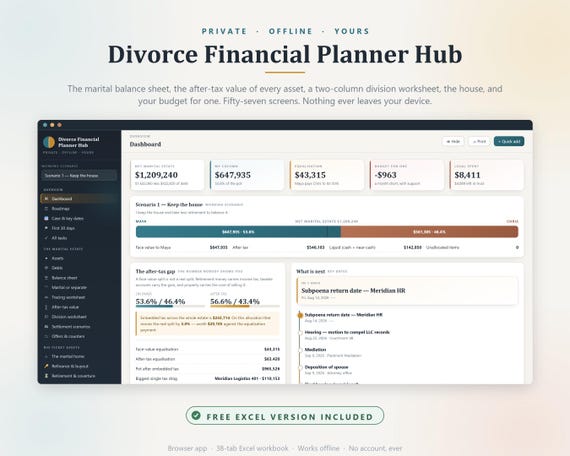
Divorce Financial Planner Hub, Asset Division, After-Tax Value, Excel Workbook (Instant Download)