Cleaning Planner App, 18 Rooms, 139 Jobs, Offline HTML File (Digital Download)
On PayPal, choose Send, enter $11.11 and put the product name in the note. Your download link follows by email within 24 hours.
- Download link sent to your email after payment
- Works offline on Windows, Mac, iPad and Android
- One free bonus edition included: PDF, Notion, spreadsheet or GoodNotes
- Sold and supported by BrowserHub · hello@browserhub.app
Product #4562766861 · 16 views · 0 favourites
About this product
CLEANING PLANNER — A BROWSER APP YOU OWN
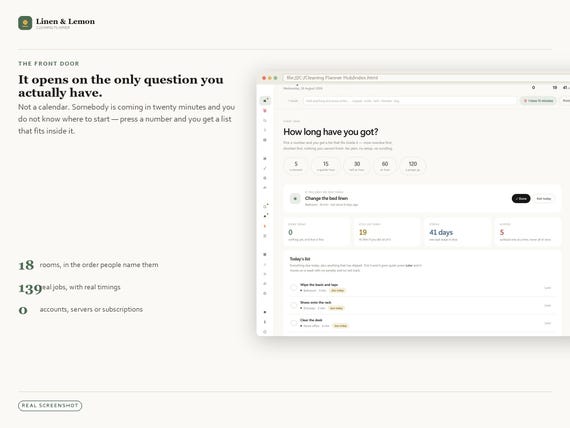
Almost nobody opens a cleaning planner in order to plan. You open it because somebody is coming in twenty minutes and you do not know where to start.
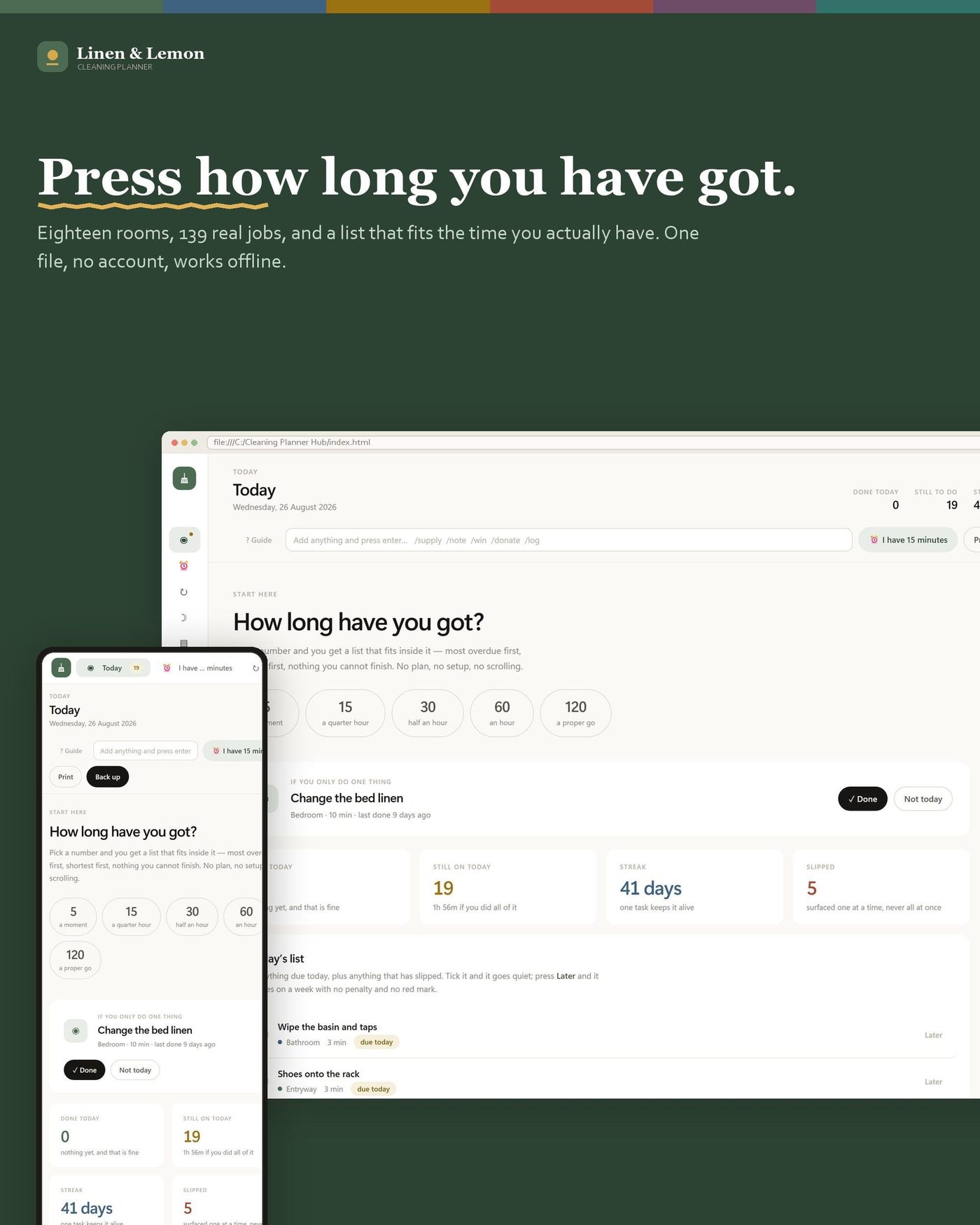
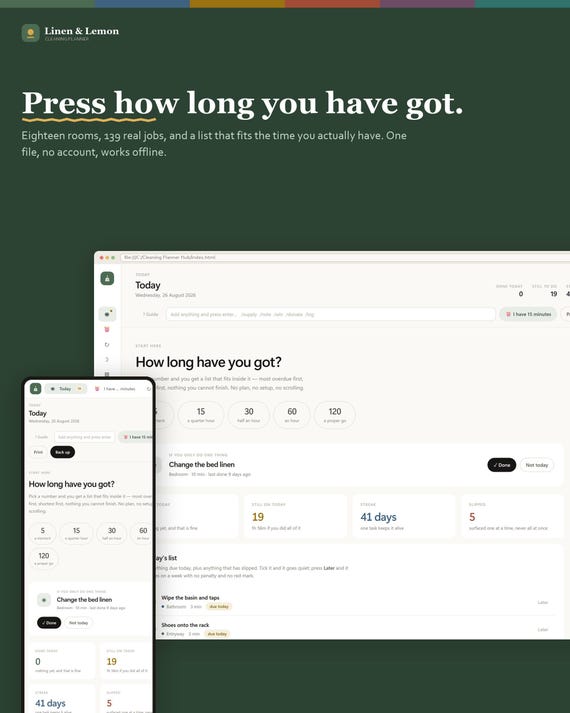
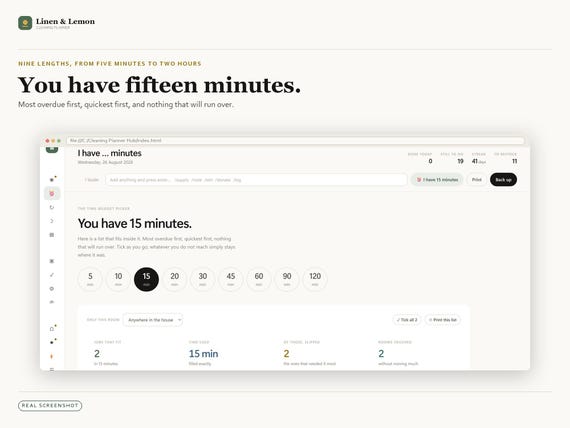
So this one opens on that question. Press how long you have got — 5, 15, 30, 60, 120 minutes — and it hands you a list that fits inside it. Most overdue first, quickest first, nothing that will run over.
It is one HTML file. Double-click it and it opens in whatever browser you already use. No account, no server, no subscription, and it works with the internet switched off.
ONE CLICK, AND IT IS RUNNING
Open the file and the app is already usable. Your language, your currency, your paper size and which day your week starts on are read from your browser and already applied — you confirm them, you do not choose them. A theme is already on. Nothing is a blank screen waiting for a decision.
There is exactly one question: how many people live here. It arrives with a working answer in it, so pressing Start without touching anything is a complete answer.
Double-click to a usable screen takes under a second — 1.1 s. That is measured, from a clean browser profile, in every one of the six languages — not an estimate. If you are setting up a second device instead, Restore from a backup sits right next to Start with the same weight.
AND A GUIDE FOR EVERY SCREEN, INSIDE THE APP
Forty-nine screens, forty-nine guide entries. Every one answers the same four questions: what this screen is for, what to type on it, what the numbers mean, and what to do when it looks wrong — which is the one a guide usually skips.
It is searchable, it is reachable from every screen from the button in the header, and it opens on the screen you just came from. It is in all six languages, and it needs no internet because it is inside the file.
WHAT IS ACTUALLY IN IT
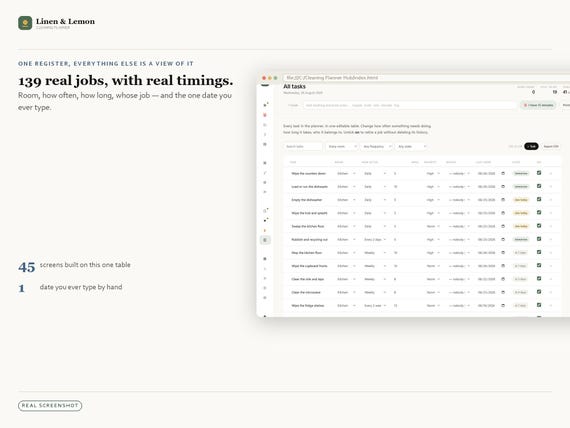
It arrives filled in — eighteen rooms, 139 real jobs with real timings, a stocked cupboard, six weeks of history — so nothing is a blank page on day one. Delete what does not apply to your house.
48 screens, including:
- Today — press a number of minutes, get a list that fits
- The task register — the one place you ever type a date
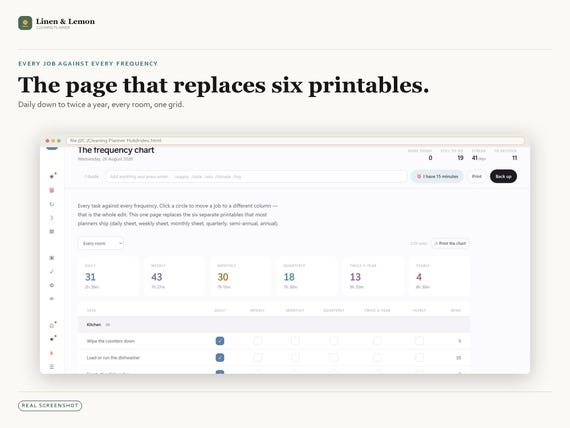
- The frequency chart — every job against every frequency, the page that replaces six printables
- Room checklists for all eighteen rooms
- The deep-clean register, sorted by what has slipped furthest against its own cycle
- The week board, the three resets, and a low-energy day that asks for five minutes
- The chore chart, and a fairness view that shows share of jobs against share of time
- Supplies with a minimum, so the shopping list writes itself
- Thirty-day declutter, cleaning bingo, cut-out cards
- Ten printable sheets built from your own data
IT WILL NEVER DO THESE FOUR THINGS TO YOU
- It will never show you a catch-up list. A job missed four times is one job, not four.
- It will never print forty overdue things in red. There is no red in here at all.
- It will never need setting up before it is useful. It arrives filled in; you delete.
- It will never treat five minutes as a failure. On a bad day, five minutes is a full day.
When you do a job, its clock restarts from the day you actually did it. Clean the oven four months late and the next one is due four months from that day — the lateness simply stops existing.
TWENTY LOOKS, SIX LANGUAGES, FIFTEEN CURRENCIES
Ten themes, each in light and dark — twenty looks, all in the one file. Switching changes every screen, every chart and every printout with it.
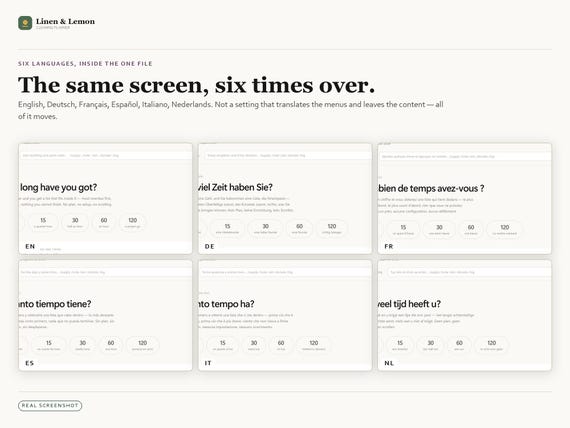
Six languages: English, Deutsch, Français, Español, Italiano, Nederlands. You choose inside the app, and it is a real translation — the content moves, not just the menus.
The sections are yours as well: put them in your own order, rename them into your own words, and hide the ones this house does not need — nothing inside a hidden section is deleted, and one always stays visible so you cannot strand yourself. The strip collapses to icons when you want the room.
Backup and restore are one button each. The app tells you plainly when a month has gone by without a backup; it does not wait to be asked.
PUT IT ON PAPER, OR DO NOT
Ten of the screens print, and they print your data rather than a blank template — your rooms, your jobs, your real timings. A4, US Letter, A5 or half-letter, an optional binding margin so a hole punch never goes through the text, and an ink-saving mode that turns every background off.
If you never print anything, nothing in the app asks you to.
IT IS YOURS, AND IT STAYS YOURS
There is no account to be closed, no server to go down, no price to go up and no feature to move behind a tier. The file on your machine is the whole product. It will open in ten years in a browser that has not been written yet, because it is one HTML file and nothing in it phones anywhere.
That is the reason it is a file and not a service, and it is the reason there is a backup button rather than a promise.
AND A FREE VERSION, WHICHEVER ONE YOU WANT
Because you are buying the app, one of these four comes with it free — the same planner, in another format, in your language:
- NOTION — a live template tree you duplicate into your own workspace in one click. 19 databases, 394 rows already filled in.
- EXCEL — 45 tabs and 6,040 live formulas, no macros. Opens in Excel, LibreOffice, Numbers and Google Sheets.
- PRINTABLE — 76 pages in A4 and US Letter, undated, with print-ready margins.
- GOODNOTES — 82 landscape pages, fully hyperlinked, with a live tab strip. 1,029 internal links.
You pick ONE, after you buy. A card inside your download takes you to the page where you choose it — name and email only, no order number, nothing to unlock. Twenty-three of the twenty-four versions are no use to any one buyer, which is why the download stays small and you take the one you will actually open.
WHAT LANDS IN YOUR HANDS
One instant download containing:
1. The browser app — one HTML file, six languages and twenty looks inside it
2. A one-page quick setup guide, in your language
3. The card that claims your free version
QUESTIONS PEOPLE ACTUALLY ASK
Q. Do I need an account?
A. No. There is no account, no server and no subscription. Everything stays in your browser on your device.
Q. Does it work offline?
A. Yes, completely. It is one file with nothing loaded from anywhere. Turn the internet off and nothing changes.
Q. Which browsers does it work in?
A. Chrome, Edge, Firefox and Safari, on Windows, macOS, Linux, iPad and Android. It is designed first for a laptop or desktop, where the wider screens have room for the tables.
Q. How long does setup take?
A. Under a second — 1.1 s measured from a clean browser profile, in every language. Your language, money, paper size and week start are read from the browser; the only thing you are asked is how many people live in the house, and even that arrives answered.
Q. Is there a guide, and what is in it?
A. Yes, two. A one-page quick setup guide in the download, and a full guide inside the app with an entry for every one of the 49 screens — what it is for, what to type, what the numbers mean, and what to do when it looks wrong. Searchable, in all six languages.
Q. What if I get stuck?
A. Open the guide from the button in the header on any screen; it opens on the screen you were looking at. If that does not answer it, message me and I will fix it.
Q. What if I clear my browser data, or get a new computer?
A. Press Back up and it writes one file you can keep anywhere or carry to another machine. On the new machine, choose Restore from a backup on the first screen. The app reminds you if a month goes by without a backup.
Q. How do I claim the free version?
A. A card comes inside your download with a link and a QR code. Open it, pick which of the four versions you want, give a name and an email, and it downloads. No order number, no account.
Q. Is it dated? Will it expire?
A. No. Nothing here is tied to a year. The dates are the ones you type.
Q. Is this a subscription?
A. No. One payment, files that are yours, and no account that can be switched off.
Instant download. Because this is a digital item it cannot be returned, but if anything is not working, message me and I will fix it.
You may also like
All products →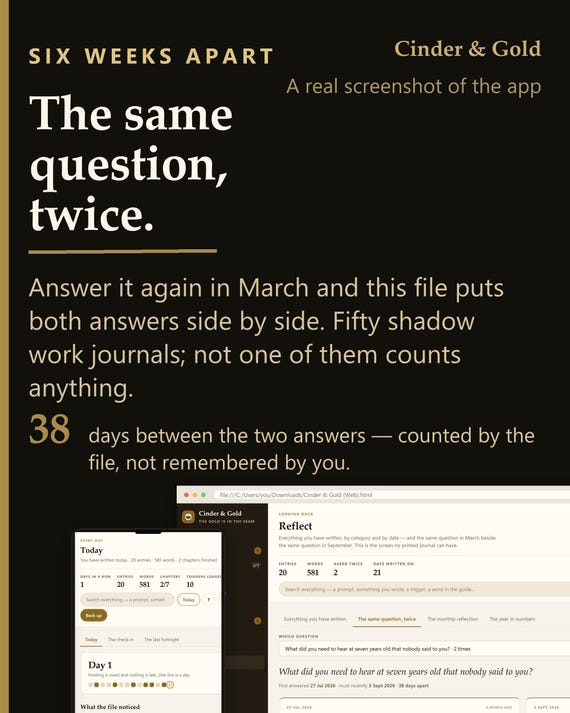
Shadow Work Journal App | 520 Prompts, Trigger Log, Offline (Digital Download)
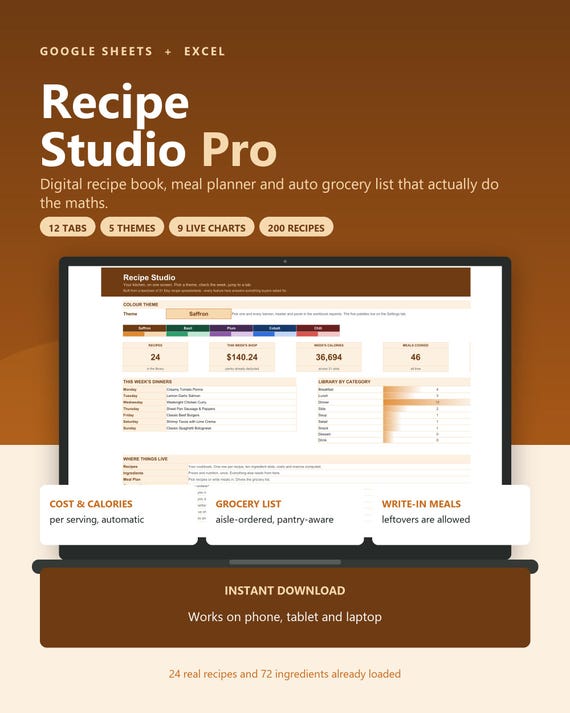
Digital Recipe Book Google Sheets Excel, Meal Planner with Auto Grocery List, Recipe Organizer Cookbook Spreadsheet, Recipe Cost Calculator
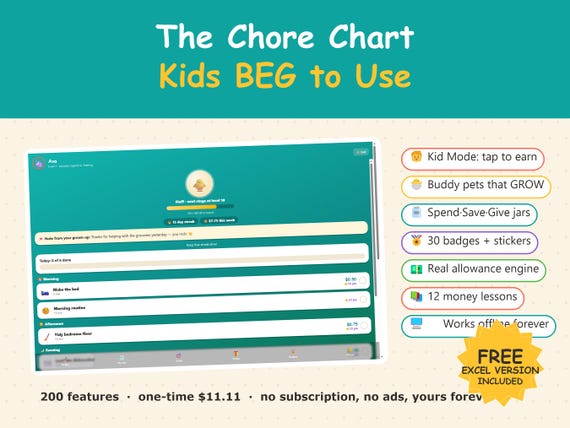
Interactive Chore Chart App, Kids Allowance Tracker, Money Skills (Digital Download)