Travel Planner App | Day-by-Day Itinerary, Budget, Packing (Offline HTML File)
On PayPal, choose Send, enter $11.11 and put the product name in the note. Your download link follows by email within 24 hours.
- Download link sent to your email after payment
- Works offline on Windows, Mac, iPad and Android
- One free bonus edition included: PDF, Notion, spreadsheet or GoodNotes
- Sold and supported by BrowserHub · hello@browserhub.app
Product #4569938860 · 6 views · 0 favourites
About this product
Most travel planners are a stack of pages called Day 1 to Day 7, duplicated by hand, for a trip that turned out to be nine days. This one starts from two dates and builds the rest itself.
WHAT IT IS
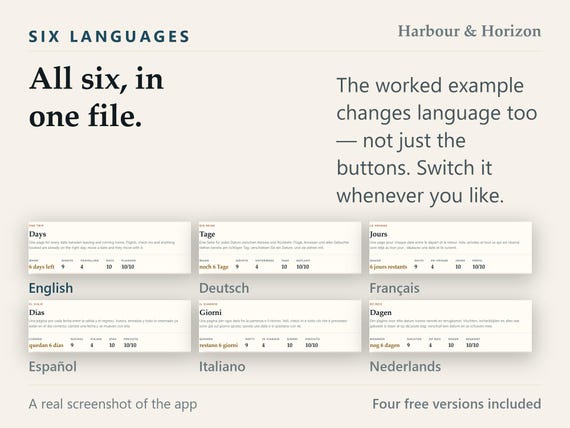
One HTML file that opens in the browser you already have. No account, no subscription, no app to install, and no internet needed after the download. Six languages and ten themes are inside the same file, and you can change either whenever you like.
TWO DATES, AND THE TRIP EXISTS
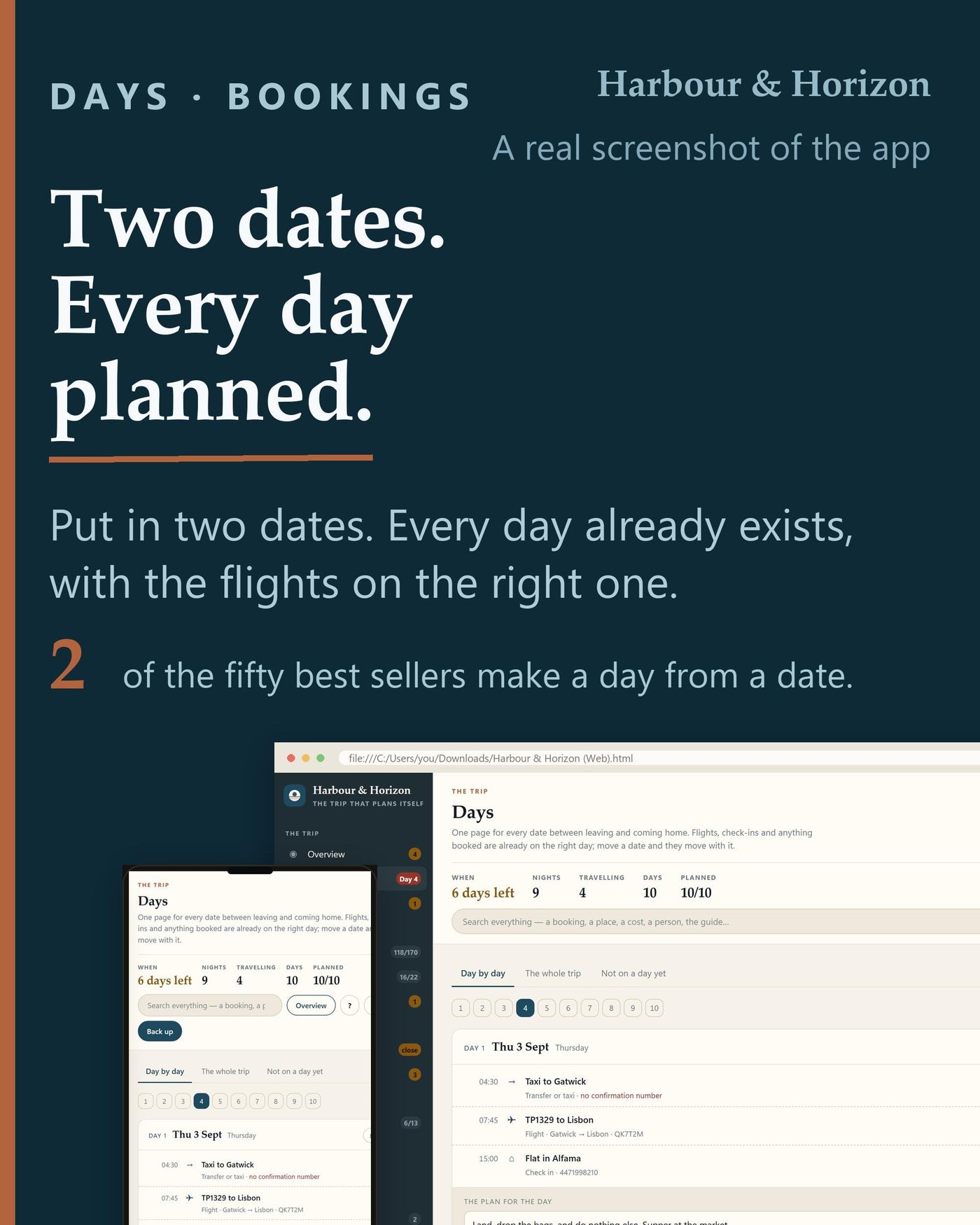
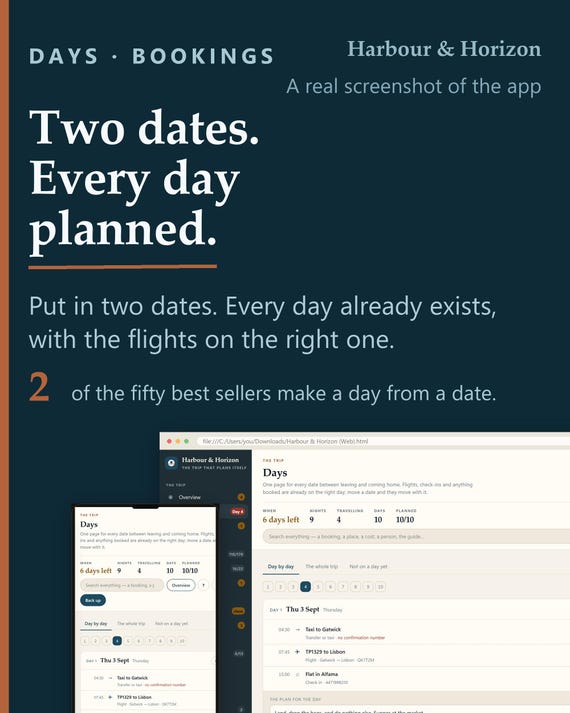
Type when you leave and when you come home. Every date between them becomes its own page, and the flights, the check-ins, the check-outs and the booked tours are already sitting on the right one. Move the departure and all of them move with it. Two of the fifty best-selling travel planners do that; in the rest, Day 1 is a page somebody duplicated and the number of days is whatever the seller decided.
- THE SCREENS
- Overview: where things stand, what needs attention and what happens next
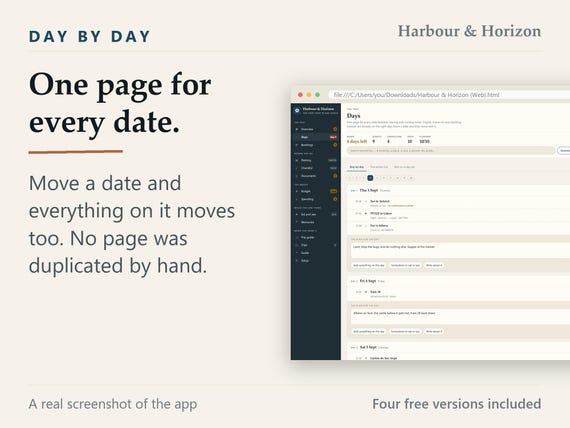
- Days: one page for every date, written from the two dates and never by hand
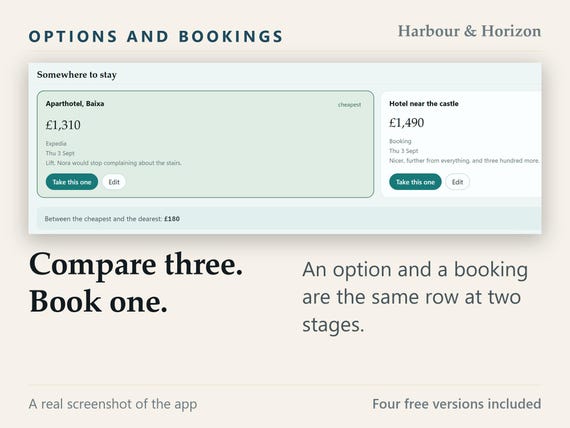
- Bookings: options and bookings in one list, with the confirmation number on the row
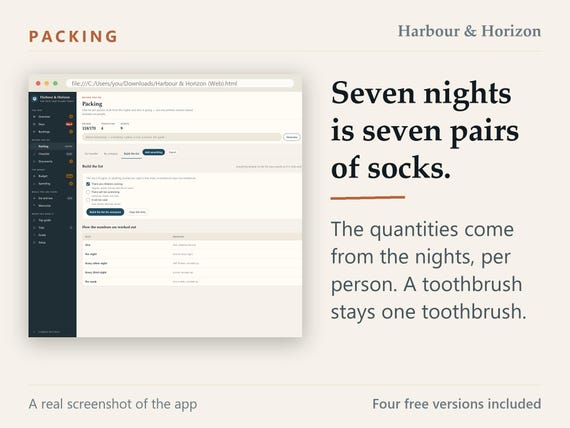
- Packing: a list per person, with the quantities worked out from the nights
- Checklist: before you go, while you are away and when you get home, with real dates
- Documents: passports measured against the day you come home, plus six months
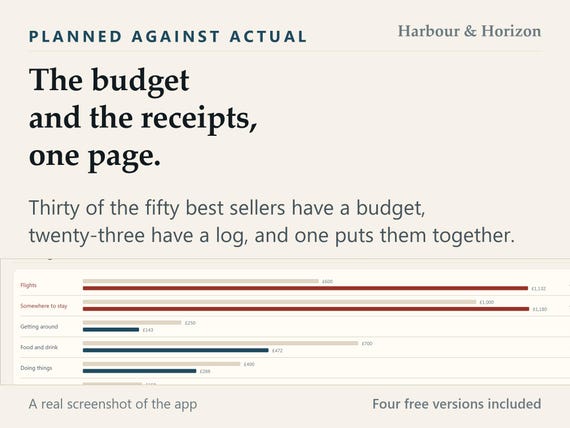
- Budget: what you meant to spend against what the trip is actually costing
- Spending: every expense, who paid it, who it was for, and who owes who at the end
- Eat and see: restaurants, sights and a wish list, each attachable to a day
- Memories: a line a day while you still remember the name of the place
- Trip guide: the whole trip at the proportion of a phone screen, to print or send
- Trips: more than one trip in the same file, and everyone who is going
- Guide: a searchable explanation of every screen, inside the file
HOW IT WORKS
Everything you type is worked out the moment you type it. A fare ticked as per person is multiplied by the number of travellers once and read everywhere else. A passport is checked against the day you come home rather than against today. Seven nights of socks is seven pairs, and a toothbrush stays one toothbrush.
THE MONEY, ON ONE PAGE
Thirty of the fifty best-selling planners in this category have a budget. Twenty-three have an expense log. One puts them on the same page. Here the budget counts every booking whether it has been paid for or not, so it cannot tell you that you are comfortably under right up until the week the hotel charges you. And because every expense carries who paid it and who it was for, the settling-up page works out the fewest payments that clear it.
IT PRINTS, AND IT FITS A PHONE
Any screen prints straight from the browser. The trip guide prints at the proportion of a phone screen, so you can carry the whole itinerary on paper or send it to whoever else is coming - and it works with no signal. There is a one-page emergency sheet to put in every bag, and a confirmations page to open at a desk with a queue behind you.
PRIVACY, DESCRIBED RATHER THAN PROMISED
The app makes no network request of any kind. You can open it with the wifi off and it behaves exactly the same, forever. There is no account, no login, no sync and no company holding a copy - because there is nowhere for anything to be sent to. The one deliberate exception is a button in Setup that opens our download page in a new tab, and nothing you have written goes with it.
SETUP TAKES 0.5 SECONDS
Open the file and it is running: the language, the currency and the date format are read from your browser and already filled in, and the only thing it asks for is where you are going. Measured at 0.5 seconds from opening the file to a usable screen, in a clean browser profile, in the slowest of the six languages. Restoring from a backup instead is the same one click.
THE GUIDE IS INSIDE IT
There is no video to watch and no website to visit. The guide is a screen inside the app, searchable, with an entry for every one of the screens above: what it is for, what to type into it, what the numbers mean and what to do when something looks wrong. If you rename a tab, the guide follows the new name. A one-page quick setup sheet is in the download as a PDF as well.
IT IS YOURS
Everything lives in this browser, on this device. One button writes the whole trip to a file you can keep anywhere, carry to another machine or send to whoever else is coming, and one button loads it back. The app says so itself when a month has gone by without a backup. It cannot be switched off, sold, or turned into a subscription later, because there is no server for anyone to switch off.
- WHAT YOU DOWNLOAD
- the app, one HTML file, six languages and ten themes inside it
- a one-page quick setup guide, PDF, in this language
- a card, PDF, that claims your free version
QUESTIONS
Do I need an account?
No. There is nothing to sign up for and nothing to log in to. The file is yours and it runs on your own machine.
Does it work without internet?
Yes, always. It never makes a network request of any kind, so it is the same on a plane, in a hotel with bad wifi, or standing in a queue abroad with data switched off.
Which browsers does it work in?
Chrome, Edge, Firefox and Safari, on Windows, Mac, iPad, Android and iPhone - anything from the last few years. On a phone it lays itself out for a narrow screen. There is no app store and nothing to install.
How long does it take to set up?
0.5 seconds, measured from opening the file to a usable screen in a clean browser profile. Language, currency and date format come from your browser already filled in; the only thing it asks is where you are going.
Is there a guide, and what is in it?
Yes, inside the app and searchable, with an entry for every screen: what it is for, what to type into it, what the numbers mean and what to do when something looks wrong. A one-page quick setup PDF is in the download too.
What if I get stuck?
Search the guide first - it answers by screen. If that does not do it, write to us: the reply address is on the download page and on the card in your download. It is a file, so a broken one can simply be sent again.
How do I back it up or move it to another device?
One button writes the whole trip to a file. Put that file on the other device, open the app there and load it back - that is also how you send the trip to whoever else is coming. Clearing your browsing data deletes the record, and the backup file is the only thing that survives it; the app tells you when a month has gone by without one.
How do I claim the free version?
Open the card in your download, or press the button in Setup inside the app. Both open our download page in your language. Pick one of the four, give a name and an email, and it downloads - no order number and no account.
- FOUR FREE VERSIONS COME WITH IT
- One of these four is yours free with the app - the same trip in another format. You pick one on our download page: name and email, no order number and no account, and the file arrives. The card in the download has the link on it, and the app has the same button in Setup. Each version comes in all six languages and carries its own guide.
- Free Excel Version: Eighteen sheets, and every figure is a formula: the day rows come out of your two dates, a per-person fare is multiplied once, the budget counts every booking paid or not, and the settling-up works out who owes who. Opens in Excel, in LibreOffice and in Google Sheets. No macros, and nothing in it connects to the internet.
- Free Printable Version: Forty-three pages, undated, in US Letter and A4 — both sizes are in the download. Sixteen sections, each starting on its own page with its own heading, so you can print the day pages, the packing list or the one emergency page to put in every bag on its own. The left margin is wide enough for a ring binder.
- Free Tablet Version: Forty-one landscape pages for GoodNotes, Notability or Noteshelf. Write on it with a pen; the tab strip is on every page, and every tab, every day in the strip and every arrow is a real link, not a picture of one. Undated: the fourteen day pages are numbered rather than dated, so it fits a long weekend and a fortnight.
- Free Notion Version: Sixteen tables and four pages, as a file you import — not a link to a page of ours and nothing to press Duplicate on. A one-page import guide comes with it. No formulas, no rollups and no relations, because a Notion import carries none of them: the app does the arithmetic, this keeps the record.
THE HONEST PART
This is a digital download, so there are no refunds once it is downloaded - which is exactly why the description above is this long. It is a file you open, not a service: it needs a browser from the last few years and nothing else. It does not book anything, it does not know today's prices, and it cannot promise that a border will let anybody through. The six-month passport rule is what an airline desk applies; this app measures your dates against it and tells you what it sees. Something wrong with your download? Write to us before leaving a review - it is a file, and a file can be sent again.
You may also like
All products →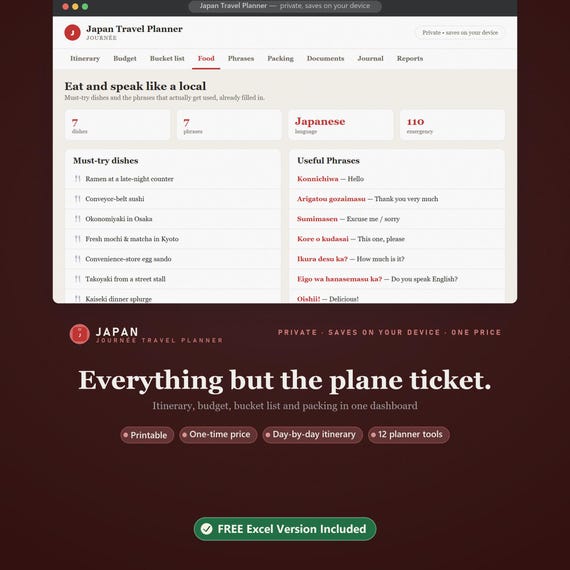
Japan Travel Planner, Itinerary, Budget, Packing Checklist (Digital Download)
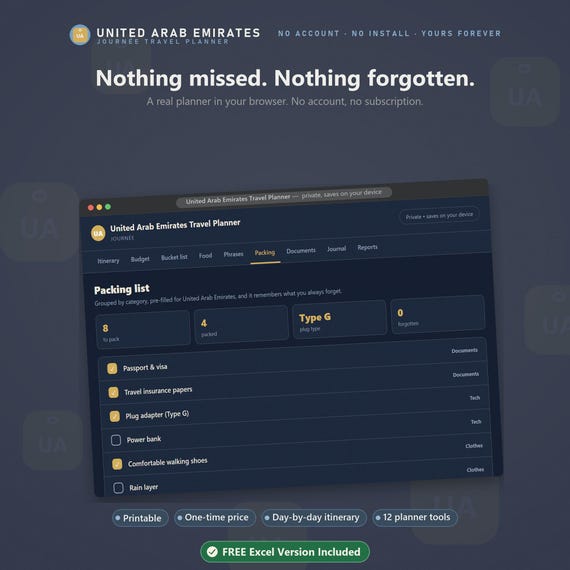
UAE Travel Planner, Itinerary, Budget, Packing Checklist (Digital Download)
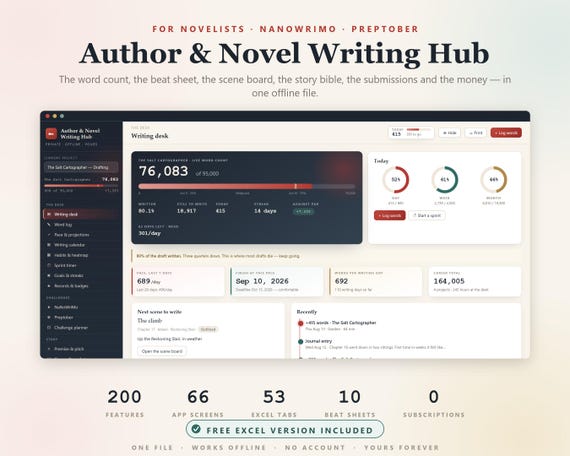
Novel Planner, Author Novel Writing Hub, NaNoWriMo, NaNoWriMo Tracker, Word Count Tracker, Writers Planner, Book Writing Journal, Preptober