Homeschool Planner App, Browser-Based, 6 Languages, 4 Bonus Versions (Digital Download)
On PayPal, choose Send, enter $11.11 and put the product name in the note. Your download link follows by email within 24 hours.
- Download link sent to your email after payment
- Works offline on Windows, Mac, iPad and Android
- One free bonus edition included: PDF, Notion, spreadsheet or GoodNotes
- Sold and supported by BrowserHub · hello@browserhub.app
Product #4563611135 · 30 views · 0 favourites
About this product
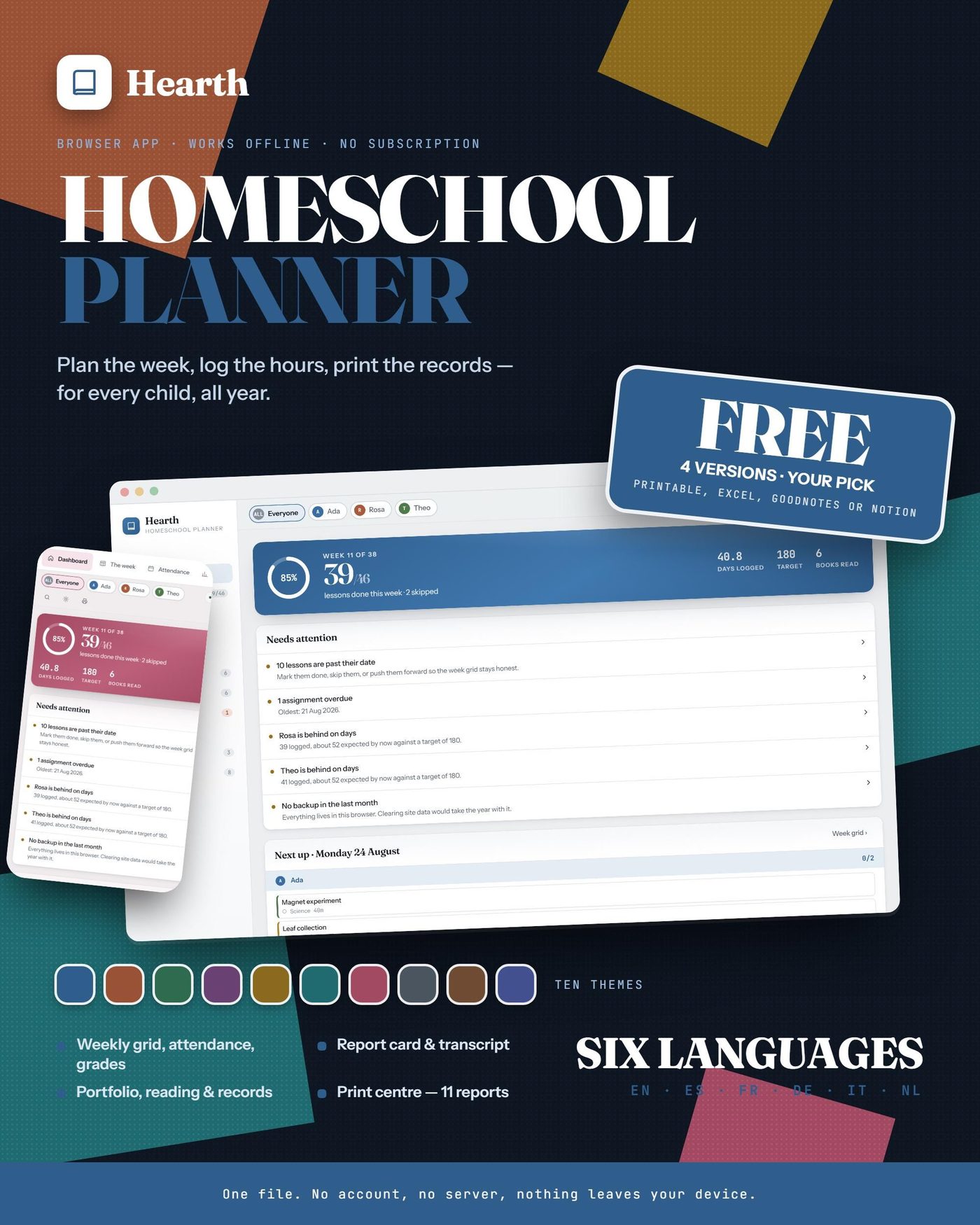
TWO PRODUCTS, ONE PURCHASE — the browser app you plan in, and the bonus version free alongside it.
The app is what you are buying. The bonus version is not a sample of it and not a preview: it is the same planner, the same modules, rebuilt properly for that format, in all six languages, at no extra cost.
## WHAT THIS IS
A homeschool planner that runs in your browser. One file. You open it and it works — no account, no sign-up, no server, no subscription, and no internet after the download. Everything you type stays on your own device.
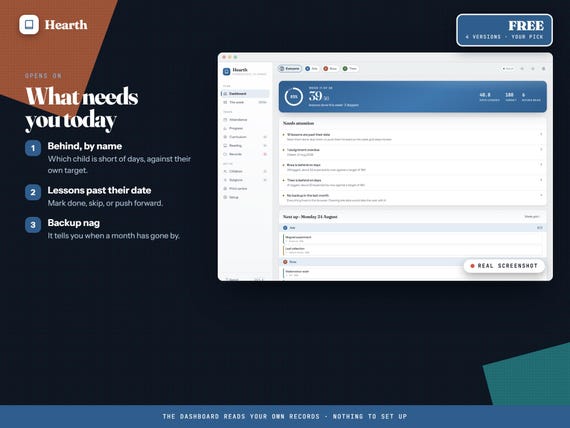
It is not a PDF you write on and it is not a spreadsheet you maintain. It is a real application: the week grid knows what you have marked done, the attendance calendar counts your instructional days against your target, and the report card and transcript build themselves out of what you have already recorded.
## AND THE BONUS VERSION IS INCLUDED FREE
Four of them exist. Pick one after you buy — whichever you choose arrives in all six languages:
- Printable binder — 130 undated pages, US Letter and A4
- Excel workbook — 23 sheets, the report card calculates itself
- GoodNotes planner — 155 pages, 1,865 links, none broken
- Notion template — 15 linked databases, one click to duplicate
Each of the four was built and checked on its own: the workbook recalculated in LibreOffice with zero formula errors, the GoodNotes planner's 1,865 links all followed, and the printable proofed at both paper sizes.
## WHAT IS INSIDE
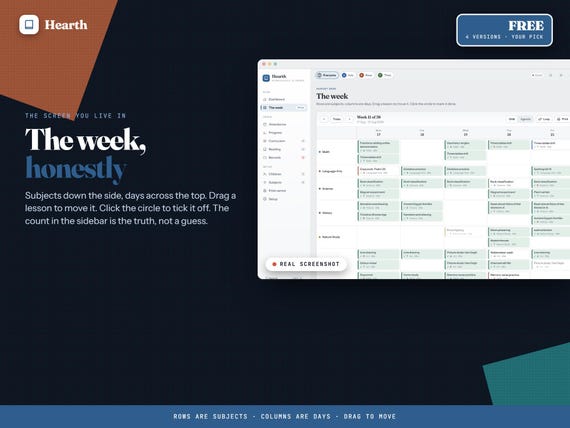
- Week grid — subjects down, days across, drag to move, click to tick off
- Agenda and loop scheduling for the subjects with no fixed day
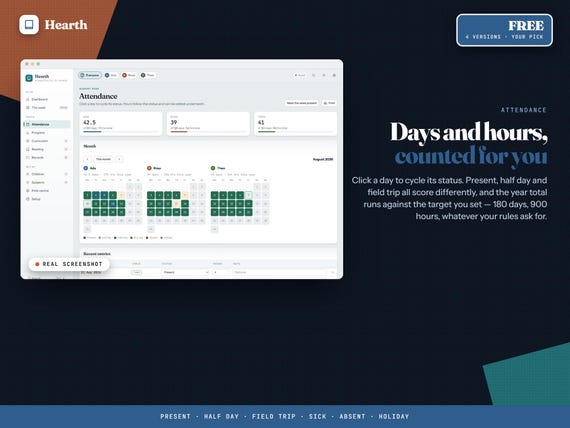
- Attendance calendar with an instructional-days and hours target
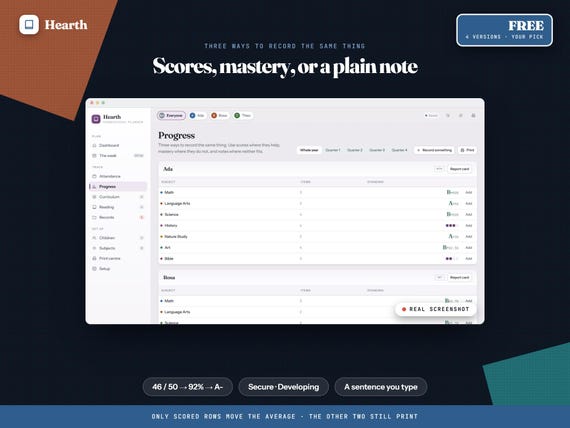
- Progress: scores, mastery levels or plain observations, all three
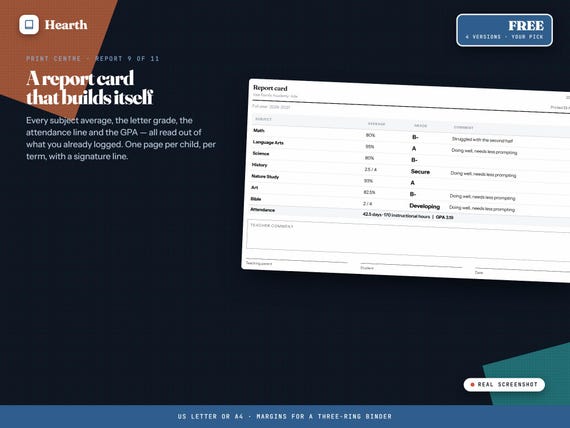
- Report card and a high-school transcript with credits and GPA
- Curriculum tracker with cost, reading log, field trips, portfolio
- Assignments, goals, a records checklist and a contacts book
- Print centre — 11 reports, laid out for US Letter or A4
## SIX LANGUAGES, TEN THEMES
Switch the whole app between English, Español, Français, Deutsch, Italiano and Nederlands from one menu. Dates, numbers and currency follow the language you pick, not the one your laptop happens to be set to. Eighteen currencies, or type your own symbol.
Ten colour themes, each with a light and a dark version, plus a match-my-device setting.
## HOW IT WORKS
Download, unzip, double-click. It opens in Chrome, Edge, Safari or Firefox on a laptop, a tablet or a phone. Add it to your iPad home screen and it behaves like an installed app.
Your data lives in that browser. Back it up whenever you like with one button — the dashboard reminds you if you have not done it in a month — and restore it on any other machine.
## WHAT YOU GET
- The browser app — one HTML file, works offline
- The bonus version — free, complete, and in all six languages too
- A short setup guide
- All six languages in every file
- A one-page card with the link that lets you pick your free version
## QUESTIONS PEOPLE ASK BEFORE BUYING
**Do I need an account, an internet connection or a subscription?**
None of the three. You download one HTML file, open it, and it works. The typefaces are built into the file, so the page makes no network request of any kind — turn the wifi off and carry on. You pay once and it is yours.
**Where is my data kept, and how do I move it to another computer?**
In your own browser, on your own device. Nothing about your family is uploaded anywhere. One Backup button writes a file; copy it to another machine, press Restore, and everything is there. There is no limit on how many devices you keep it on.
**Will it work on an iPad or a phone?**
Yes. The layout adapts down to a phone. On an iPad, add it to the home screen from Safari and it opens full-screen and behaves like an installed app.
**How many children can I track?**
Up to eight, each with their own colour, grade level, targets and reports. Every lesson, mark, book and field trip is filed against a child, and you can look at one child or at the whole household.
**Can I change the language and the currency after I have bought it?**
Yes, from one menu, as often as you like. There is no separate file per language — all six are in the one app, and dates, numbers and currency follow whichever you pick.
**Is it dated? Will I have to buy it again next year?**
No and no. You set your own year start, year end and term dates. Nothing is tied to a calendar year and there is nothing to renew.
**Is the free bonus version really included, or is it an upsell?**
It is in the same download, at no extra cost, in all six languages. Nothing is held back for a second purchase and there is no upgrade to buy later — the free edition is the whole thing, and it is the reason most people click this listing rather than the ones beside it.
**Which of the four do I get?**
Whichever you pick. Your download has a card in it with a link; open the link, enter your name and email, and choose. It downloads on the spot.
**Can I have more than one?**
The offer is one free version with the app. The link does not expire, so if you change your mind later you can come back and take a different one instead.
**Do I have to choose straight away?**
No. The app works on its own from the moment you download it. Claim the free version whenever it suits you.
## WHAT IT IS NOT
It does not check your state or country's rules for you, and nothing here is legal advice. The records checklist is a planning aid you edit to match what you are actually asked for. Requirements differ by country, state and district and they change.
There is no cloud sync. That is the trade for having no account and no subscription: the backup file is how you move between devices.
## DELIVERY
You may also like
All products →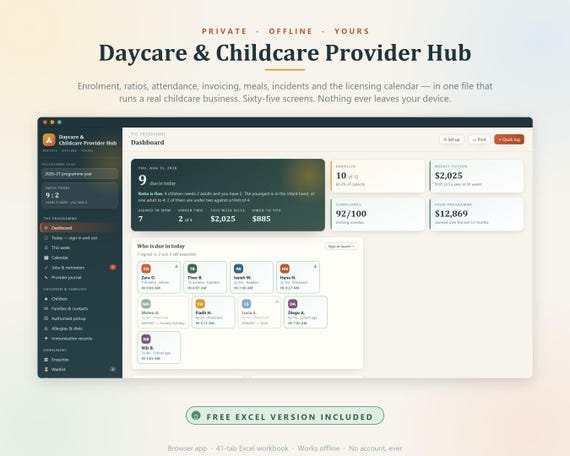
Daycare Provider Hub, Childcare Management System, Enrollment Tracker (Digital Download)
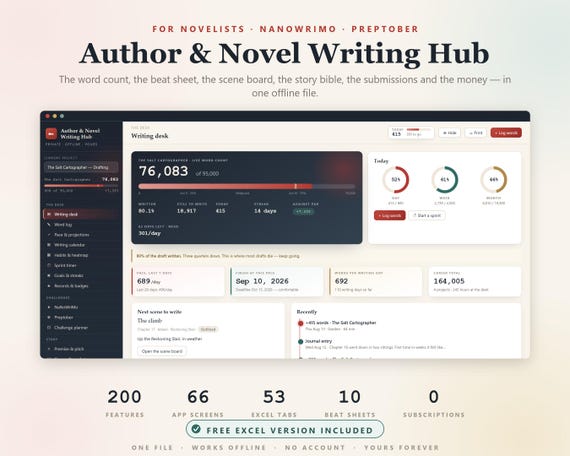
Novel Planner, Author Novel Writing Hub, NaNoWriMo, NaNoWriMo Tracker, Word Count Tracker, Writers Planner, Book Writing Journal, Preptober
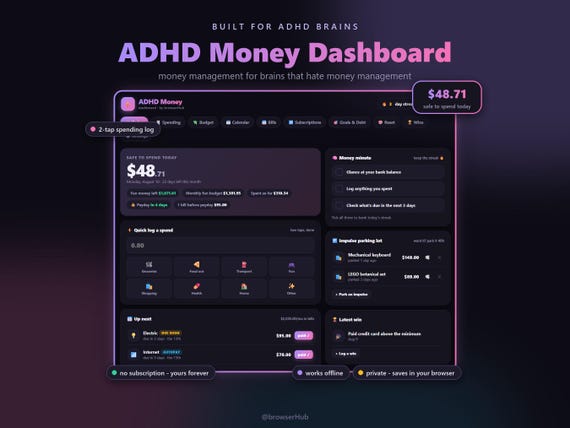
ADHD Money Dashboard App, ADHD Budget Planner, Safe to Spend Tracker (Digital Download)